
Bring the right source into Studio
Start with the included still, or replace it in Studio when your product, outfit, storyboard frame, or existing clip must stay recognizable.
Use one model for an open text prompt, a source image, or an existing clip. The Studio starts with the lowest-cost text draft.
Start with the included still, or replace it in Studio when your product, outfit, storyboard frame, or existing clip must stay recognizable.
Create 4 to 15 second drafts for reels, shorts, product page loops, ad hooks, and storyboard tests.
Pick vertical, square, landscape, or wider formats before generating so the first clip is not cropped later.
Use the Fast draft as a cheap motion and continuity preview, then upgrade after the shot direction survives review.
If the run includes audio, review it after the visual motion works. Do not reject or scale a draft on sound before the shot is usable.
This page opens a 4-second Fast 480p text-to-video draft at 176 credits, so the first test is predictable.
Text opens the scene. A source image protects the opening look. A source video carries an existing movement into the next pass.
Use the included still for a quick test. Replace it in Studio only when your product image, storyboard frame, outfit still, or source clip must anchor the result.
Name the subject, one camera or motion path, the channel format, and what must stay unchanged.
Check product shape, face or outfit drift, frame continuity, crop safety, and unwanted details before moving to higher resolution.
Short answer
Seedance 2.0 is useful when you want a short video draft from text, a source image, or an existing clip. Use it to test motion, crop, continuity, and whether the product or outfit stays recognizable before spending credits on a sharper pass.
Workflow sample
Prompt / workflow gallery
Each starter opens Studio with this model, mode, and a matching first-run setup already selected.
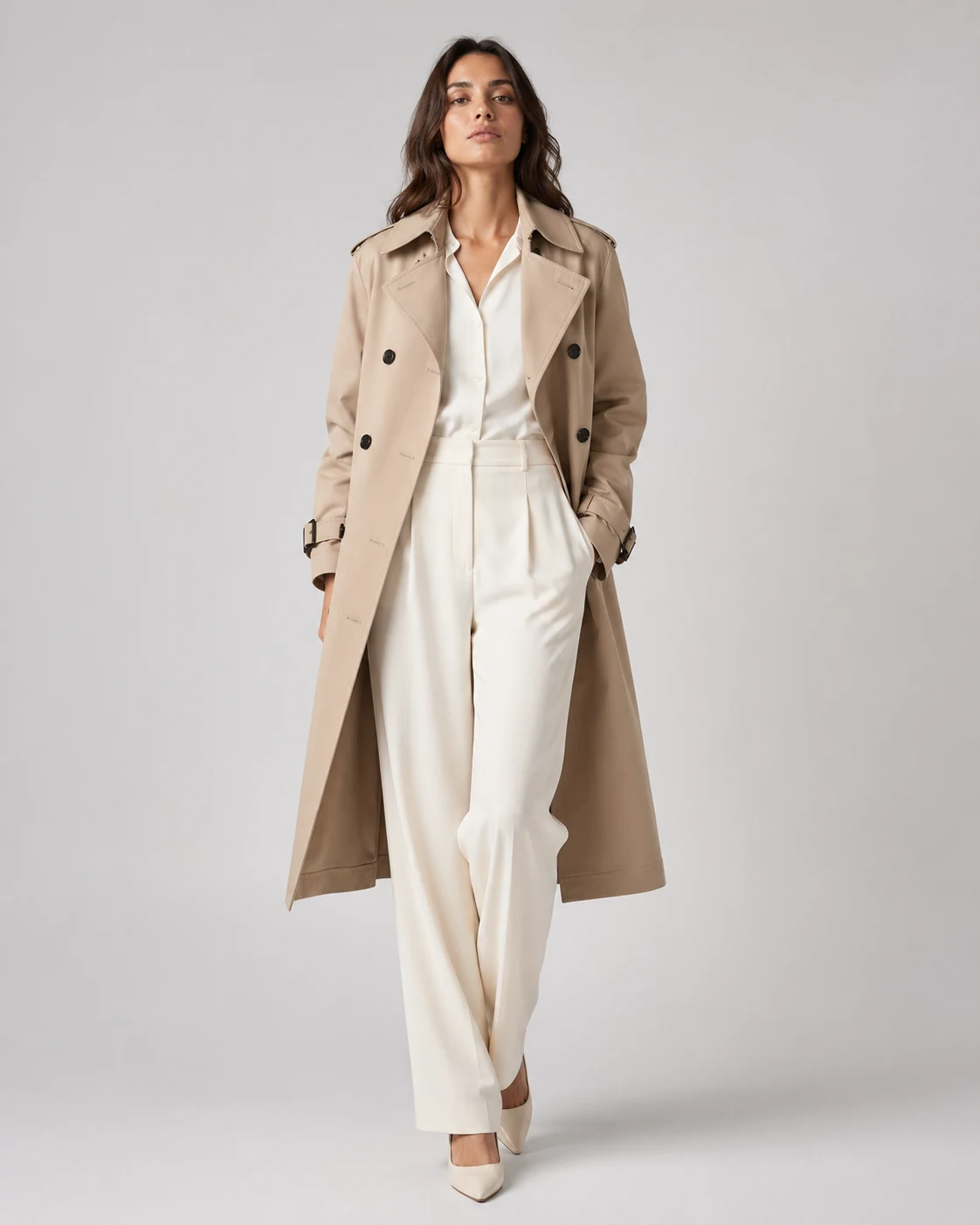
fashion i2v
A conservative first pass for outfit, silhouette, hands, and crop stability.
Turn this fashion still into a restrained editorial motion clip. Preserve the outfit, silhouette, fabric texture, face, hands, and original framing. Add a subtle camera push-in, gentle body sway, natural hair movement, and soft studio light movement. No full walk cycle, no outfit redesign, no face change, no aggressive camera arc, no background rewrite.
Best when outfit and crop stability matter more than dramatic motion.
Open fashion draft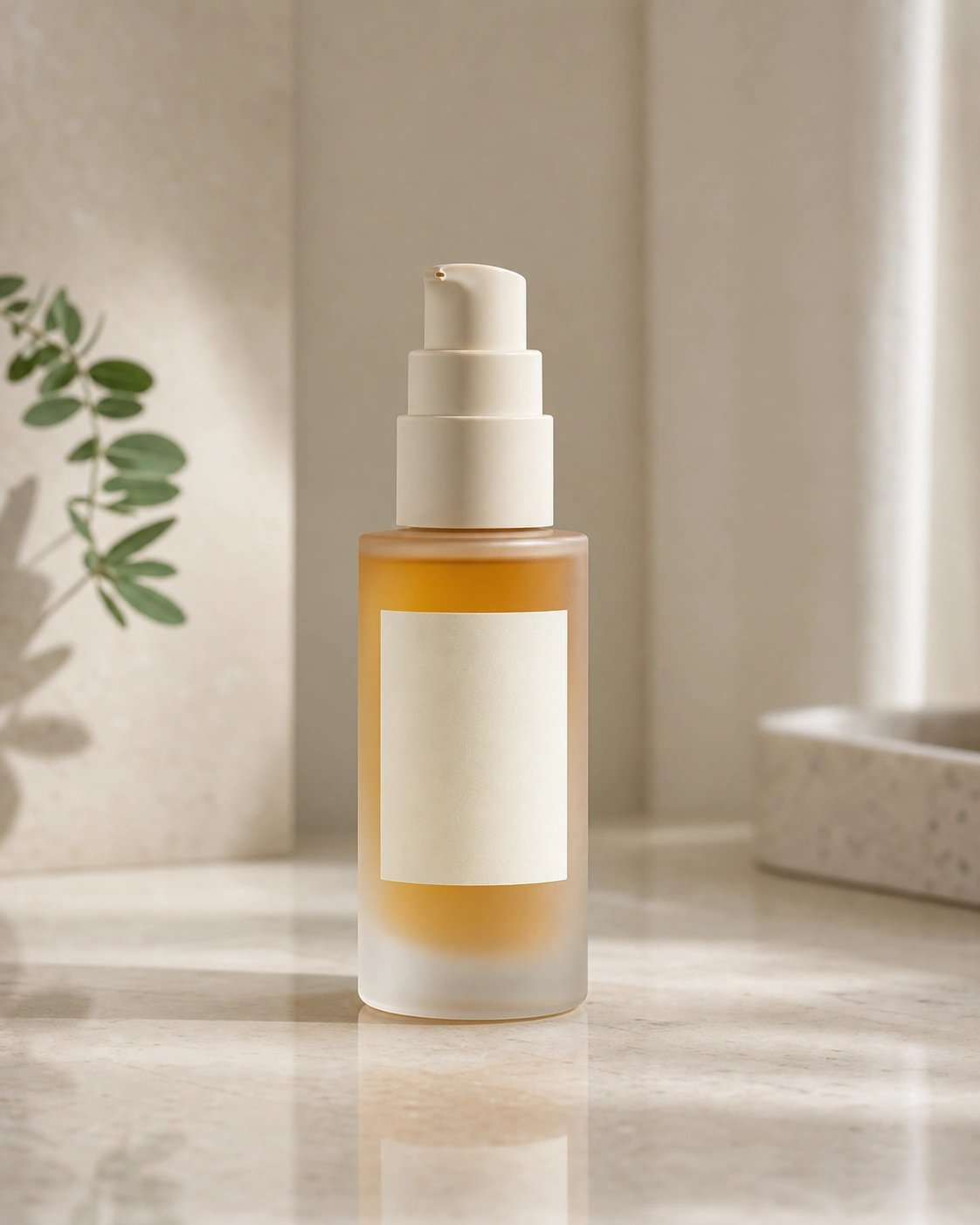
product ad
Animate the camera and light, not the product body, when product fidelity matters.
Animate this product photo into a short premium product loop. Preserve the exact product shape, material, label area, color, and framing. Add a slow push-in, controlled light movement, subtle reflection shift, and clean ecommerce ad finish. No product redesign, no new text, no extra props, no hand interaction, no dramatic camera move.
Best when product fidelity matters more than motion complexity.
Open product loop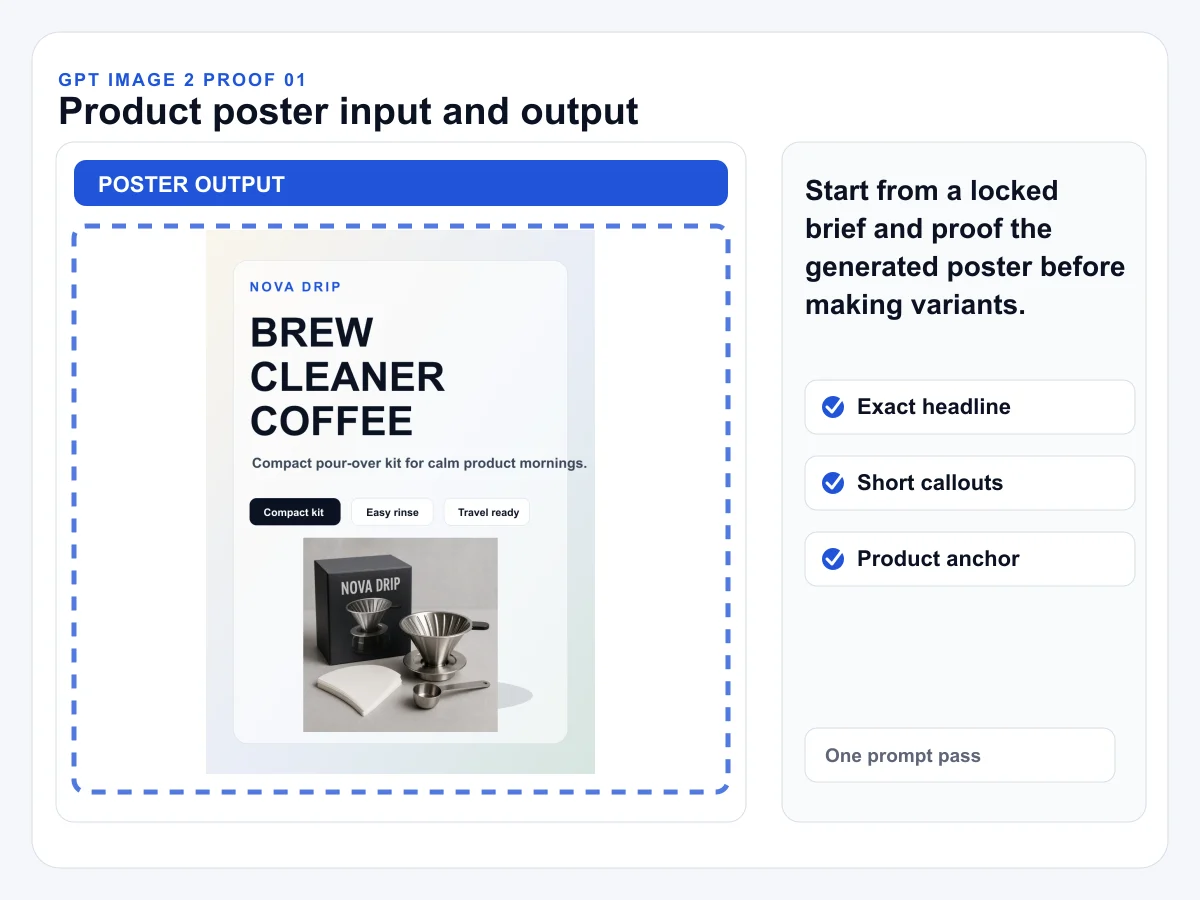
storyboard to video
Lock frame order and composition in image form before spending video credits.
Animate this storyboard-style reference as a short sequence. Follow the visible frame order, preserve the subject identity, preserve product shape and lighting, and use simple camera movement between beats. Keep the motion clear and short. Reject frame-order changes, product drift, invented text, and abrupt style changes.
Use when you want image-approved frames before video generation.
Open storyboard prompt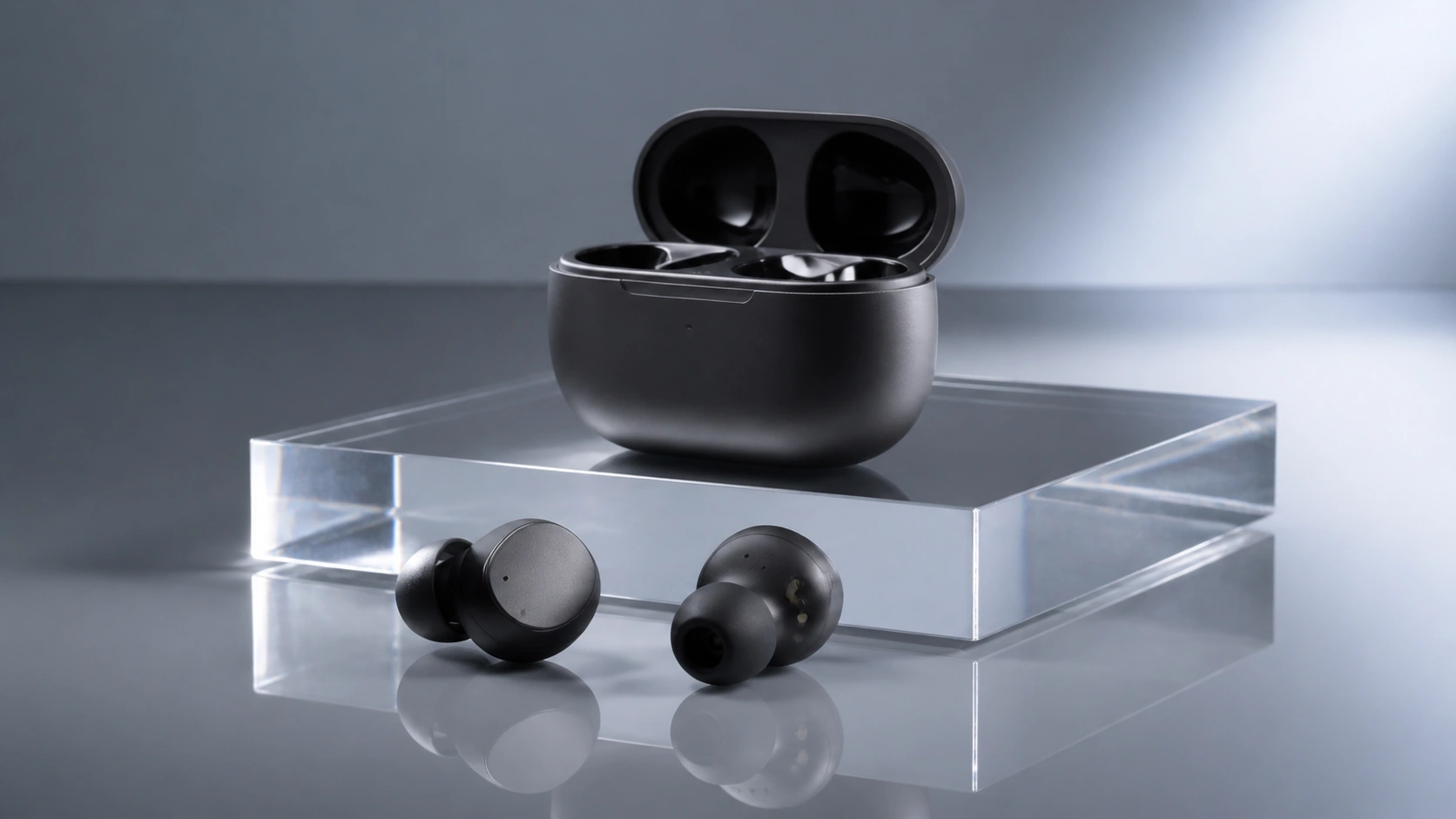
camera-control short clip
Use a short anchored clip when long single prompts cause camera drift.
Create a 5 second image-to-video clip from this source frame. Keep the subject locked, keep the camera axis stable, and use one trailing camera move with slow forward motion. Preserve lighting, identity, product shape, and background direction. No sudden cuts, no angle jump, no gait drift, no subject replacement.
Best for testing one camera move before extending a sequence.
Open camera test
model benchmark
Run the same tight commercial brief before comparing Seedance against Kling or Veo.
Create a 5 second vertical ad draft for a compact travel mug. Show one clear product-in-use moment, one simple camera move, realistic hand scale, soft morning kitchen light, and a clean closing hero frame. Keep the mug shape stable and do not add text, logos, prices, claims, or extra product variants.
Use when comparing model behavior with the same ad brief.
Open benchmark promptModel notes
Use these notes to choose the right input type, first settings, and prompt constraints before spending credits.
The public report describes text, image, audio, and video inputs. AuraTuner exposes text-to-video, image-to-video, and video-to-video routes through Studio.
Start from the asset that already exists: prompt, still image, or source video.
Seedance 2.0 paperTurn broad video ideas into approved stills, 5-8 second image-to-video clips, explicit camera behavior, and start/end-frame extensions.
Walking shots, trailing camera moves, product clips, and character continuity tests.
Seedance is a strong first pass for reference-led or cinematic direction, while Kling and Veo can be better follow-up comparisons for motion or realism.
Cinematic drafts, fashion motion, storyboard tests, and product-ad exploration.
Comparison guideAn image or video reference costs more than prompt-only generation. Add generated audio after the visual direction is clear.
Video-to-video is billed differently from a prompt-only draft, so use it when existing motion is the control you need.
Large transformations need extra review and retries.
Use conservative motion when product or outfit fidelity matters.
Yes. This page starts Seedance 2.0 with a text-to-video draft, and Studio also supports image-to-video and video-to-video when a source needs to guide the result.
This page starts from text. In Studio, Seedance 2.0 can also use a source image or source video when that better matches the job.
The Fast 480p text draft starts at 176 credits, making it the lower-cost way to check motion direction before upgrading.
Yes, audio can be part of Seedance 2.0 runs in AuraTuner. Treat sound as a second-pass review item unless the brief is specifically about audio timing.
Use Seedance when reference flexibility or fast draft cost matters. Use Kling when you want a direct text-to-video motion test with standard/pro quality choices.
Review source rights, face or product drift, crop safety, unwanted text, and any invented details before publishing or using the clip in ads.


