Outfit showcase motion
Method: test source to Seedance 2 image-to-video, 5 seconds, 9:16. The full silhouette remains visible enough to inspect; compare lapels, trouser shape, hands, and crop across the full clip.
Internal test source
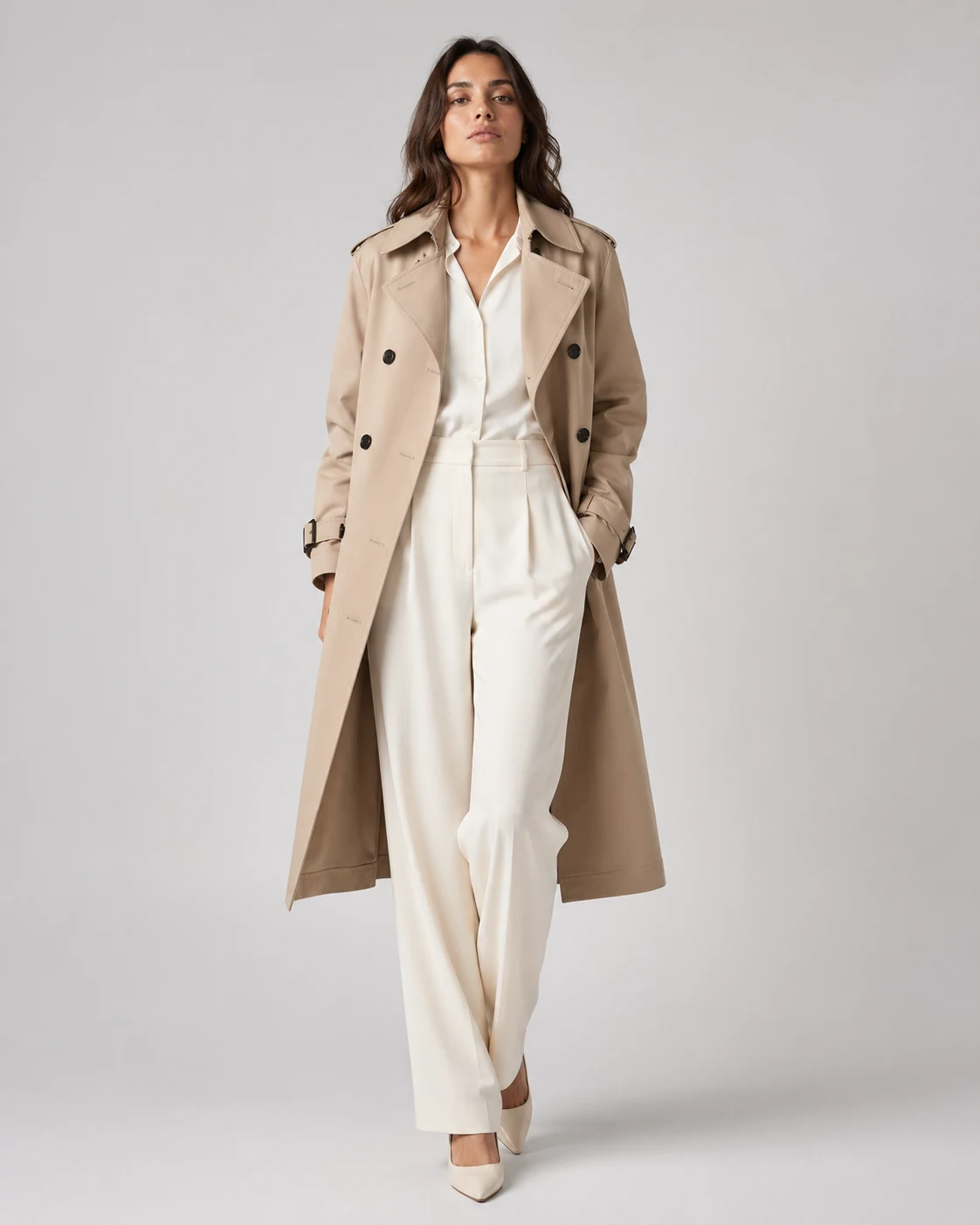
Upload an outfit or model photo and turn it into a short fashion motion video for showcases, reels, PDP loops, or ads.
Try this workflow in StudioSwipe to compare all 3 cases, including findings and limits.
Method: test source to Seedance 2 image-to-video, 5 seconds, 9:16. The full silhouette remains visible enough to inspect; compare lapels, trouser shape, hands, and crop across the full clip.
Internal test source
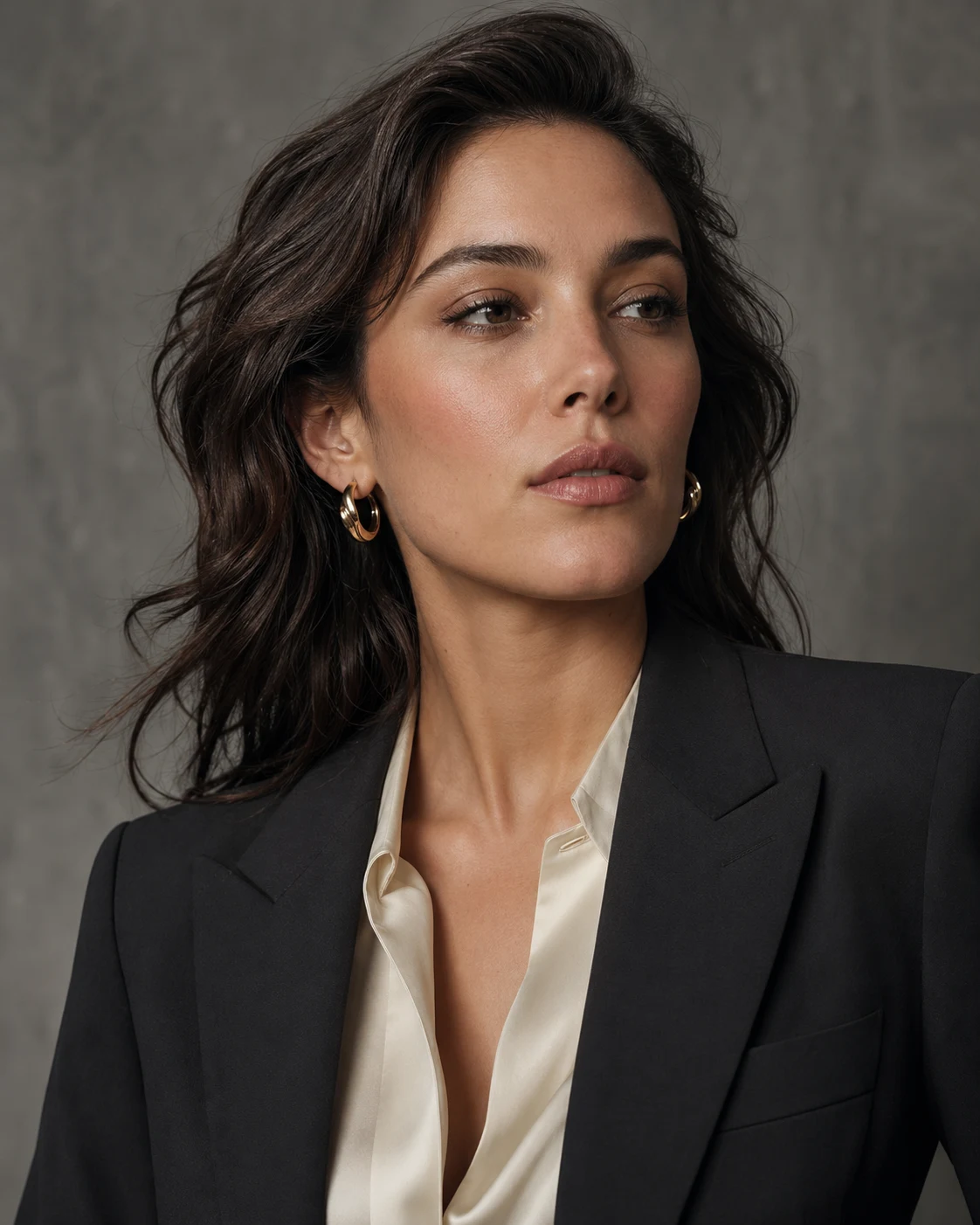
Method: test source to Seedance 2 image-to-video, 5 seconds, 9:16. The portrait framing keeps face, collar, and jewelry visible for review; inspect gaze, earrings, blouse folds, and crop before use.
Internal test source
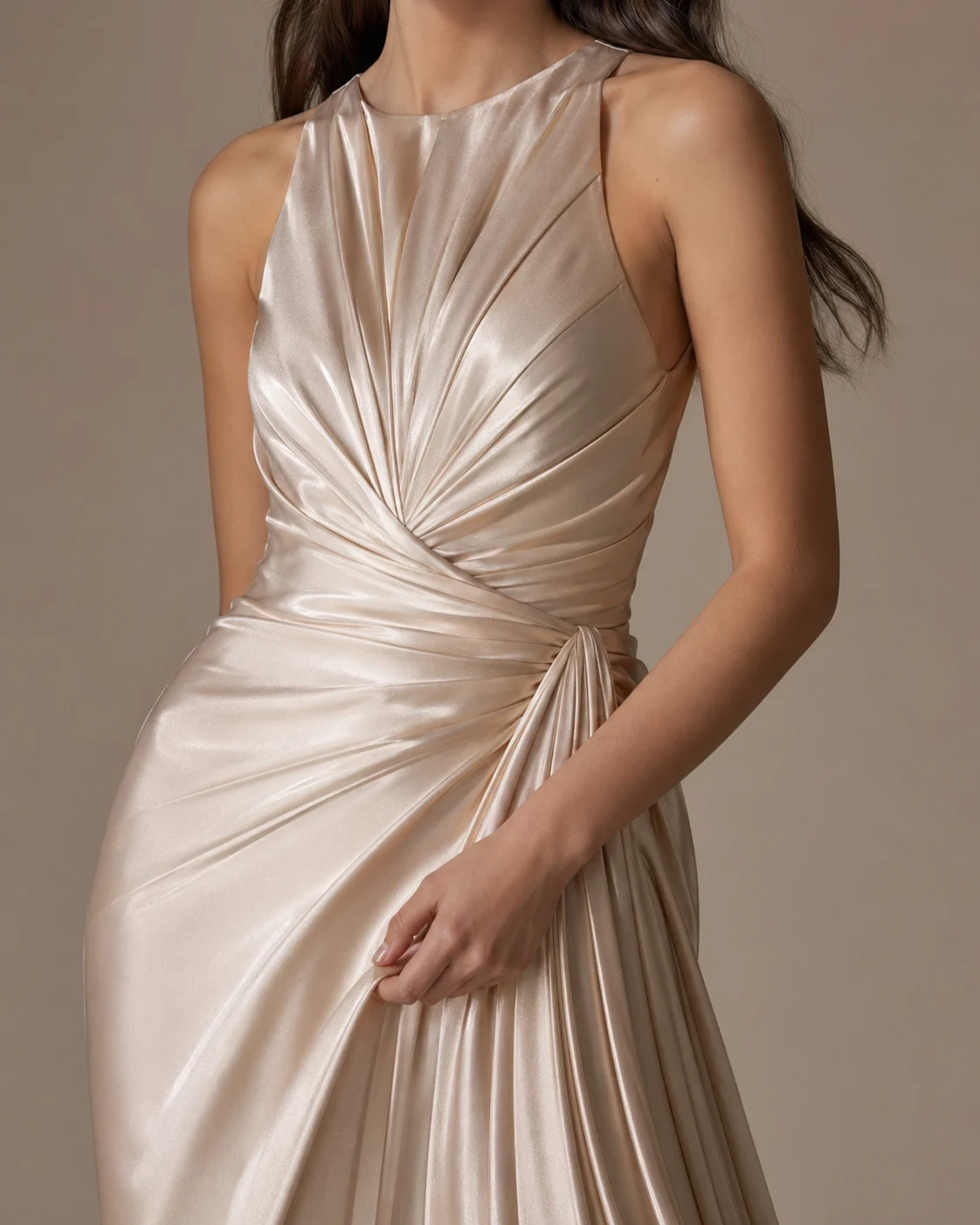
Method: test source to Seedance 2 image-to-video, 5 seconds, 9:16. This output drifts from the material-detail crop toward portrait framing. It is one failure case, not a claim about every model or run.
Internal test source
Use a source where the outfit, pose, crop, face, and hands already sell the look.
Start with a subtle push-in, natural hair motion, or gentle body sway.
Reject outputs that change fit, body shape, fabric construction, jewelry, or crop.
Keep jacket edges, skirt lines, sleeves, and waist shape stable.
Inspect fingers, straps, cuffs, and jewelry when hands touch cloth.
Keep the face box, shoulder line, and accessories inside frame.
Use closeups only after full-body clothing motion works.
Use the strongest motion that still preserves fit, crop, and garment shape.
Use restrained movement when fit, silhouette, and material accuracy matter.
Review framing, body shape, blur, and overlays before adding copy or captions.
Make the clothing move enough to feel alive, then reject clips that misrepresent fit, fabric, body shape, or styling.
A clothing motion video starts from an outfit photo, model still, or garment image, then adds a short camera move, pose shift, hair movement, or fabric response without redesigning the clothing. Use it for outfit showcases, fashion photoshoot-style reels, PDP loops, and ad drafts after checking fit, fabric, crop, and styling.
Use a clean outfit or model still with readable garment edges, visible fabric texture, and enough background room for slight camera motion. Full-body ecommerce shots, editorial portraits, and campaign stills are stronger than blurry screenshots or compressed reposts.
The three visible outputs are 5-second, 9:16 Seedance 2 image-to-video tests. They are individual test cases, not proof that one model always preserves clothing best. Choose by the duration, aspect ratio, and cost you need, then compare fit, fabric, hands, and crop against the source frame.
Keep the first prompt conservative. Ask for subtle pose motion, hair movement, fabric response, or a small push-in before you ask for big turns, walking cycles, or aggressive background changes.
Both. Fashion photoshoot-style motion fits reels and campaign cutdowns, while cleaner model shots and restrained camera movement work well for product page hero loops.