AI Image Studio
AI Image Generator for Ads, Ecommerce, and Social Content
Create a new image when the frame is open, or upload a source image when product shape, layout, face pose, or brand colors need to stay anchored.
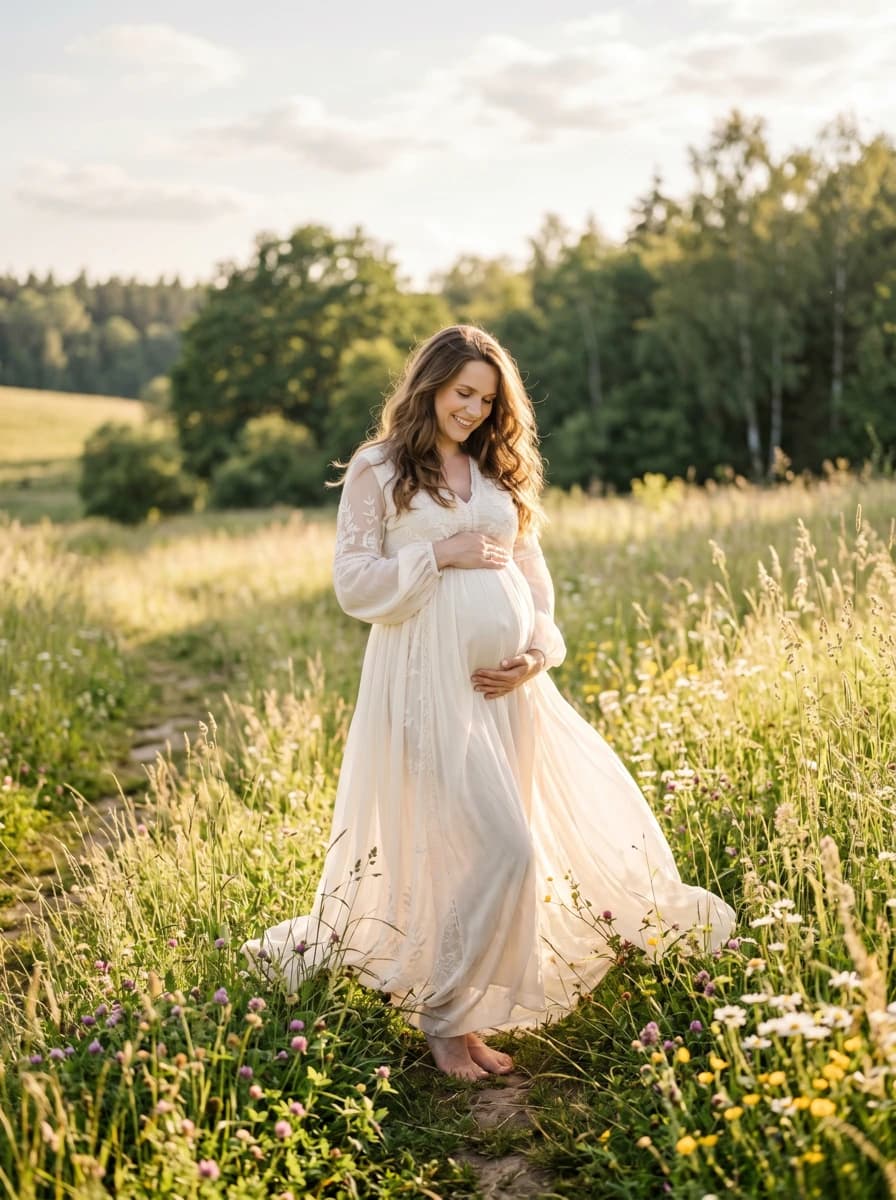
Start With The Unknown
If the unknown is composition, start with text to image. If the unknown is whether an existing asset can be revised safely, start with image to image and tell the model exactly what must stay fixed.
Model Starting Point
Use Seedream Lite for quick photorealistic drafts, WAN 2.7 Image when palette or quality controls may matter, and Nano Banana Pro after the composition is worth refining at higher resolution.
Related Pages
Image to Image
Image to image generator for product edits and creative variations.
Nano Banana Pro
Nano Banana Pro AI image generator for 4K ads and product visuals.
WAN 2.7 Image
WAN 2.7 Image AI generator with 4K and extra controls.
Seedream 5.0 Lite
Seedream 5.0 Lite AI image generator for photorealistic drafts.
Gemini Watermark Remover Tool
Free visible watermark cleanup for Gemini images, with a technical guide on inverse alpha restoration.
AI Image Generator FAQ
Start with the cheapest image path that can answer composition, editability, or quality.
Which image model should I start with?
Start with GPT Image-2 when you want prompt-driven stills or edits at a flat 20-credit cost. Move to Nano Banana Pro or higher-resolution settings after the framing, product direction, and campaign look are already chosen.
When should I use image to image instead of text to image?
Use image to image when layout, product shape, color palette, face pose, or brand composition already exists. Use text to image when you are still exploring from a blank page.