
4–30 seconds in one setup
Start with 4 seconds to choose the motion. Extend only after the subject, camera move, and pacing are worth carrying through a longer shot.
Start with the smallest visual control that can answer the question. Add duration, frames, or a source clip only when it gives the shot a real constraint to follow.
Start with 4 seconds to choose the motion. Extend only after the subject, camera move, and pacing are worth carrying through a longer shot.
Use a first image to lock the opening look. Add a last frame only when the closing composition matters; a last frame cannot start the run on its own.
Use video-to-video when timing or movement from a source clip is the constraint. It costs more than a text draft, so use it for something the prompt cannot preserve.
Audio is on by default in Studio. Turn it off when you want to assess motion alone; use the cost shown before Generate as the current price.
Your input should contain the part of the shot you cannot afford to lose: the idea, the opening composition, or the source movement.
Use the default when the scene and motion are still open. Write one subject, one action, one camera move, and one thing that must not change.
Upload a first frame when product shape, character, composition, or art direction must survive the first seconds of the shot.
Upload one reference clip when its timing or movement matters more than inventing the motion from a prompt.
Short answer
Use Seedance 2.5 when the clip needs more than a generic motion test: a short scene with a defined duration, a controlled opening and closing composition, source timing from one reference clip, or generated audio in the default draft.
Starter prompt scene
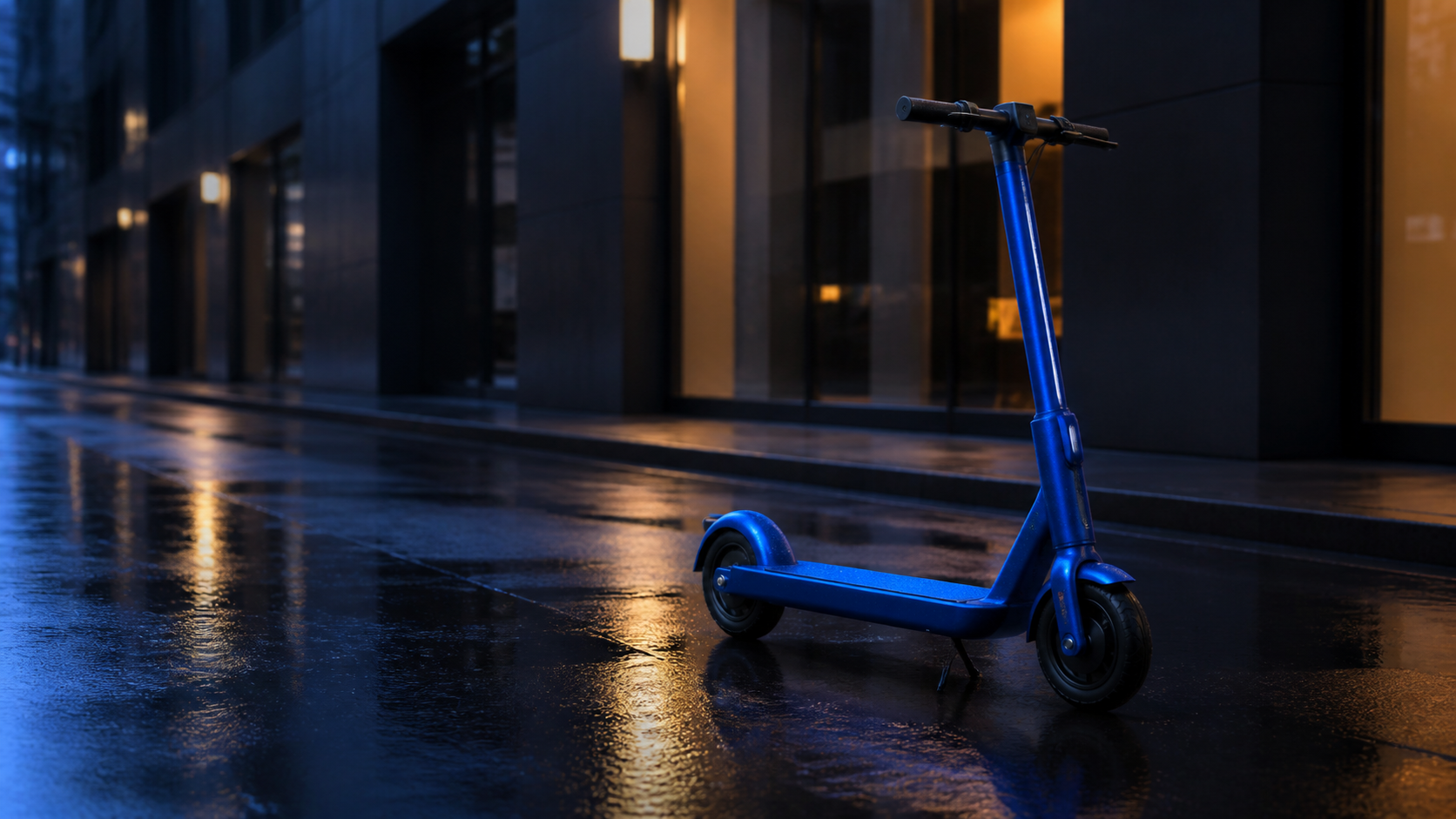
These limits decide whether text, frames, or a reference video is the right first input.
AuraTuner currently supports one reference video, or a first image with an optional last image—not multiple reference images, videos, or audio files.
For a two-frame transition, upload the opening image first. Use text-to-video when both compositions are still open.
Video-to-video is charged above the text or image starter path. Use it when preserving source timing saves more retries than it costs.
Start from a product image when product shape, reflections, and camera drift need review.
Use Seedance 2.0 for its existing reference-led starter workflow.
Use MiniMax H3 when a 5–15 second, 768p or 2K shot is the closer fit.
Yes. This page opens a 4-second 480p text-to-video starter at 312 credits with no upload required. Switch to image or video input only when a frame or source movement must be preserved.
Yes. Seedance 2.5 has an audio toggle in AuraTuner Studio, and the default starter turns it on at the same listed price. Turn it off when you need a motion-only review.
AuraTuner supports 4, 5, 8, 10, 15, 20, 25, and 30 second Seedance 2.5 generations. Start with the shortest run that can answer the motion question, then extend a selected direction.
Yes. In image-to-video, use a first frame and add an optional last frame to guide a reveal, transition, or deliberate closing composition. The last frame must be paired with a first frame.
Yes. AuraTuner supports one reference video for Seedance 2.5 video-to-video. Use it when the source timing or movement matters; it is more expensive than the text starter path.
Do not start with Seedance 2.5 if the source frame, motion, and delivery format are all undecided. First settle one of those constraints, then run the smallest Seedance 2.5 test that can validate it.