
Video keyframes
Create the still frame you want to approve before an image-to-video pass.
AI Image Model
Use WAN 2.7 Image in AuraTuner when you need a fast 2K still frame for a storyboard, product concept, or video handoff. Start with a simple text-to-image prompt, then compare against WAN 2.7 Video when motion matters.
Starter setup
Mode
Text to image
Resolution
2K starter
Aspect
16:9 storyboard frame
Best use
Video-ready stills
Use WAN 2.7 Image in AuraTuner when you need a fast 2K still frame for a storyboard, product concept, or video handoff. Start with a simple text-to-image prompt, then compare against WAN 2.7 Video when motion matters.
These are the practical jobs this setup helps you finish faster.
Create the still frame you want to approve before an image-to-video pass.
Use 2K storyboard and product frames for the same listed credit cost as 1K.
Move approved stills into WAN 2.7 Video or product photo to video workflows.
Use this path before spending credits on variants or higher-quality runs.
Write camera angle, subject position, lighting, and background before mentioning motion.
Do not animate until the composition, product geometry, and lighting direction work.
Switch to a video model only after the image has become the source of truth.
Short answer
Use WAN 2.7 Image when the next useful output is a still frame, not motion. It is a practical way to test a storyboard or product visual before spending video credits.
Related storyboard sample
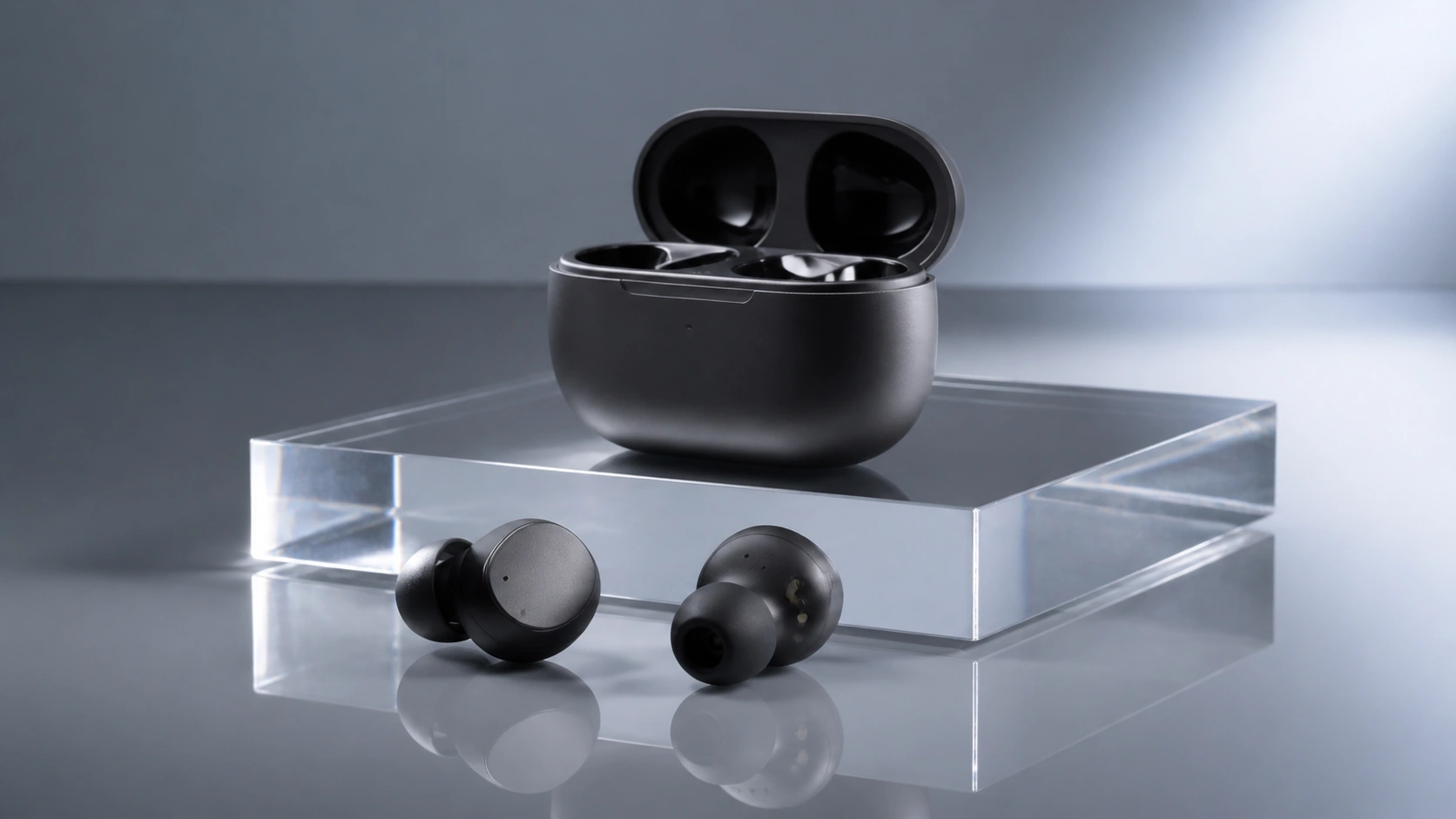
Use this model when these jobs match your first run.
Frames that can become the first or key image in a video test.
Clean 2K product visuals before animation.
Compare a WAN still against other image models before video.
Keep the first generation narrow and easy to grade.
Describe the still composition before any motion language.
WAN 2.7 Image starts at 2K for the same listed credit cost as 1K.
Use strong stills as references in image-to-video workflows.
Avoid wasting credits by checking these constraints.
AuraTuner lists 1K and 2K for WAN 2.7 Image.
Use WAN 2.7 Video when the output must move.
Use GPT Image-2 for text-heavy layouts.
Yes. WAN 2.7 Image generates still images. WAN 2.7 Video generates or edits video clips.
Start with 2K in AuraTuner. The current WAN 2.7 Image setup lists 1K and 2K at the same 25-credit cost.
Yes. This page starts with text-to-image, and Studio can switch to image-to-image when a source image should guide the result.
Switch after the frame, subject, and lighting direction are good enough to animate.