GPT Image-2 AI Image Generator — Readable Text and Poster Layouts
Short answer
Use GPT Image-2 when it helps you finish the first useful draft.
Use GPT Image-2 when the image has to communicate exact copy: a headline, offer, label, product benefit, or campaign layout. Keep the first run small enough to proofread.
Workflow sample
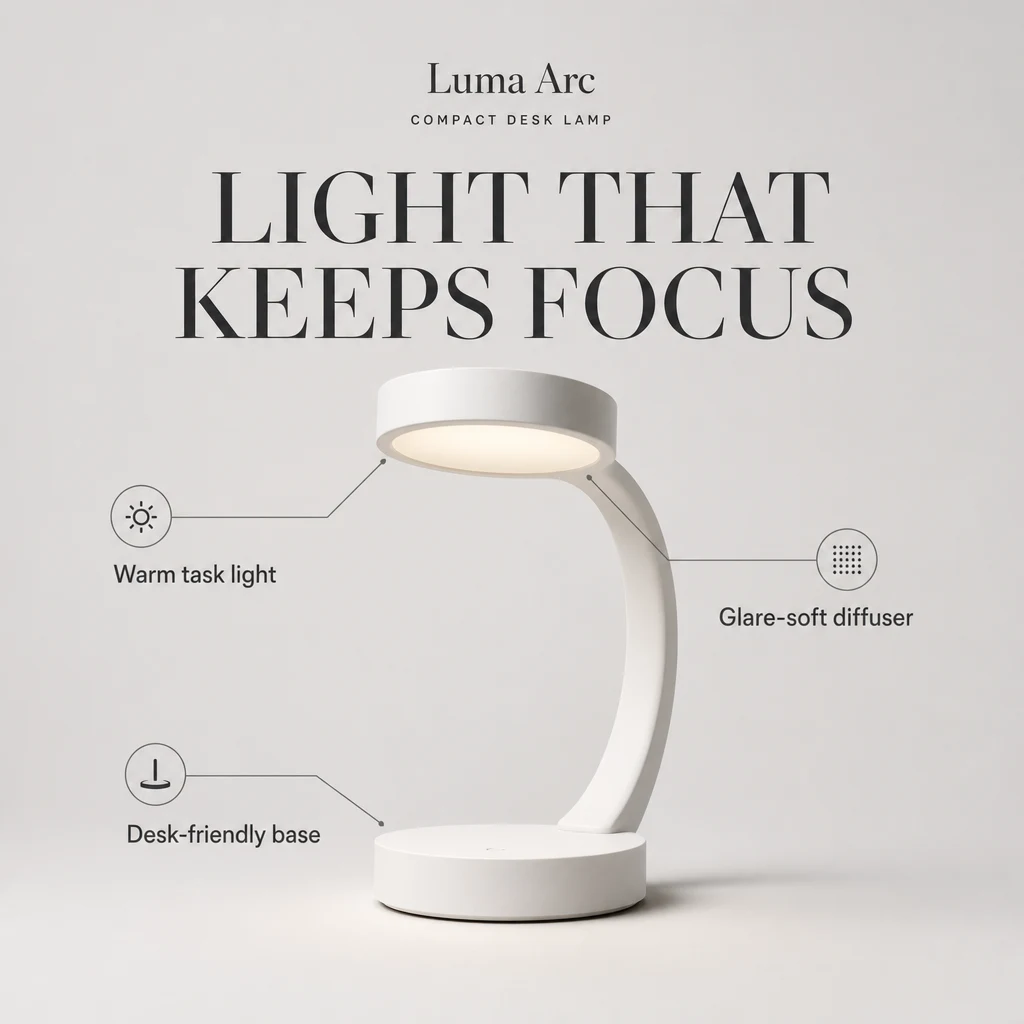
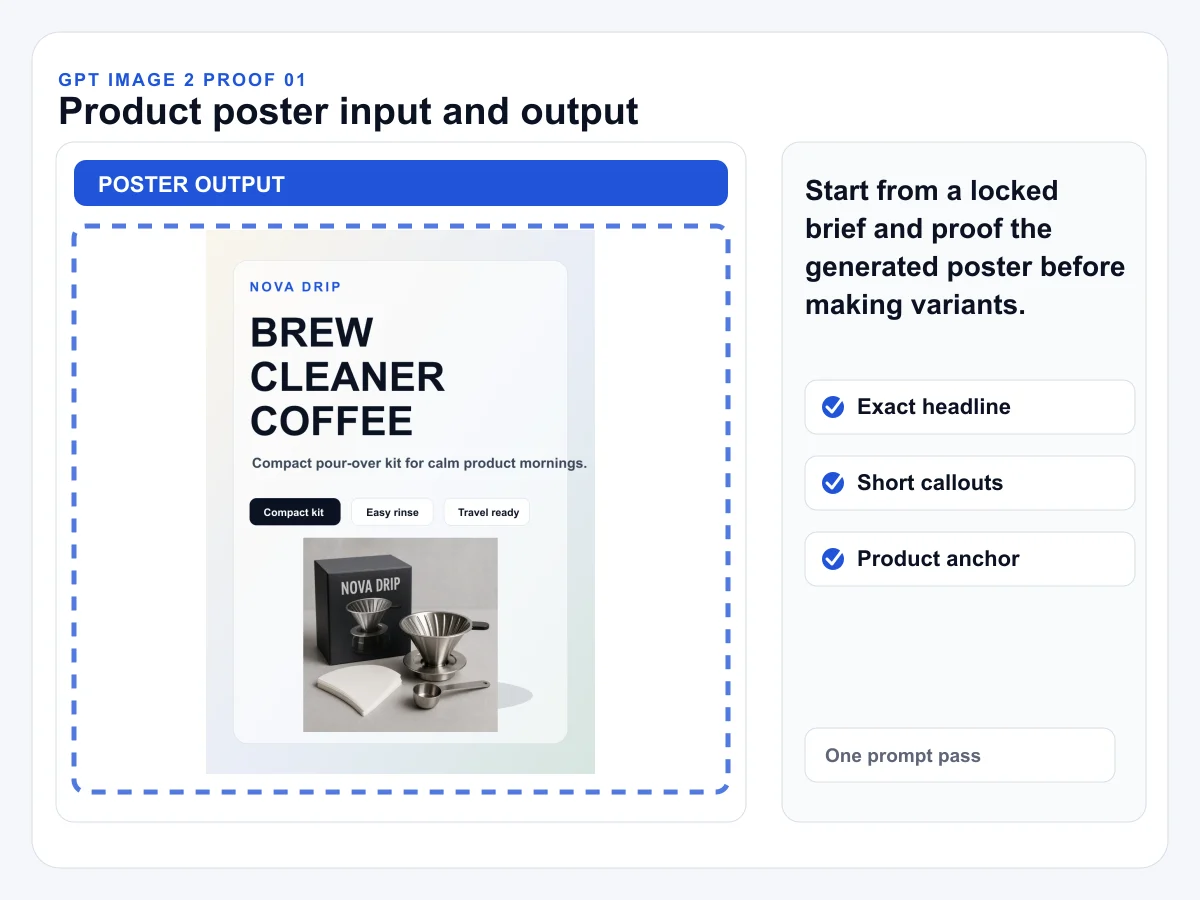
Generated poster sample with an exact headline and three short callouts. Use this kind of first run when copy accuracy matters more than decorative complexity.
Sample model
GPT Image-2
Sample mode
Text to image
Input
Exact headline and short callouts
Inspect
Text accuracy, claim wording, layout hierarchy
Prompt / workflow gallery
Start from practical GPT Image-2 prompts
Each starter opens Studio with this model, mode, and a matching first-run setup already selected.
image prompt
Readable launch poster
Start with one headline and three short callouts so the first run proves text hierarchy instead of dense layout ambition.
Create a 1:1 product launch poster for a compact desk lamp called "Luma Arc". Exact headline: "LIGHT THAT KEEPS FOCUS". Add three readable callouts: "Warm task light", "Glare-soft diffuser", and "Desk-friendly base". Center the product, use clean editorial typography, leave enough margin, and do not invent prices, awards, or certifications.
Useful when the first result must prove text hierarchy and spelling.
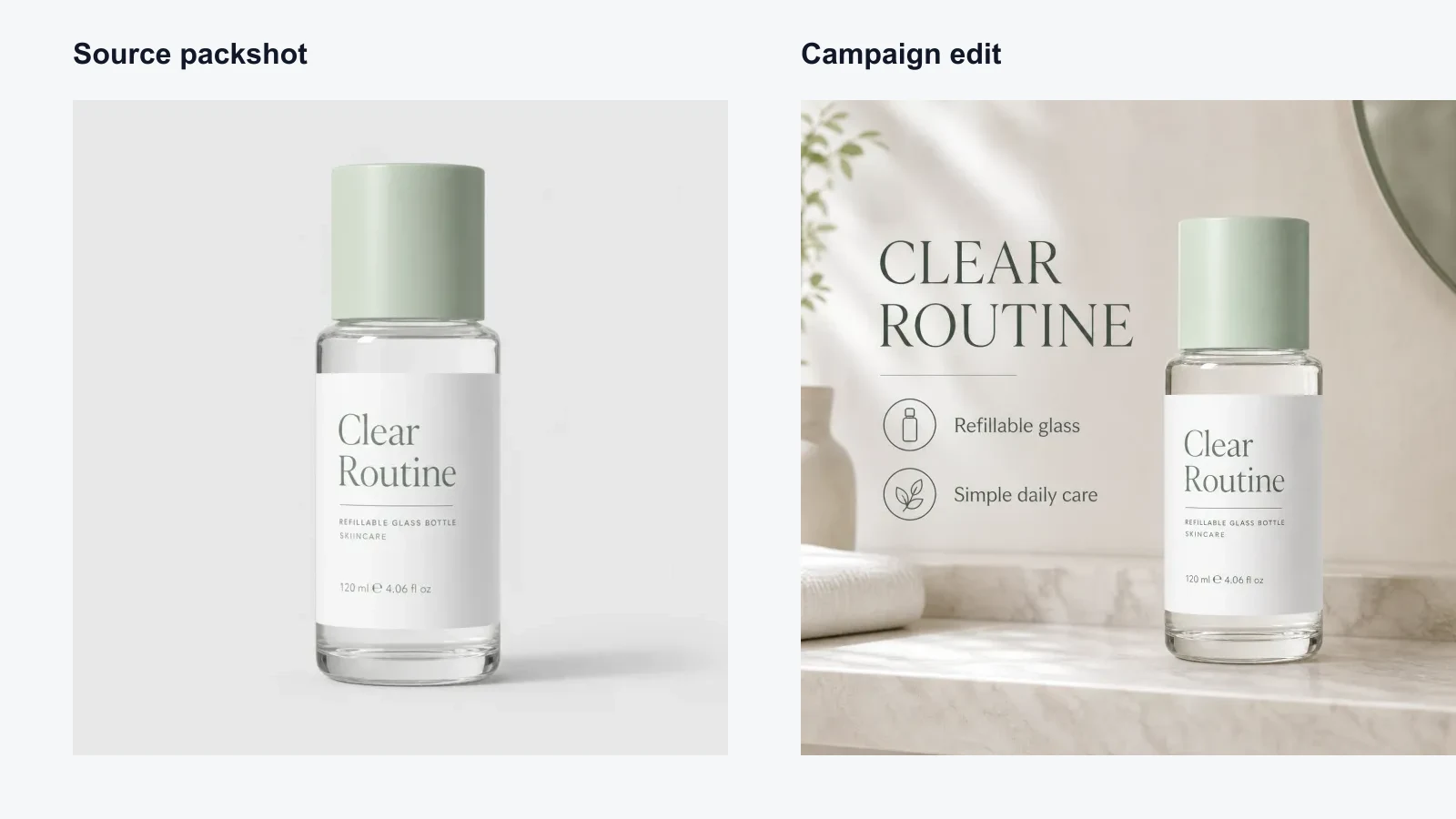
Use an existing packshot as the source of truth, then add a campaign layout around it without changing the product.
Transform this product photo into a square campaign graphic. Preserve the product shape, materials, label area, colors, and proportions. Add a clean studio background, one short headline, and three seller-approved benefit callouts. Do not add fake logos, awards, prices, certifications, medical claims, or unsupported performance numbers.
Check labels and any generated spec text before using the result.
Create a product-first campaign image with one headline and short benefit labels that stay readable.
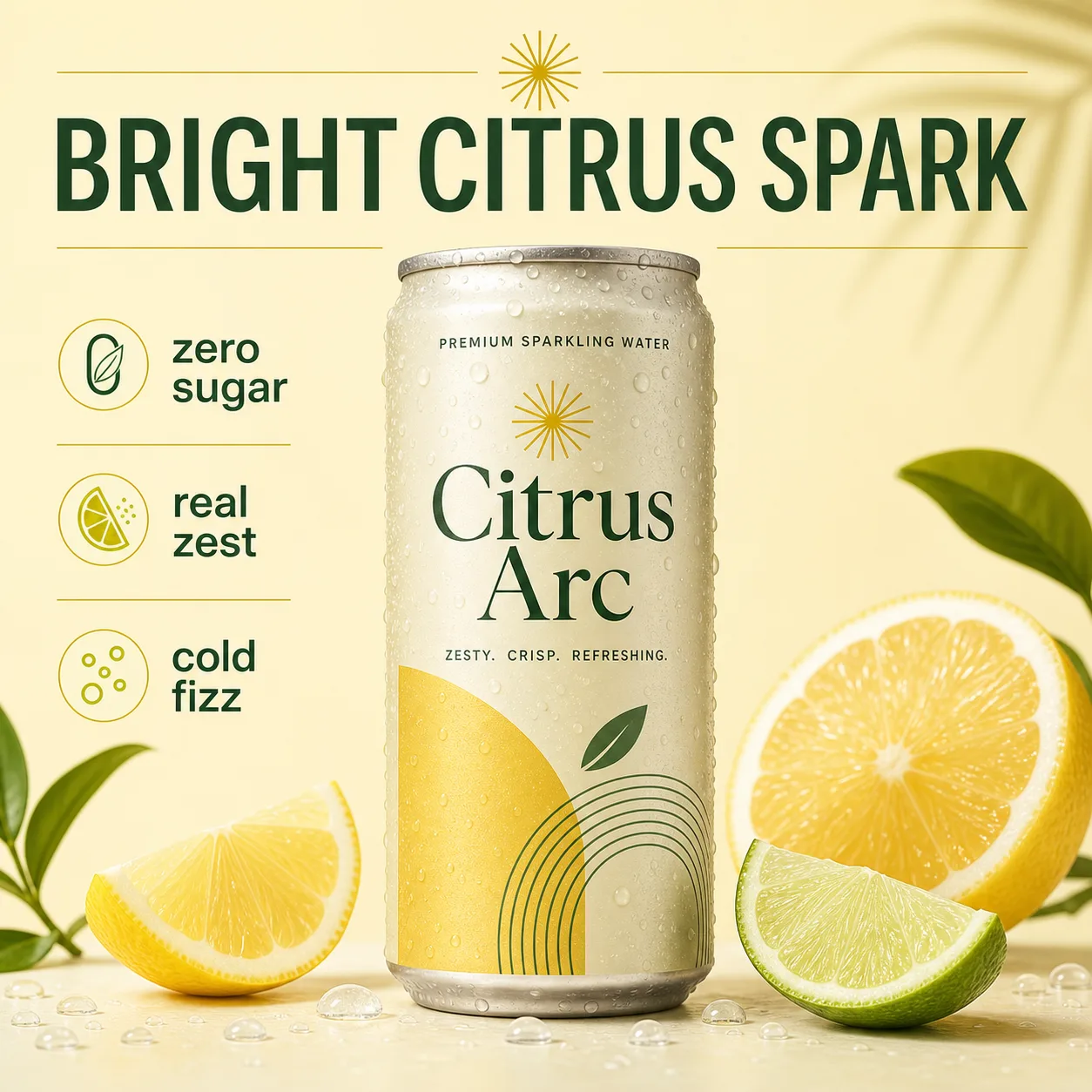
Create a clean square ecommerce product campaign image for a premium sparkling water can named "Citrus Arc". Exact headline: "BRIGHT CITRUS SPARK". Include three short readable callouts: "zero sugar", "real zest", "cold fizz". Product can centered, crisp studio lighting, pale citrus background, restrained graphic lines, premium editorial finish. Do not add pricing, awards, reviews, badges, medical claims, fake QR codes, or watermark.
Use when a product ad needs short approved copy before scaling variants.
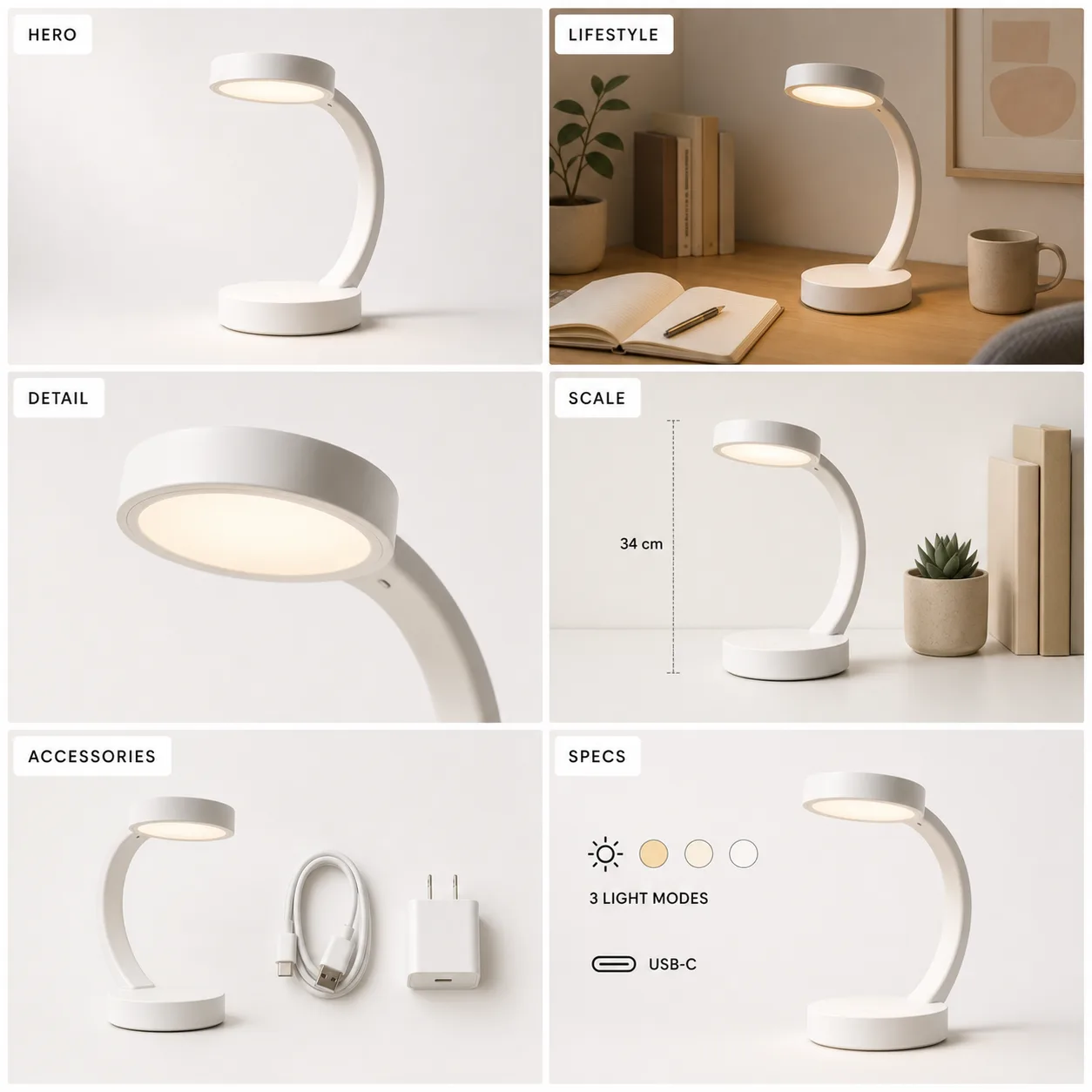
Turn one product into a reviewable contact sheet for hero, detail, scale, specs, and lifestyle slots.
Create a square ecommerce PDP image-set contact sheet for a fictional compact desk lamp named "Luma Arc". Use six panels in a 2x3 grid with readable panel labels: "HERO", "LIFESTYLE", "DETAIL", "SCALE", "ACCESSORIES", "SPECS". Keep the same white curved desk lamp consistent in every panel. Show clean marketplace lighting, realistic shadows, and approved short spec text only: "3 LIGHT MODES", "USB-C", and "34 cm". No prices, reviews, awards, QR codes, fake certifications, or watermark.
Best for ecommerce teams that need a full image set before SKU upload.
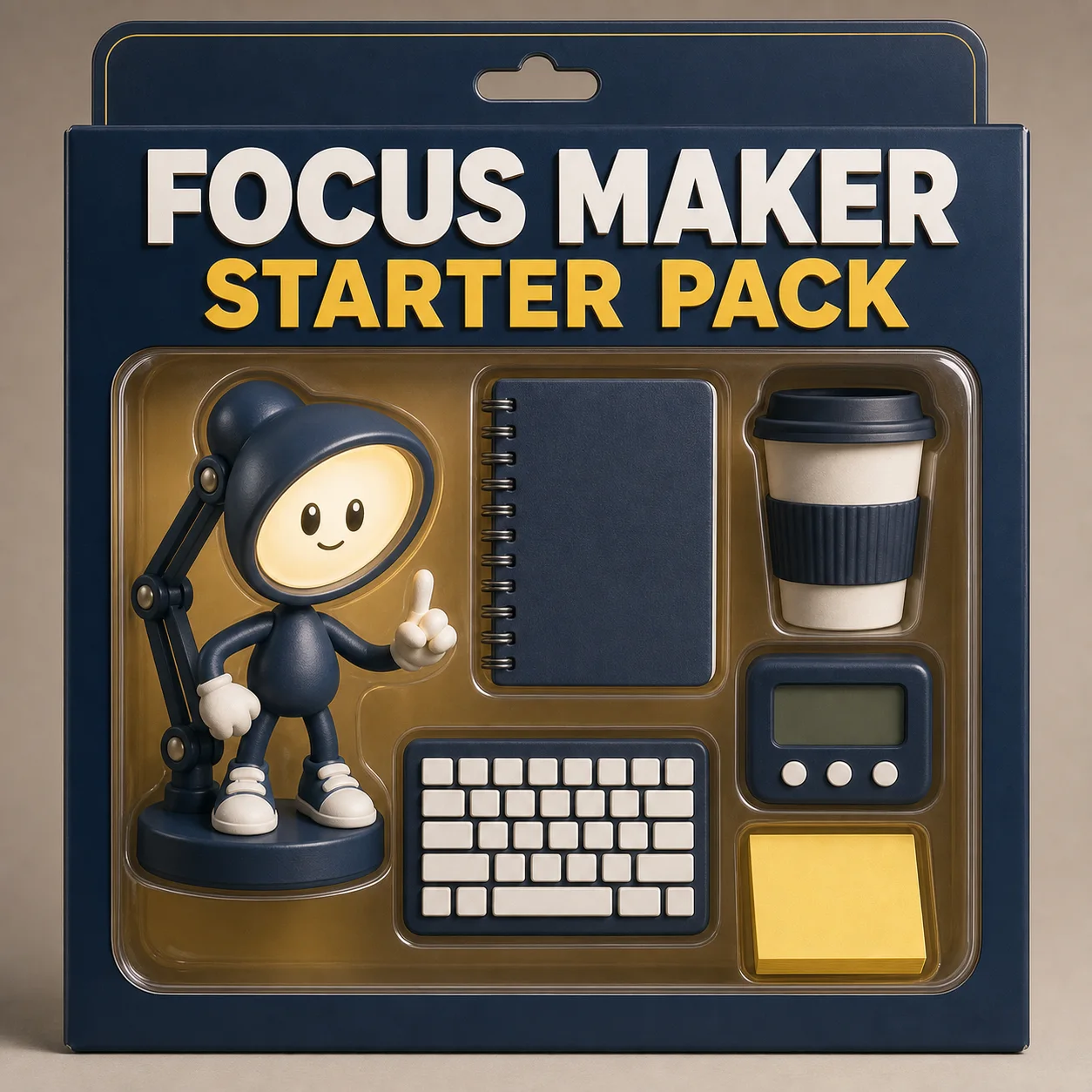
Use the starter-pack trend in a brand-safe way: fictional persona, readable pack title, no real likeness.
Create a square viral starter pack collectible toy-box concept for a fictional productivity creator. Package title must read exactly: "FOCUS MAKER STARTER PACK". Inside the box: an original desk-lamp mascot, notebook, coffee cup, timer, compact keyboard, and sticky notes. Make it playful but premium, with clean retail packaging. No other visible words, celebrity likeness, protected character, real brand logo, barcode, QR code, price, watermark, or tiny unreadable text.
Good viral hook when the concept is original and not based on a real person.
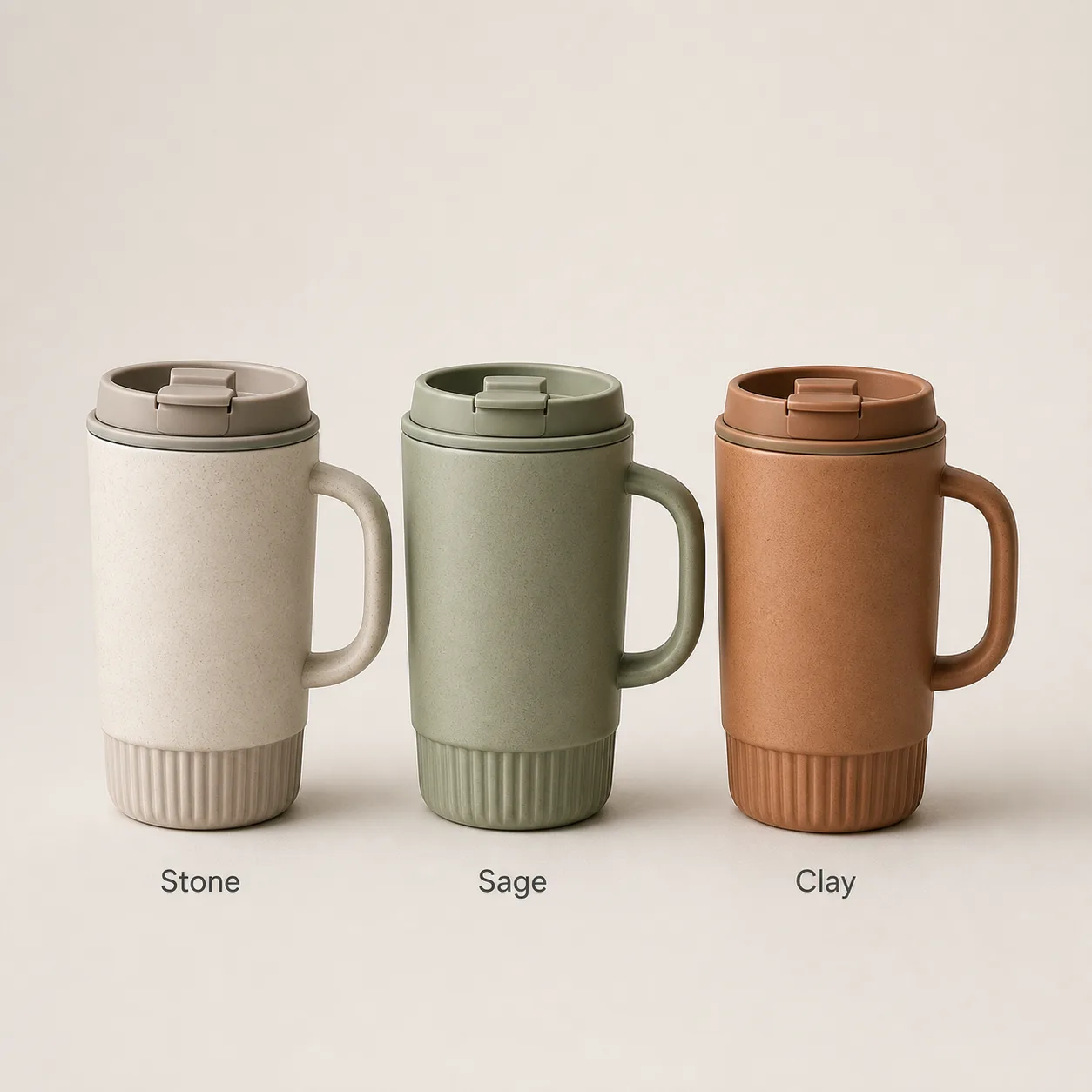
Keep product variants aligned in scale, crop, shadow, and label treatment before uploading store media.
Create a square Shopify variant media image showing three premium ceramic travel mugs as a clean product family: "Stone", "Sage", and "Clay". Arrange the three variants evenly on a neutral studio background with consistent scale, crop, shadows, and camera angle. Add small readable labels under each mug: "Stone", "Sage", "Clay". No pricing, sale badge, reviews, watermark, or extra variants.
Useful when SKU variants need consistent framing before store upload.
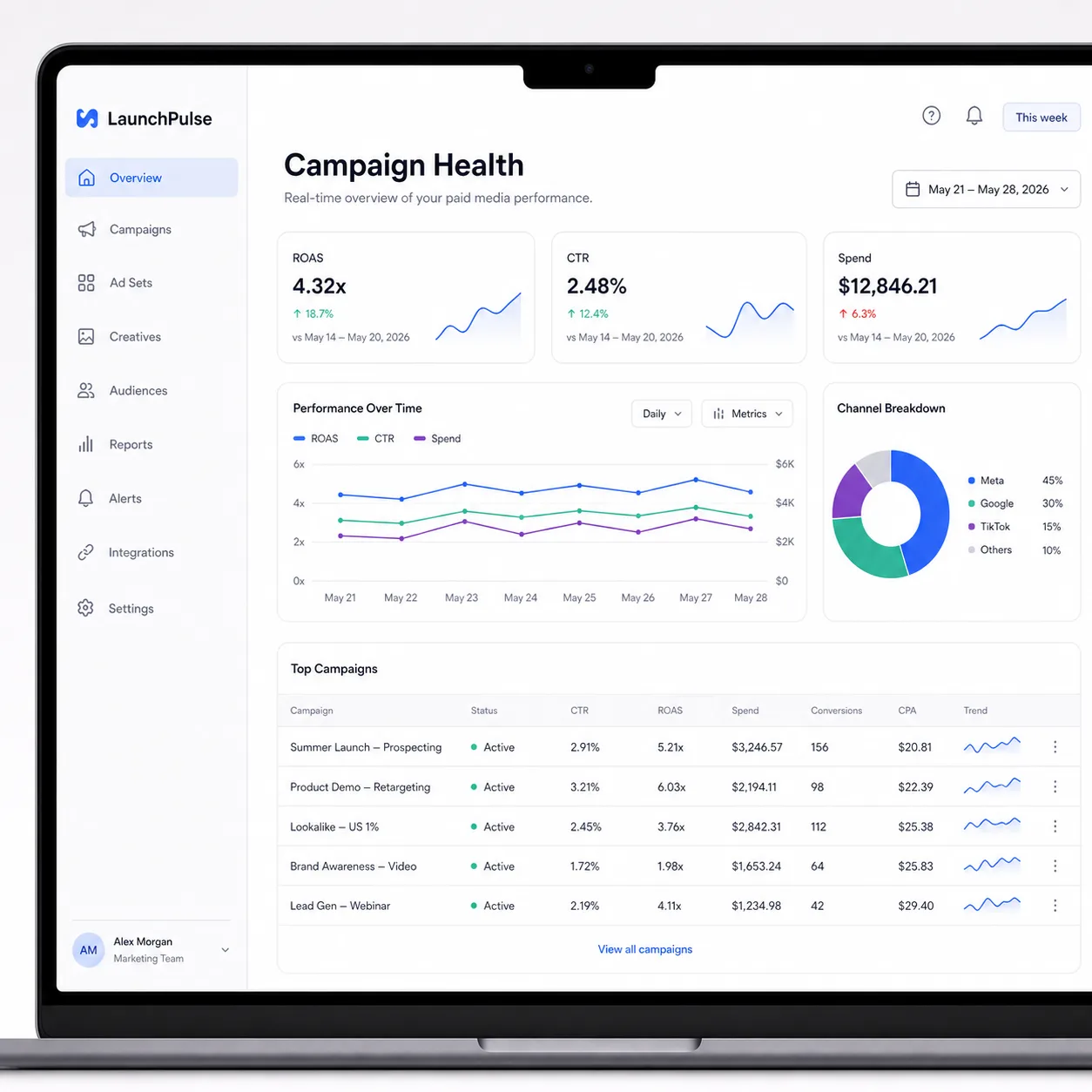
Create a readable product-screen concept for landing pages, sales decks, or feature reviews.
Create a square SaaS dashboard UI mockup for a fictional product named "LaunchPulse". Main heading must read exactly: "Campaign Health". Include three metric cards with readable labels: "ROAS", "CTR", and "Spend", plus a small chart, left navigation, and simple table rows. Keep it professional, light, and B2B-ready. No real company logos, real customer names, private data, watermark, or tiny dense UI text.
Useful when a team needs a visual product concept before design polish.
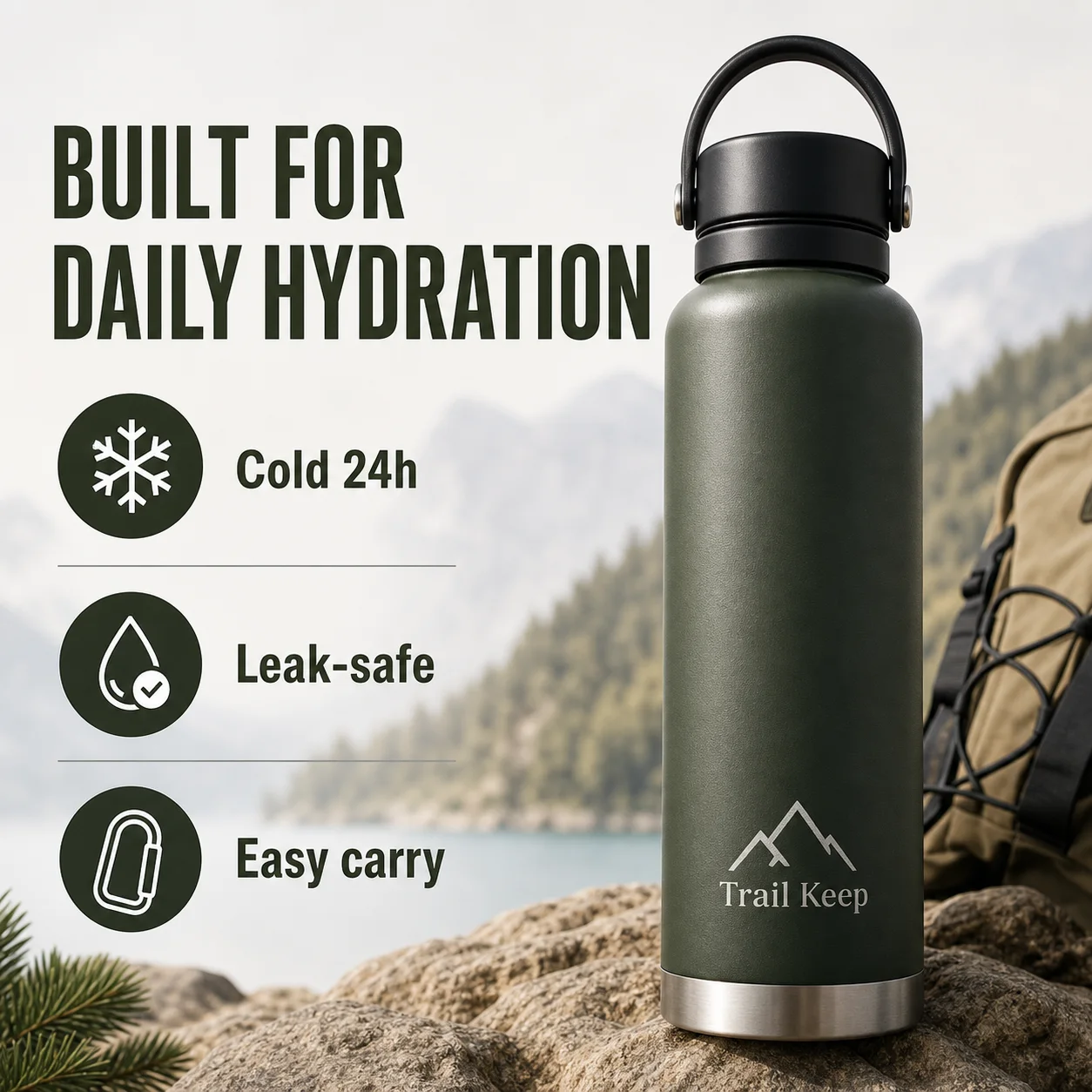
Draft a marketplace content block with approved copy and clear benefit hierarchy.
Create a square Amazon A+ style product content module for a fictional insulated bottle named "Trail Keep". Use only these visible text strings: "BUILT FOR DAILY HYDRATION", "Cold 24h", "Leak-safe", "Easy carry", and the small bottle label "Trail Keep". Show the product hero and three simple benefit icon blocks. Clean outdoor-meets-studio background, premium ecommerce finish, clear hierarchy. No Amazon logo, real brand, star ratings, prices, body copy, badges, unsupported certifications, medical claims, QR code, or watermark.
Use when copy is approved but the module layout still needs a draft.
Create a phone-style photo with factual labels and arrows without turning it into a dense infographic.
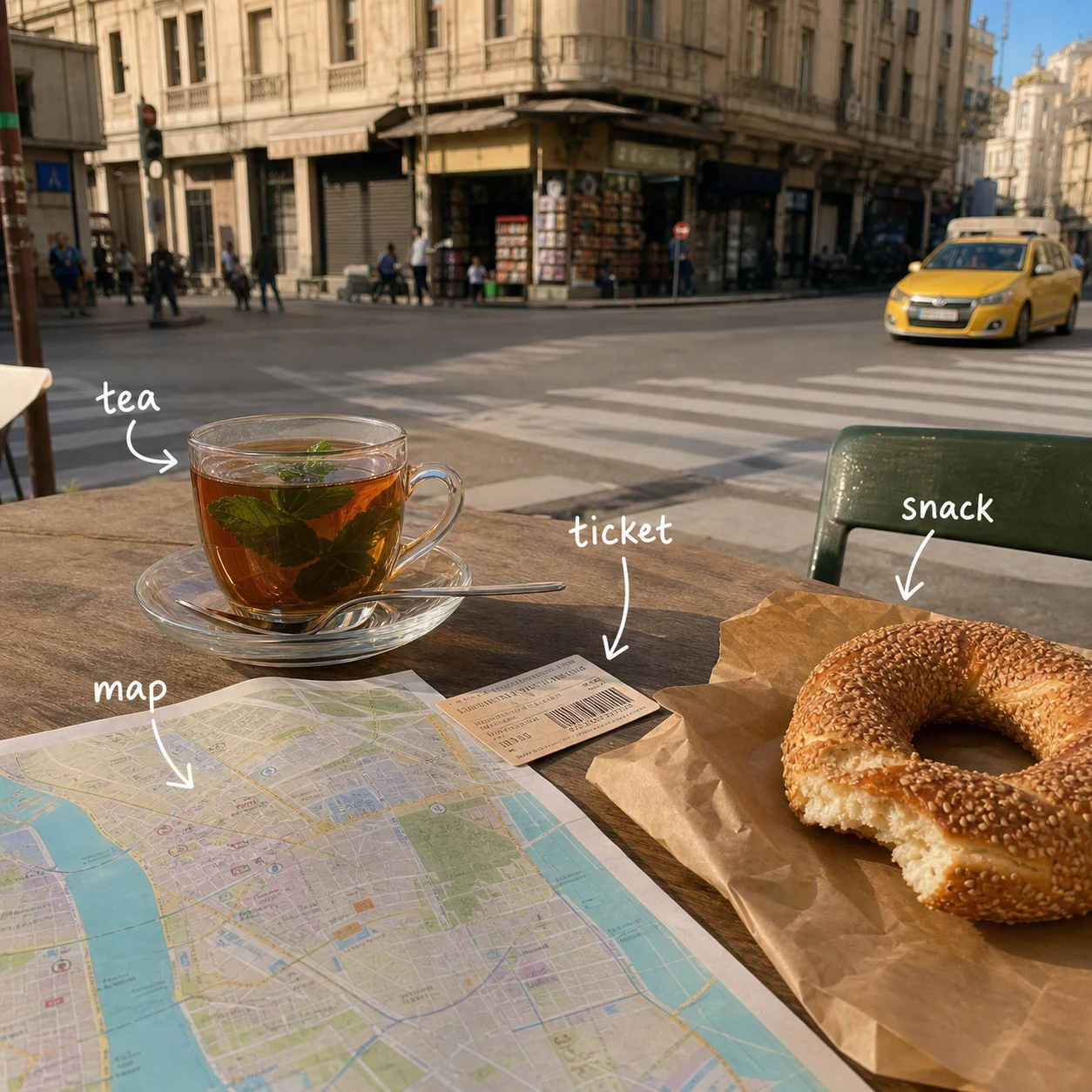
Create a realistic travel phone photo of a small street food table near a sunny city corner. Add a hand-drawn annotation layer with short factual labels and arrows pointing to visible objects. Exact label text: "tea", "map", "ticket", "snack". Keep labels readable and small. Do not change the objects, cover the main subject, invent place names, fake dates, or add huge text.
Good when the edit layer is the feature, not a full scene rewrite.
Improve a profile portrait while preserving identity, crop intent, and natural expression.
Edit this source portrait into one professional profile headshot. Preserve the same face shape, hair, expression, and identity while improving background, lighting, crop, and jacket styling. Use a clean neutral studio background, natural retouching, and profile-ready framing. No before-after layout, no text, no celebrity likeness, real person, company logo, beauty exaggeration, fake badge, watermark, or claim.
Add only when the source portrait is rights-cleared and identity must stay stable.
Generate a nostalgic multi-frame product lifestyle post with short readable frame labels.
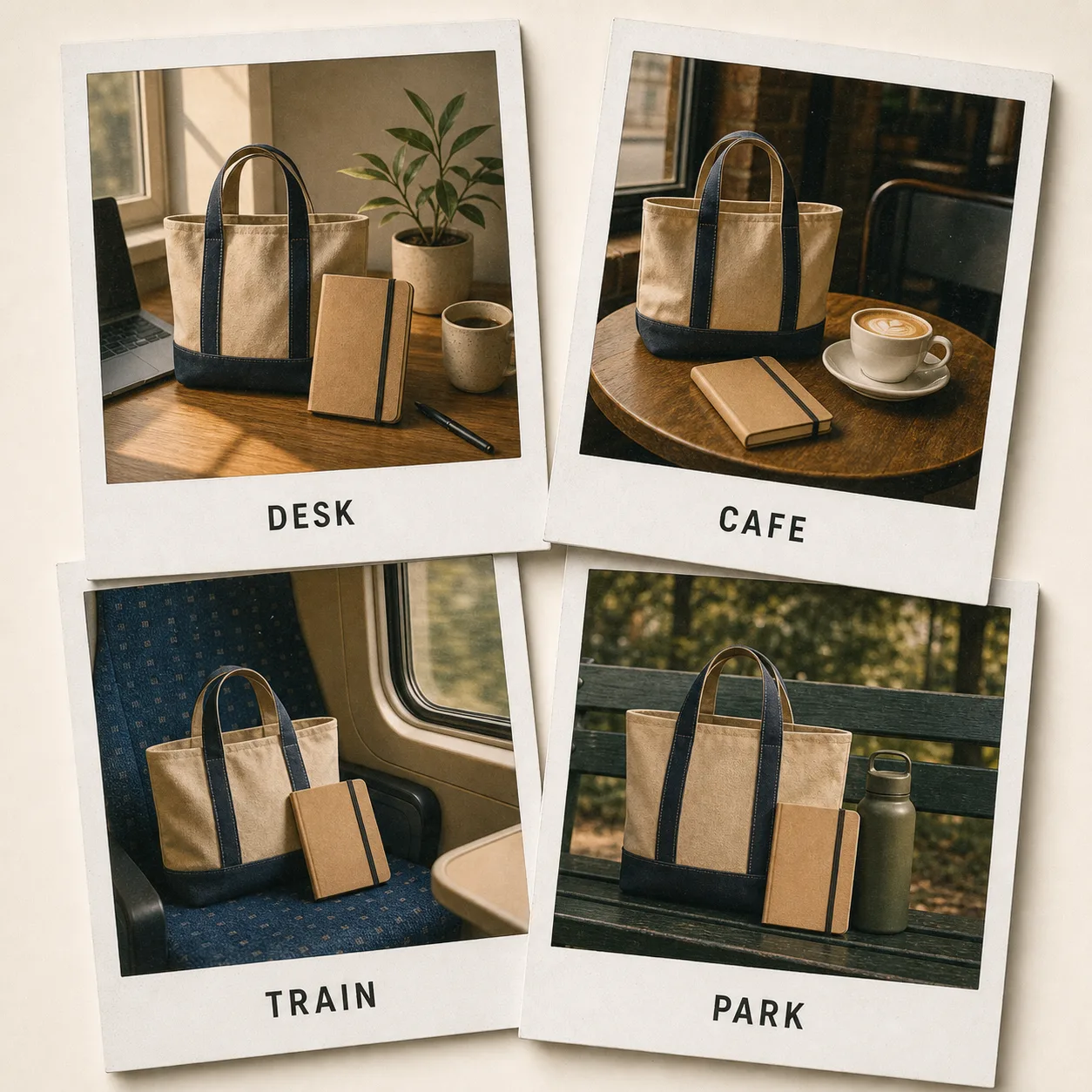
Create a square retro Polaroid collage for a fictional weekend product/lifestyle scene. Four overlapping instant-photo frames show the same tote bag and travel notebook in simple scenes: desk, cafe table, train seat, park bench. Add short readable border labels only: "DESK", "CAFE", "TRAIN", "PARK". Warm film look, clean shadows. No real brand logos, people faces, prices, QR codes, watermark, or messy handwriting.
Good social format, but keep brands and real people out of the prompt.
Create a multi-view sheet before production so identity drift is visible before a batch of scenes.
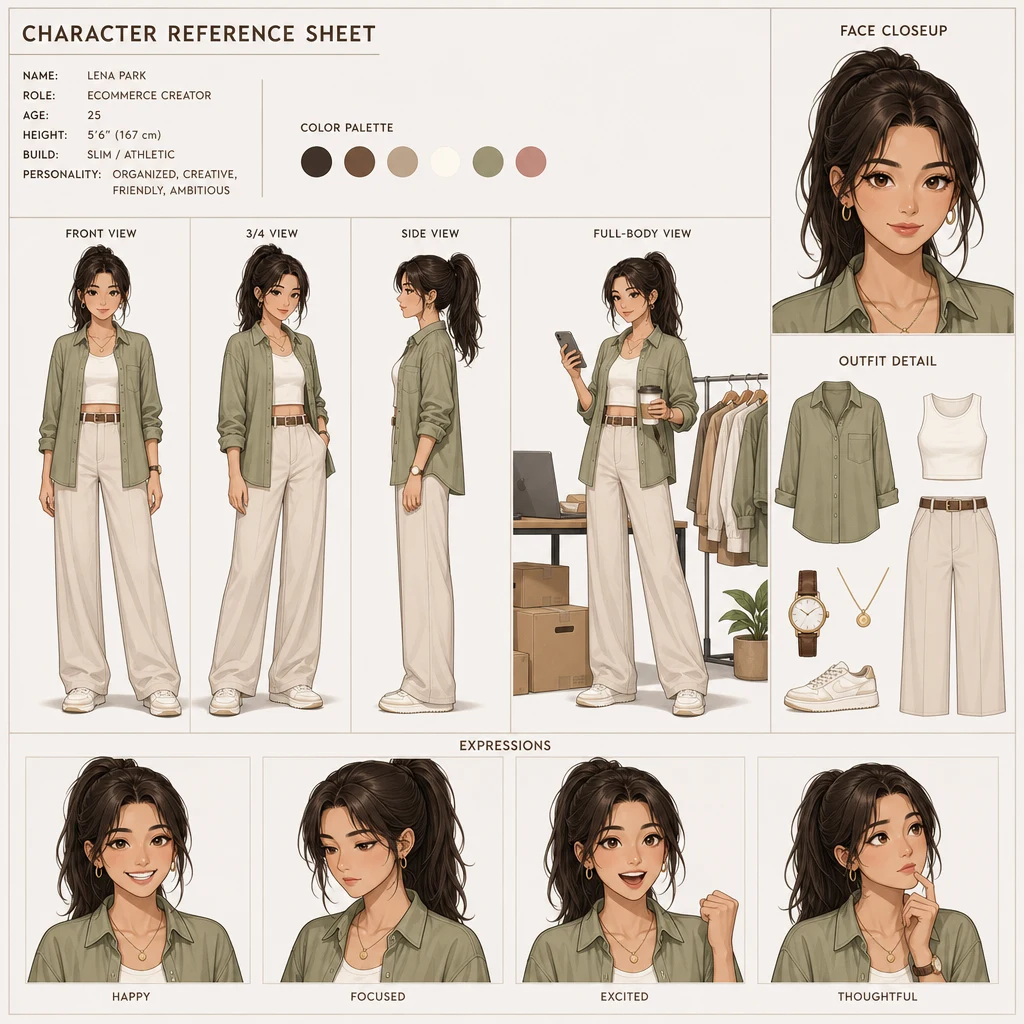
Create a clean character reference sheet for an original ecommerce creator character. Show front, three-quarter, side, full-body, face closeup, outfit detail, and four expressions on a neutral grid. Keep the same face shape, eye color, hairstyle, skin tone, body type, clothing palette, and illustration style in every panel. No celebrity likeness, no protected character, no logo.
Use before batch scenes to catch identity drift early.
Use GPT Image-2 for the static ad layout first, then animate only after product and copy pass review.
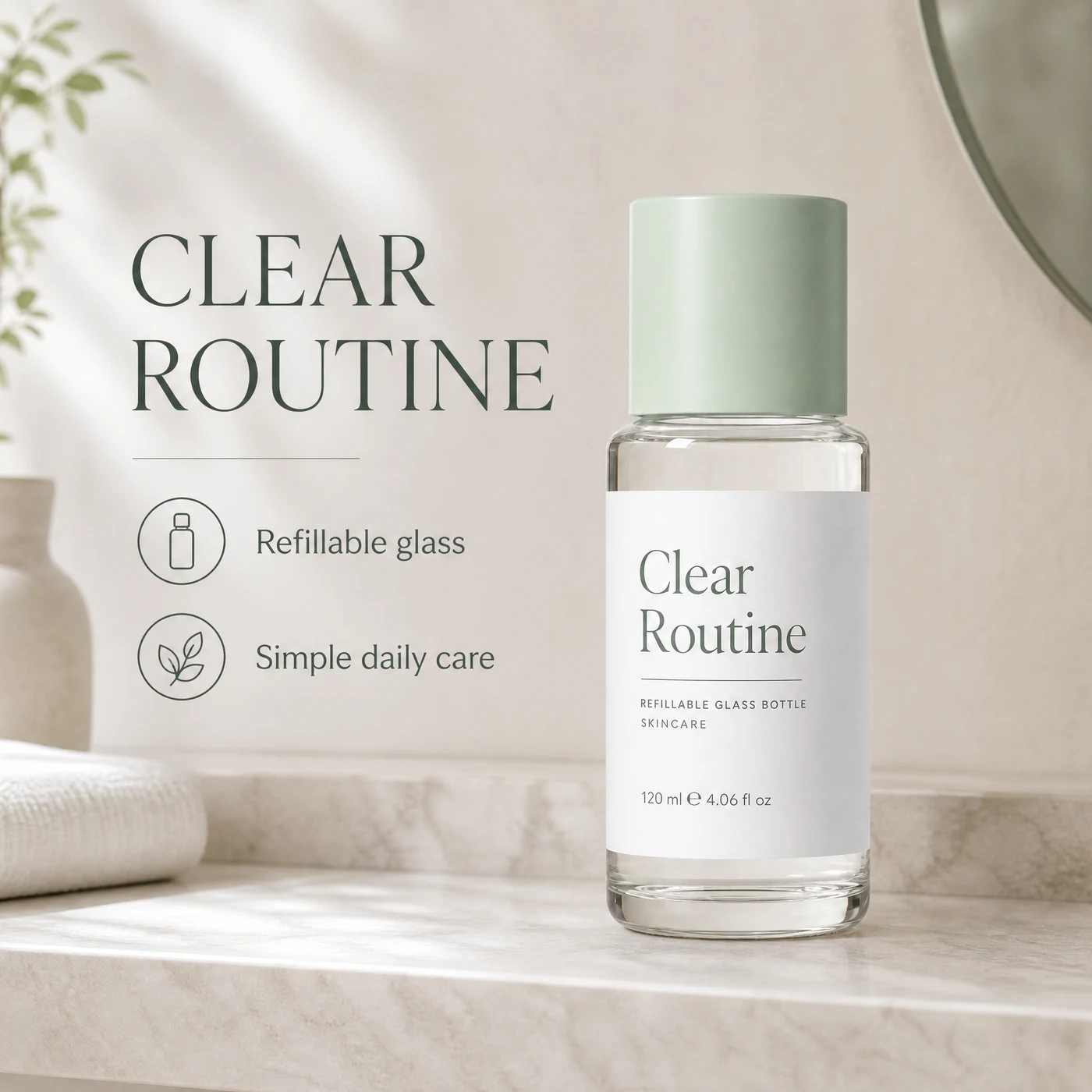
Create a 4:3 static product ad concept for a refillable skincare bottle named "Clear Routine". Show the bottle as the hero on a clean bathroom shelf, with soft daylight, realistic shadows, and two short readable callouts: "Refillable glass" and "Fragrance-free formula". Do not invent discounts, awards, dermatologist claims, or certification badges.
Use when copy and layout need approval before video.
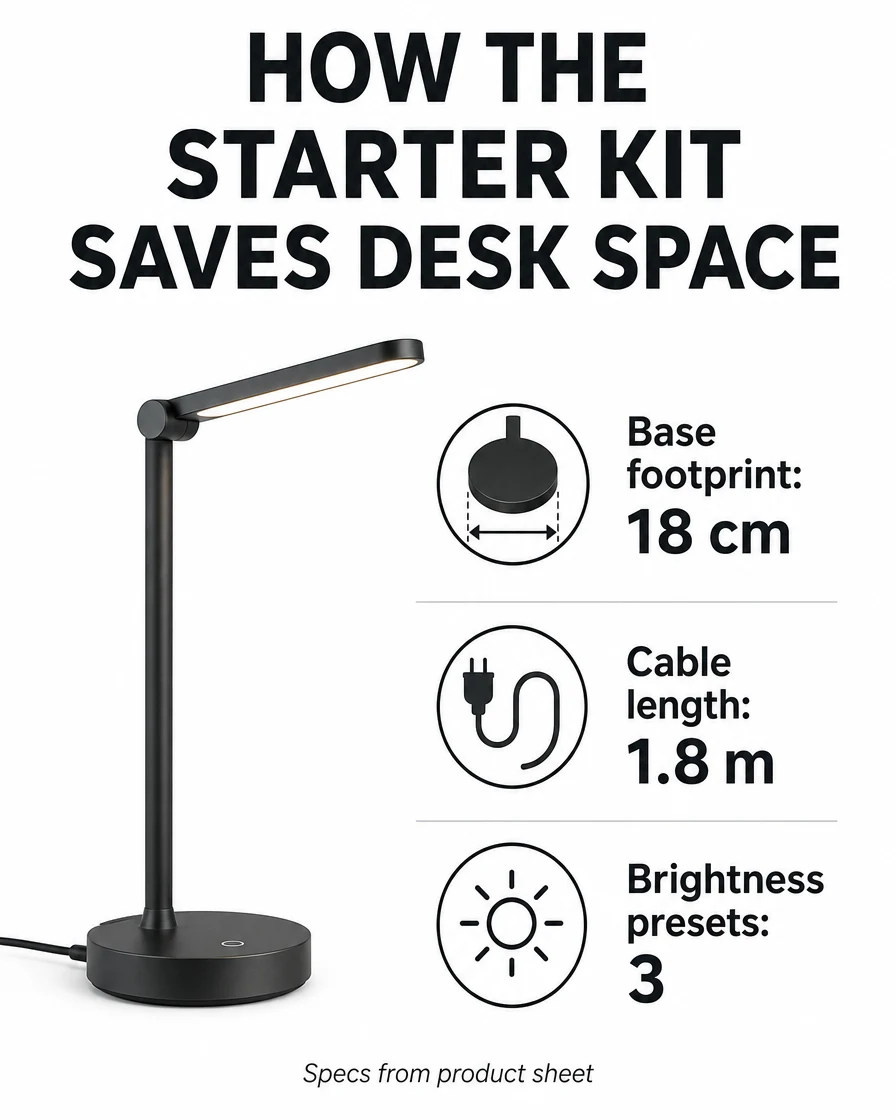
Turn verified facts into a visual brief without letting the image invent numbers.
Create a clean 3:4 vertical infographic from this verified data only. Title: "HOW THE STARTER KIT SAVES DESK SPACE". Use exactly these three facts: "Base footprint: 18 cm", "Cable length: 1.8 m", "Brightness presets: 3". Add a small source note: "Specs from product sheet". Do not invent percentages, awards, comparison claims, customer names, prices, or extra specs. Keep text large enough to read on mobile.
Best when every number must map back to an approved source.
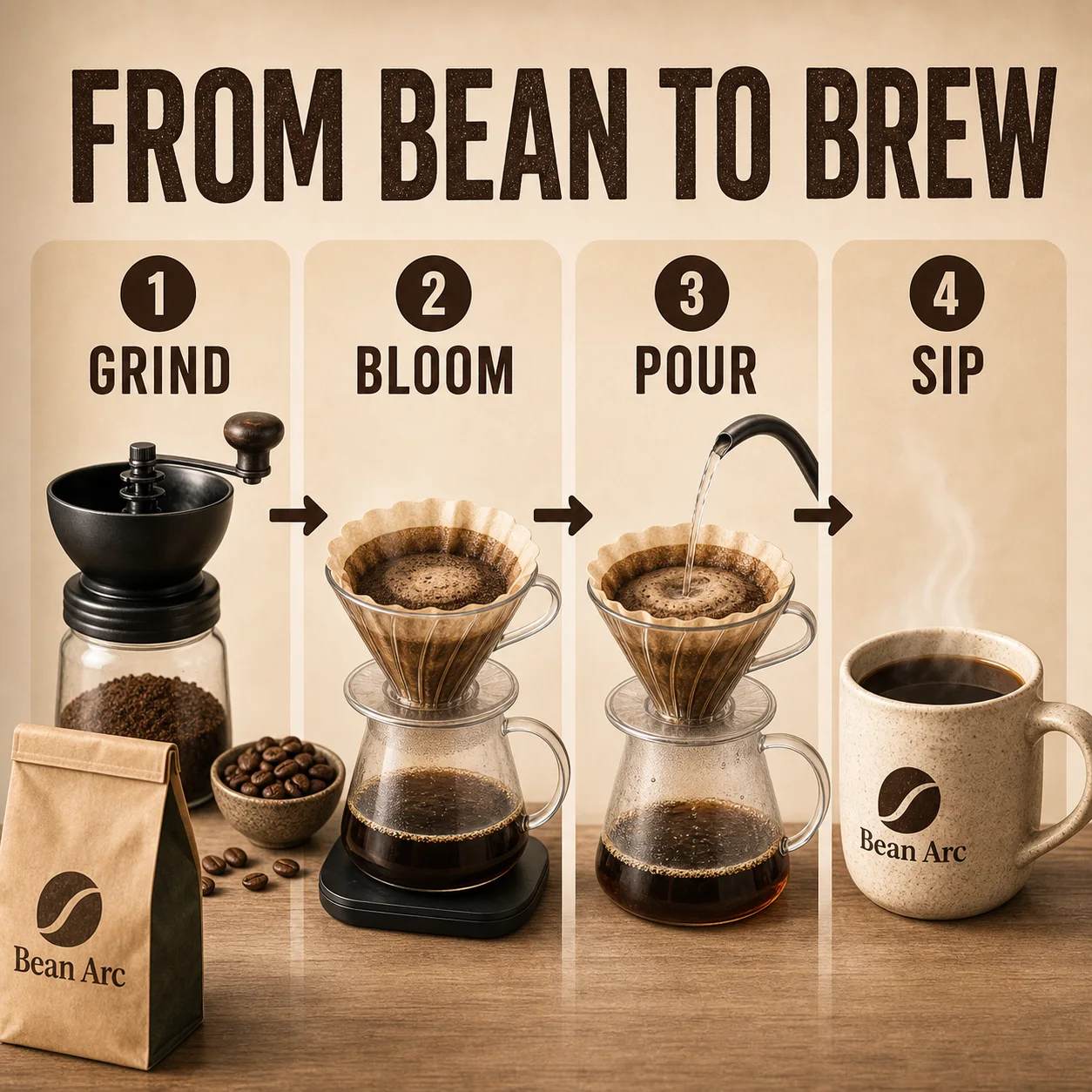
Make a shareable process graphic with a short title, four steps, and mobile-readable labels.
Create a square coffee productivity infographic for a fictional cafe product named "Bean Arc". Main title must read exactly: "FROM BEAN TO BREW". Show four large readable steps: "1 GRIND", "2 BLOOM", "3 POUR", "4 SIP". Use warm coffee tones, simple icons, a coffee bag and mug, clean arrows, and a mobile-readable editorial layout. No real logos, prices, health claims, fake certifications, QR codes, watermark, or tiny dense paragraphs.
Useful for viral explainers where text readability is the point.
Plan product angles and ad beats as still frames before making a video.
Create a six-panel storyboard for a short product ad using one compact desk lamp as the hero. Keep the same product shape, color, material, and label area in every panel. Panels: 1) product on desk, 2) hand adjusting brightness, 3) close-up of diffuser, 4) evening work scene, 5) compact base detail, 6) final hero frame with one readable headline. Do not add new product features, prices, awards, certification badges, or extra logos.
Use when video should start from approved still-frame direction.
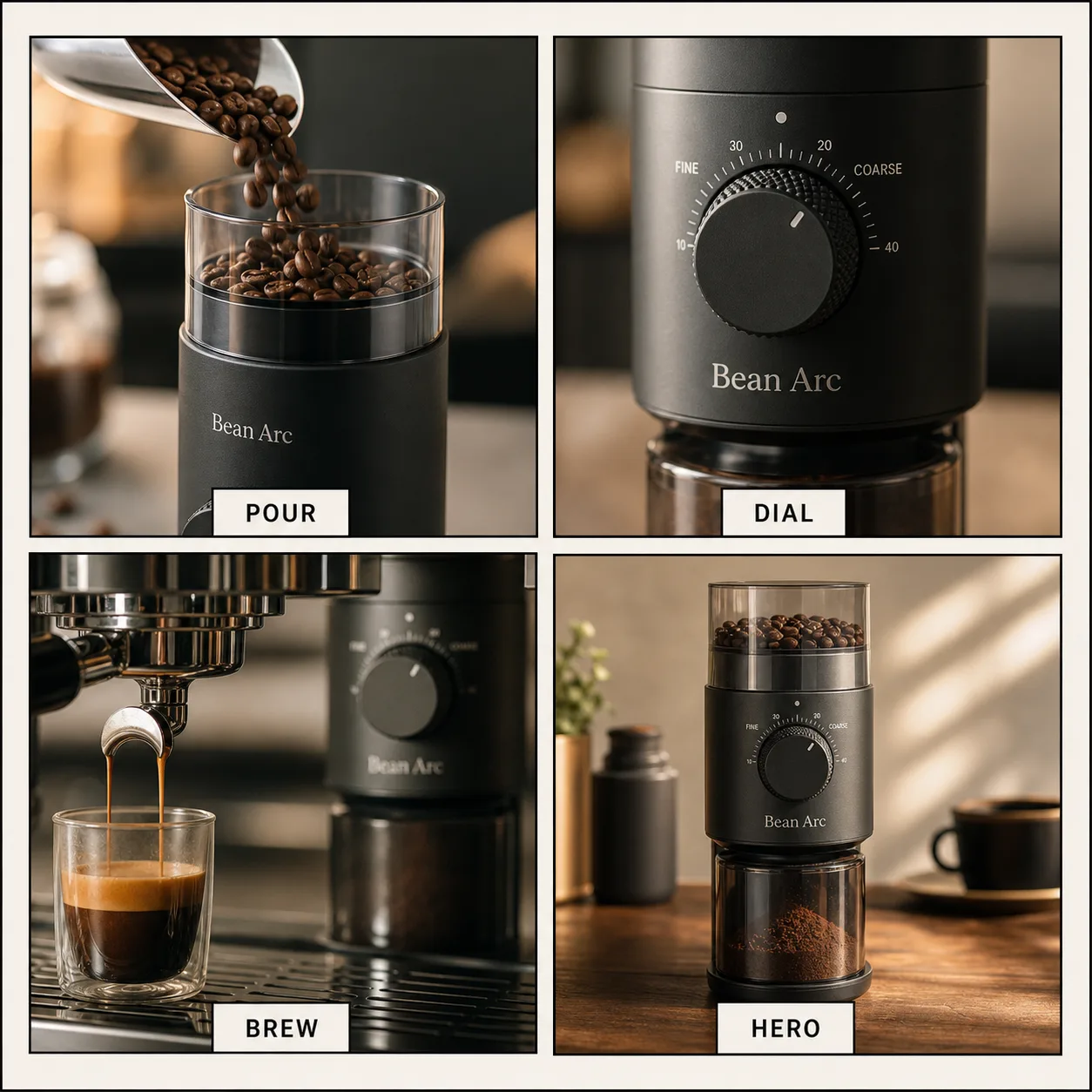
Plan product ad beats as still frames so the product, camera rhythm, and labels are approved before video.
Create a square four-panel product ad storyboard keyframe sheet for a compact espresso grinder named "Bean Arc". Four clean storyboard frames in a 2x2 grid: 1) beans pour in, 2) grind dial closeup, 3) espresso stream, 4) product hero. Add short readable frame labels only: "POUR", "DIAL", "BREW", "HERO". Minimal black frame lines, warm cafe lighting, product consistency across panels. Do not add prices, reviews, people, QR codes, fake logos, watermarks, or long text.
Good for reference-first product video planning and ad beat review.
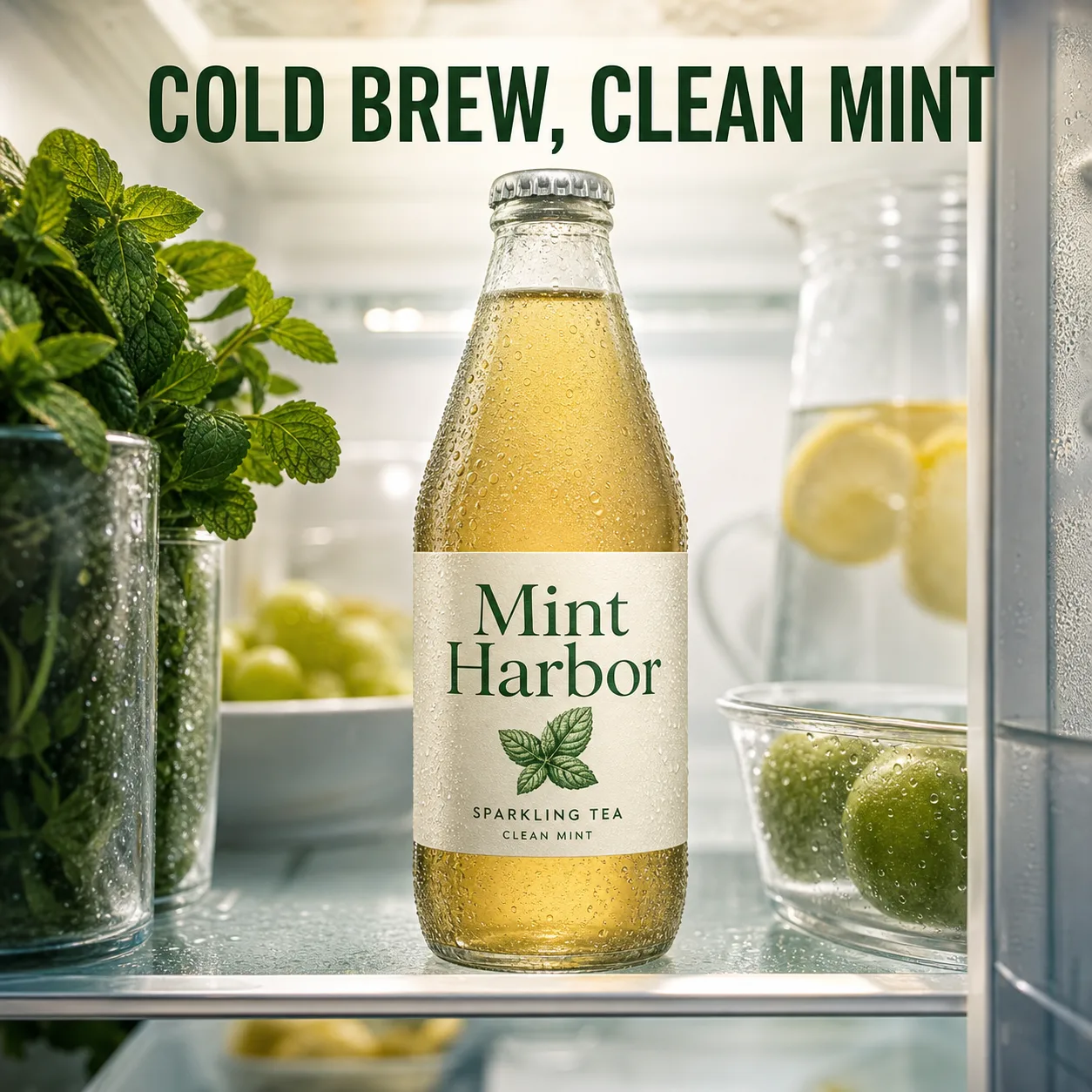
Use an inside-environment angle to make a product feel native to the scene while keeping the headline short.
Create a square inside-environment product commercial image from the point of view inside a refrigerator shelf. A chilled glass bottle of sparkling tea named "Mint Harbor" is the product hero, framed by soft condensation, mint leaves, and fridge shelf depth. Add one exact readable headline near the top: "COLD BREW, CLEAN MINT". Keep the product label simple and legible. No people, prices, medical claims, badges, watermark, or tiny text.
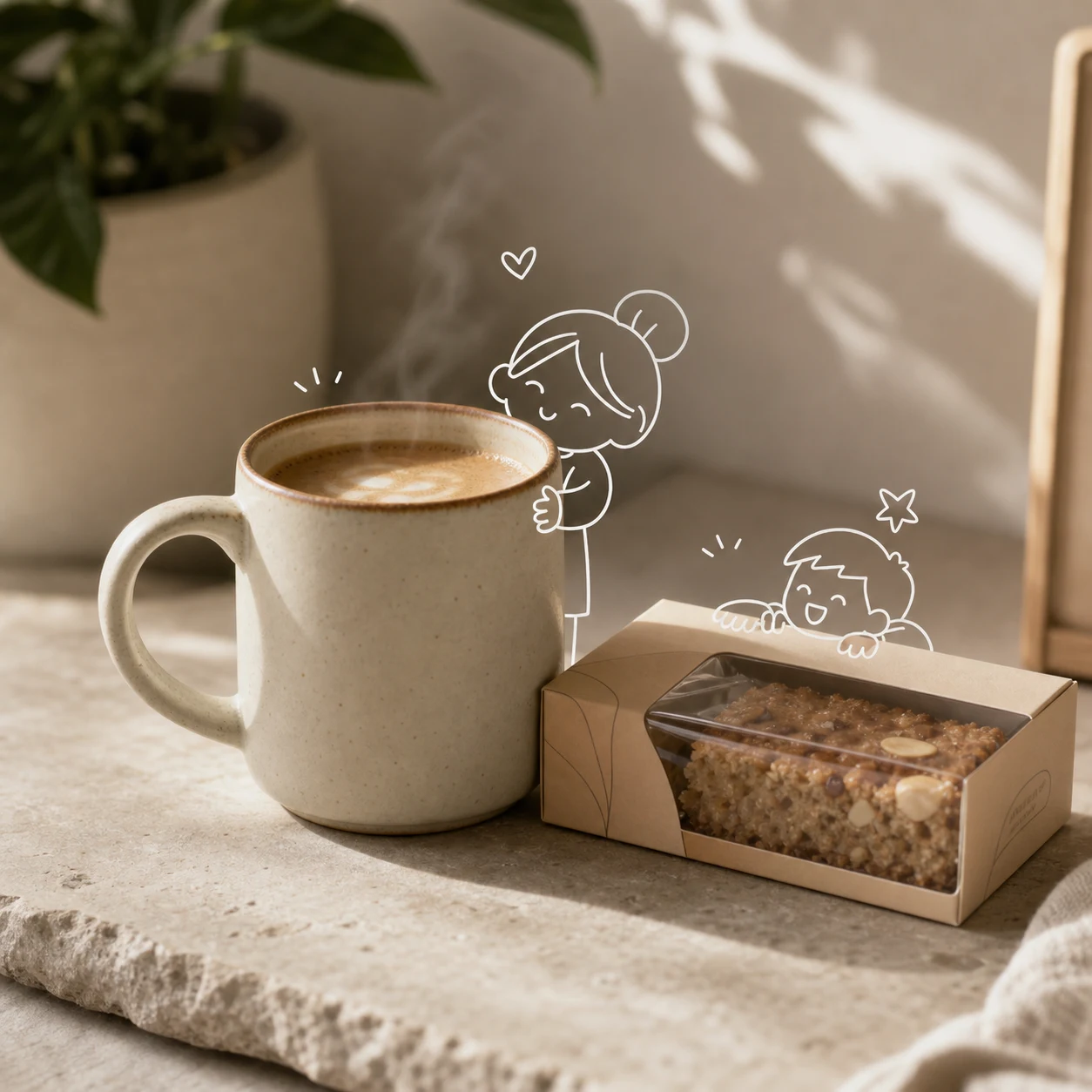
Use a small line-art layer to make a product photo feel social without hiding the product.
Create a realistic tabletop product photo of a warm ceramic coffee cup and a small packaged snack box on a natural stone table, with soft morning sunlight, subtle props, and a small white hand-drawn doodle character interacting with the product like a playful annotation overlay. No large headline, no brand logo, no readable claims, no fake prices, no badges, no watermark.
Good for social product images where the product still needs to stay clear.
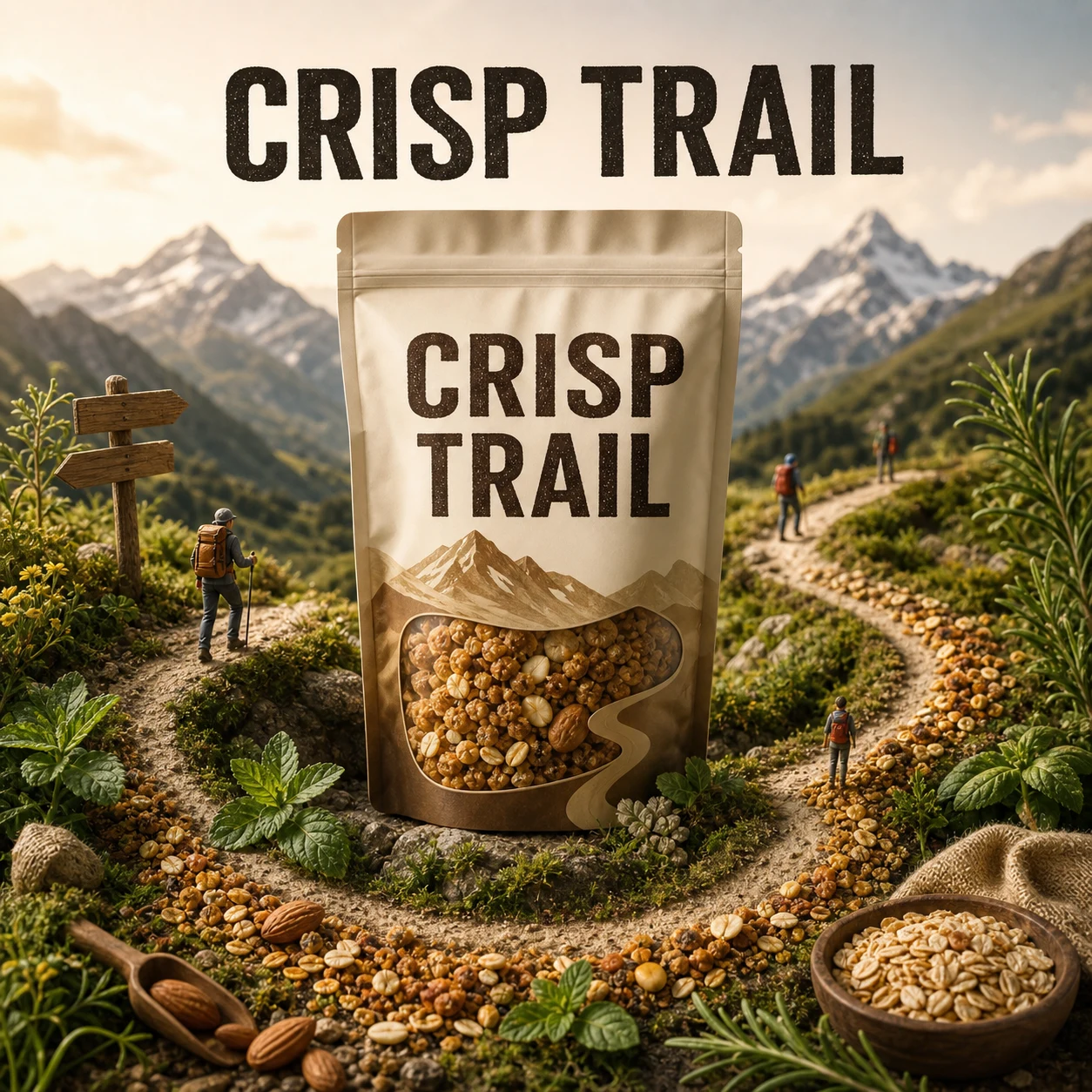
Build a product poster around one hero pack, local cues, and a clear flavor path.
Create a premium square poster for an original snack bag named "Crisp Trail". The snack package is centered as the hero, surrounded by a miniature travel world: small mountain path, local herbs, toasted grains, tiny hikers, and one continuous flavor swirl that leads the eye back to the package. Exact readable headline: "CRISP TRAIL". No extra claims, prices, badges, or fake certifications.
Useful when a poster needs product hierarchy before decorative world-building.
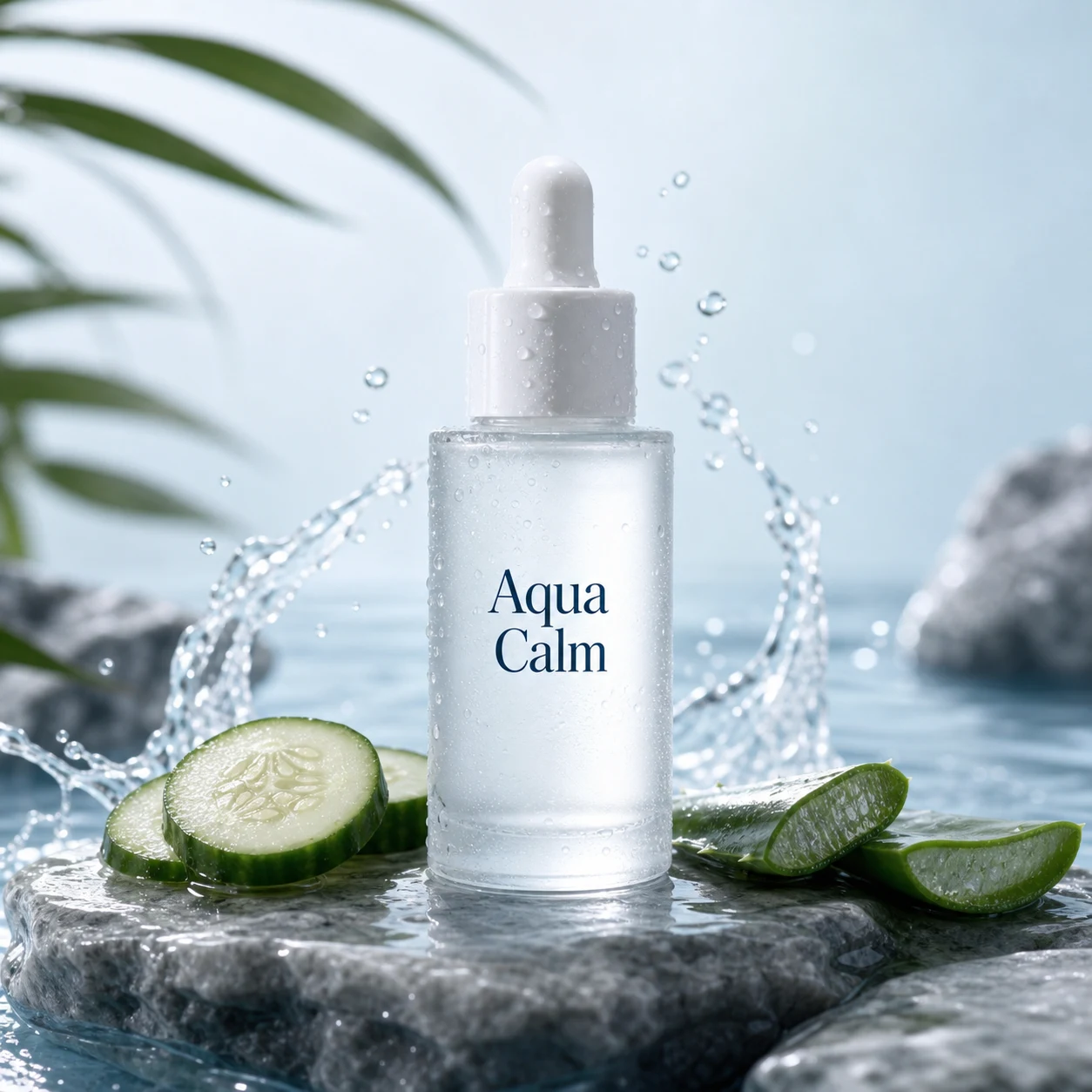
Create a premium beauty product still while keeping label, material, and claims under control.
Create a premium skincare product hero image for an original bottle named "Aqua Calm". A frosted glass serum bottle is centered on wet stone, with controlled water droplets, soft splash arcs, cucumber and aloe ingredient cues, realistic reflections, glossy commercial lighting, and a calm blue-white palette. Only the product label "Aqua Calm" may be visible. No headline, medical claims, badges, before-after claims, or brand imitation.
Use for beauty concepts where material and label review matter.
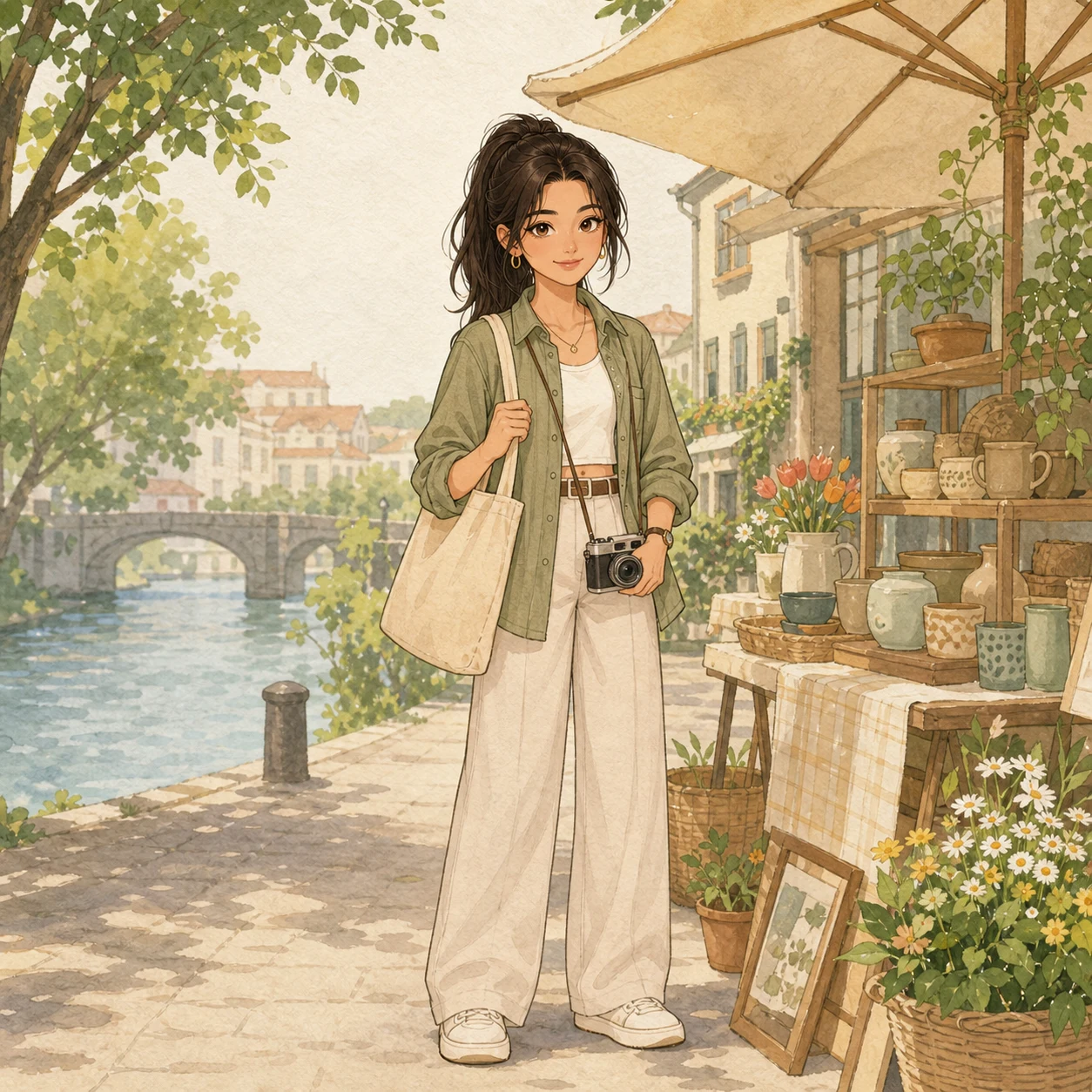
Use GPT Image-2 to turn a simple portrait idea into a softer illustration direction.
Create a soft children's book style scene: an original young adult traveler standing by a riverside market stall with a small tote bag and camera, simplified shapes, gentle ink lines, warm pastel colors, paper texture, cozy daylight. No text, no celebrity likeness, no protected character style, no logo, no watermark.
Use when style direction matters more than product text accuracy.
Phone-photo editing prompts are strongest when preservation is explicit
The useful pattern is not a long prompt dump: classify the source photo, name what must stay unchanged, then name the only allowed edit layer.
Product displays, social covers, profile portraits, travel annotations, and sticker-style overlays.
May 27, 2026/Production note
Character consistency needs a reference sheet and stress test
For repeatable AI characters, build a stable identity dossier, generate a multi-view sheet, then test the same character across different scenes before batch work.
Ecommerce model shots, brand characters, social content, and storyboard stills.
Best for
Use this model when these jobs match your first run.
Readable posters
Headlines, callouts, bilingual layouts, and launch graphics.
Product campaigns
Hero image plus compact benefits or feature blocks.
Fast tests
1K runs are cheap enough for prompt iteration.
First tests
Keep the first generation narrow and easy to grade.
Exact headline
Put the text you need in quotes.
Short callouts
Use fewer, shorter labels before attempting dense layouts.
Proofread
Zoom into text and claims before using the image in ads.
Limits
Avoid wasting credits by checking these constraints.
Dense text
Small tables and many labels still need careful review.
Claims
The model can invent unsupported wording if the prompt is loose.
Image edits
Use image-to-image mode when an existing product photo must stay exact.
Can GPT Image-2 generate readable text in AuraTuner?
Yes, it is the main AuraTuner image model for poster-style layouts and readable copy, but every output still needs proofreading before use.
Can I use GPT Image-2 for both text-to-image and image editing?
Yes. This page starts with text-to-image for a new visual. Switch to image-to-image in Studio when an existing product photo, poster, or layout should guide the result.
How much does the GPT Image-2 starter run cost?
The starter setup uses a 1K image generation, 10 credits as of May 26, 2026 in AuraTuner.
What GPT Image-2 resolutions does AuraTuner support?
AuraTuner supports 1K, 2K, and 4K for GPT Image-2. Auto aspect ratio is limited to 1K, and 1:1 does not support 4K.
Should I use GPT Image-2 for product editing?
Use text-to-image when you need a new campaign visual. Use image-to-image when product shape, packaging, or approved source photos need to stay close.
When should I avoid GPT Image-2 for a marketing image?
Avoid dense legal copy, unverified performance claims, or tiny comparison tables on the first run. Use a simpler proof first, then revise.