GPT Image 2 product poster generator with readable text
Unlike the broader text-first poster workflow, this page starts from a reviewed product image and locked campaign copy. Use it for source-led ads, storefronts, launch graphics, and secondary creative; the annotated composites below explain review steps but are not model-performance proof.
Swipe to compare all 4 cases, including findings and limits.
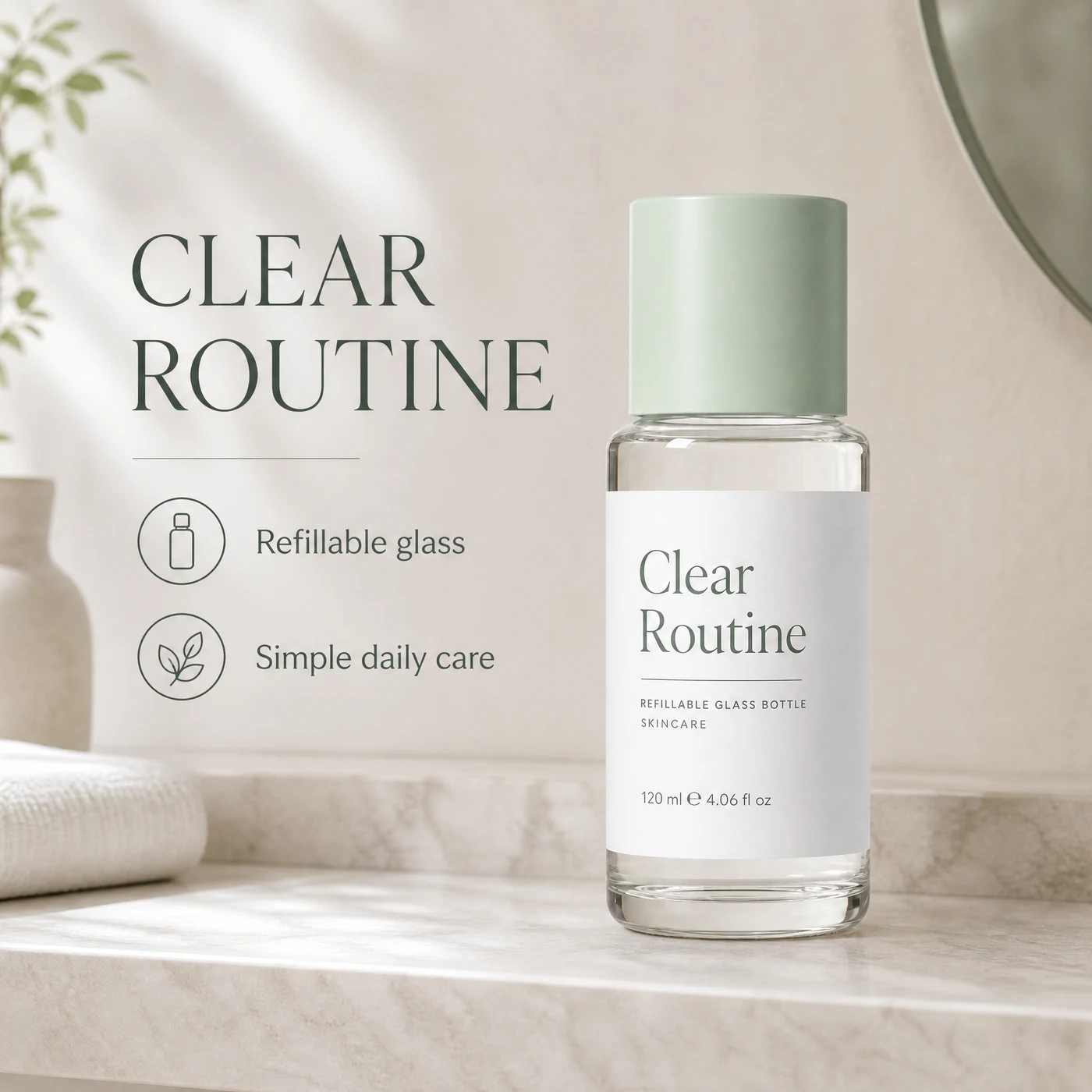
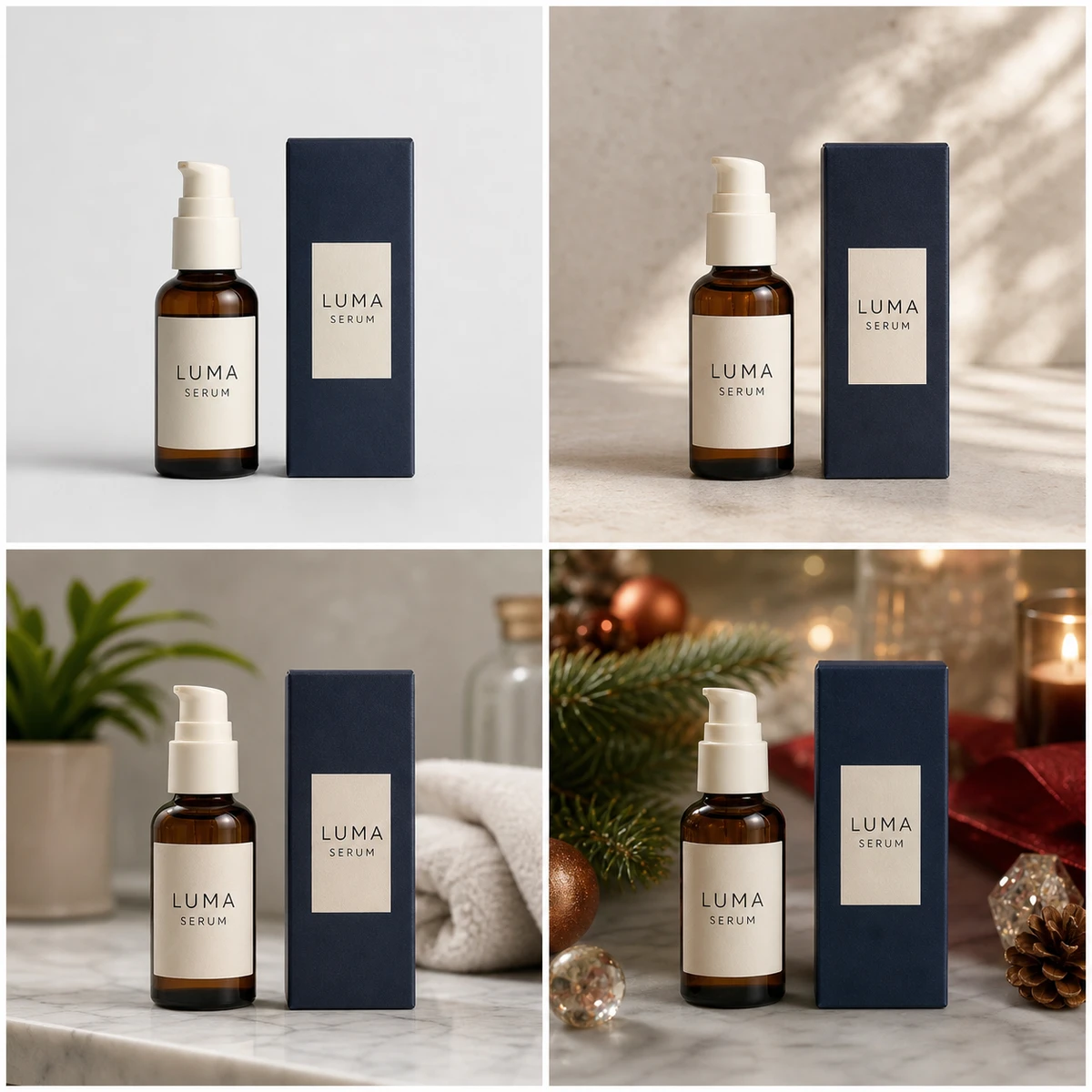
Source-led campaign — copy-drift case
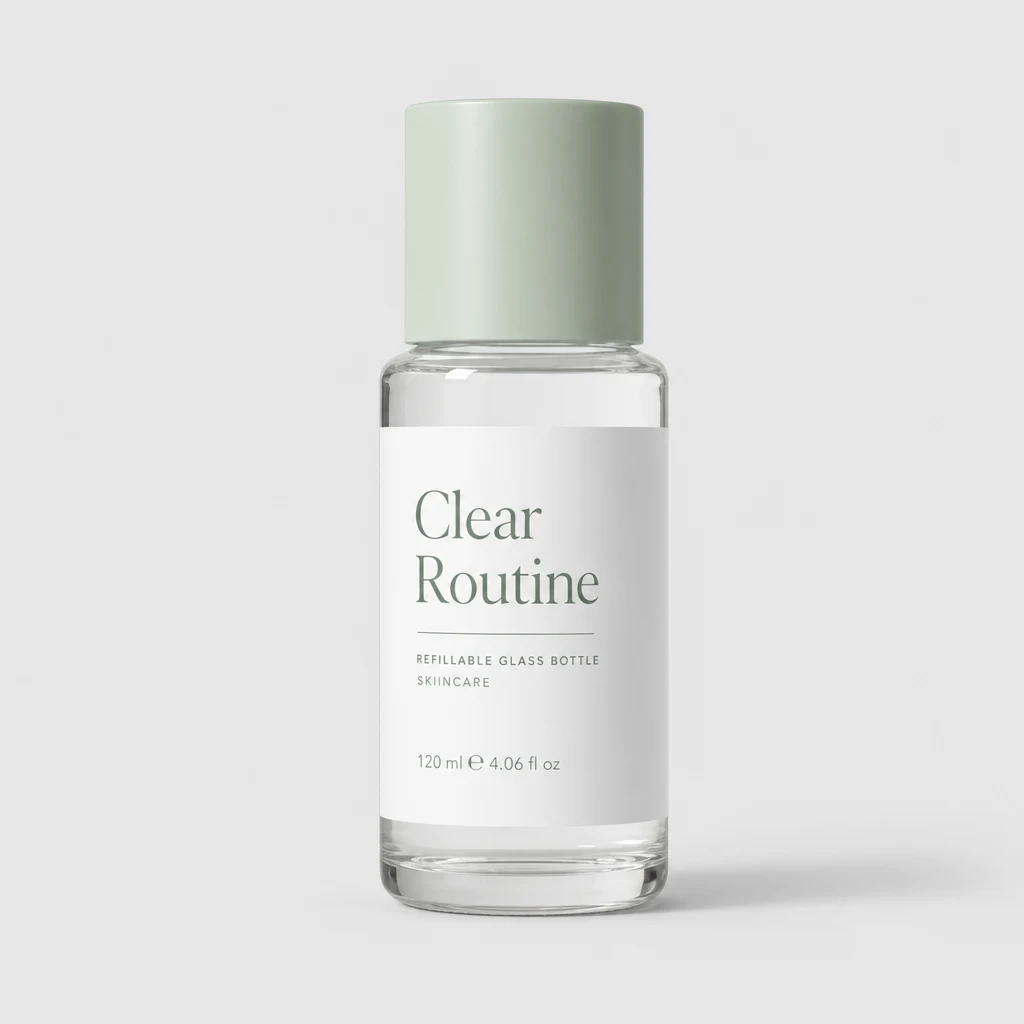
The product remains visually comparable with the source, but this output adds "Simple daily care," which the source does not provide. Treat it as review-needed: delete invented copy and regenerate from the locked brief before campaign use.
Generated source
Failure case
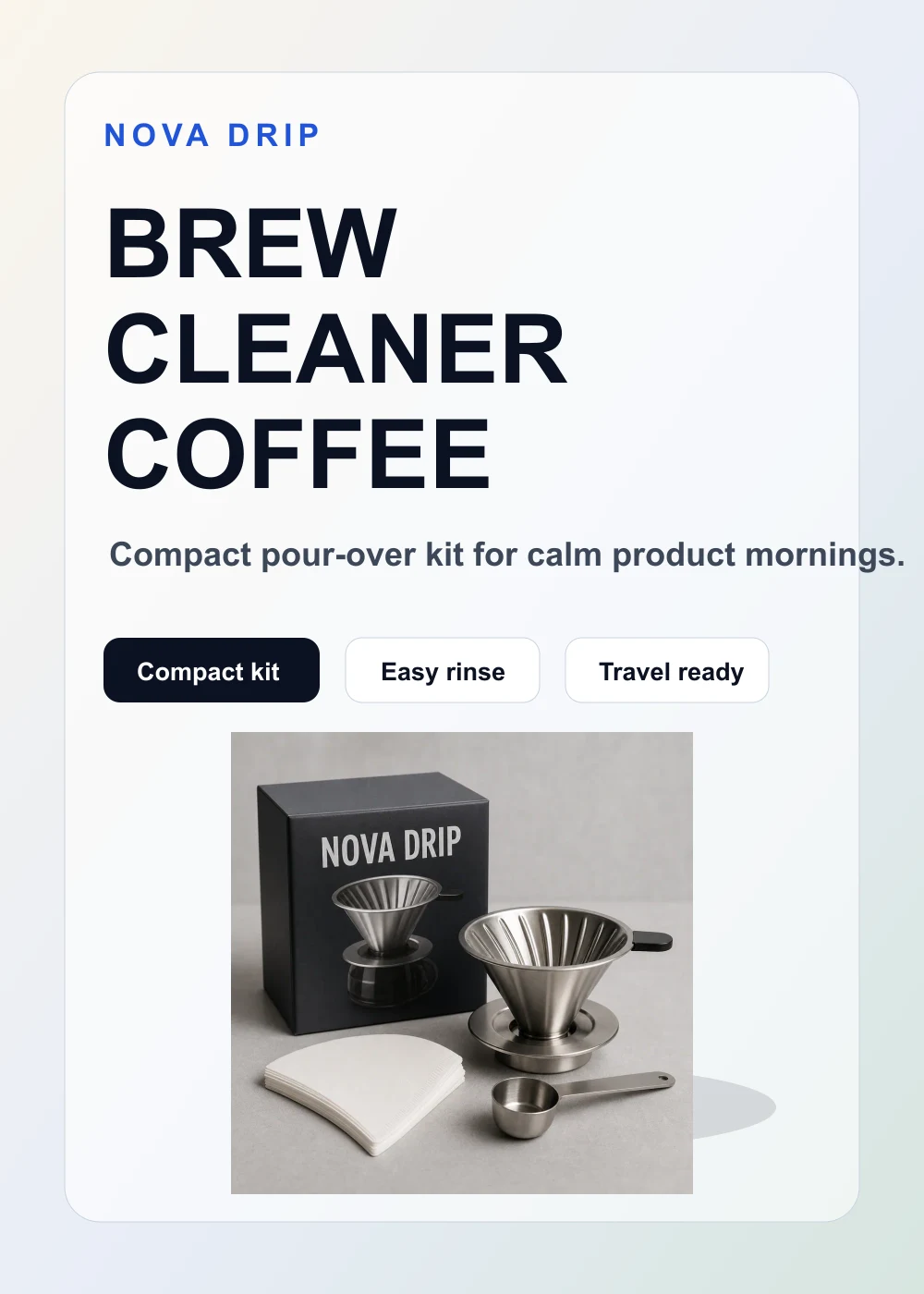
Brief-only poster direction
This poster demonstrates short copy and hierarchy, but the page does not have its raw source chain. Use it as a layout direction, not source-fidelity evidence.
Brief-only example
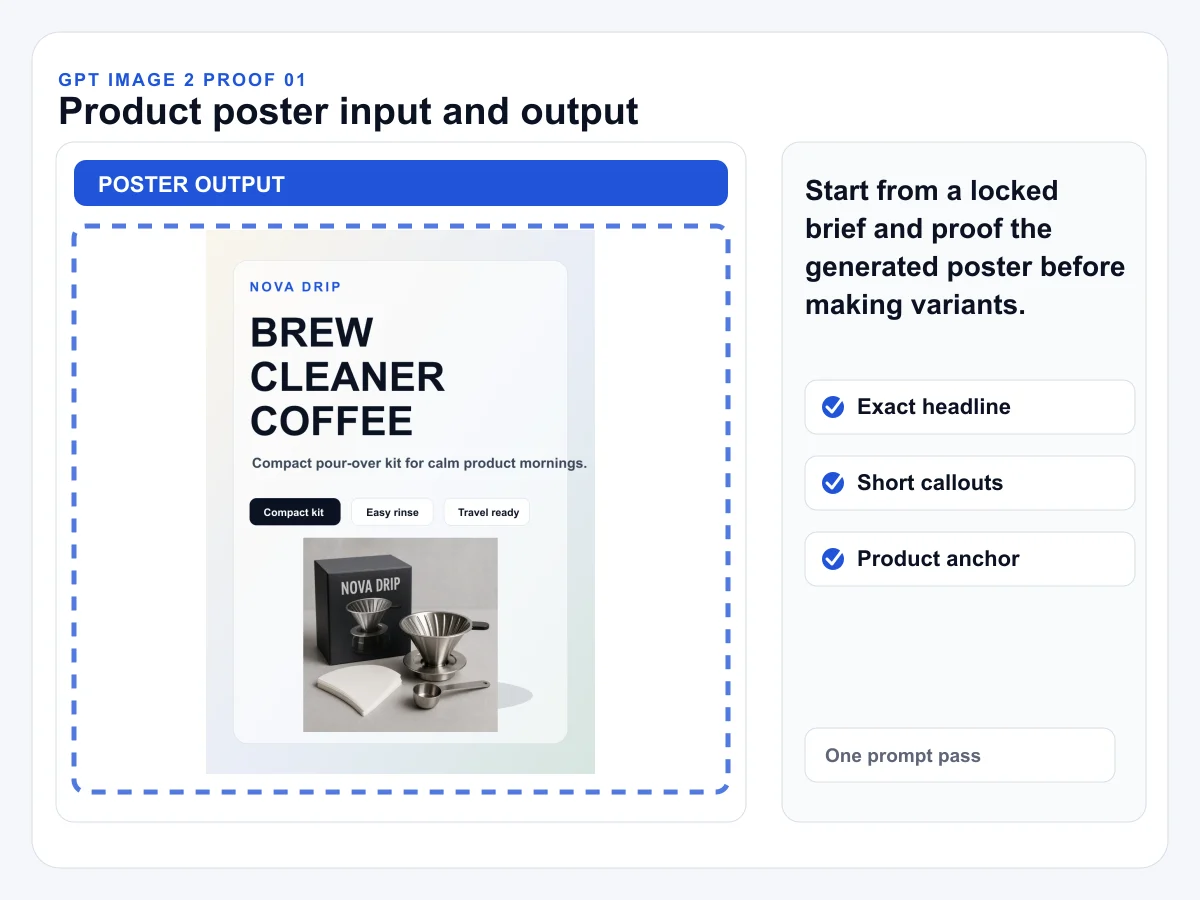
Input and poster result
This teaching composite shows where source and result comparison belongs in the review. It is a diagnostic illustration, not a raw generation record or proof of model accuracy.
Diagnostic illustration
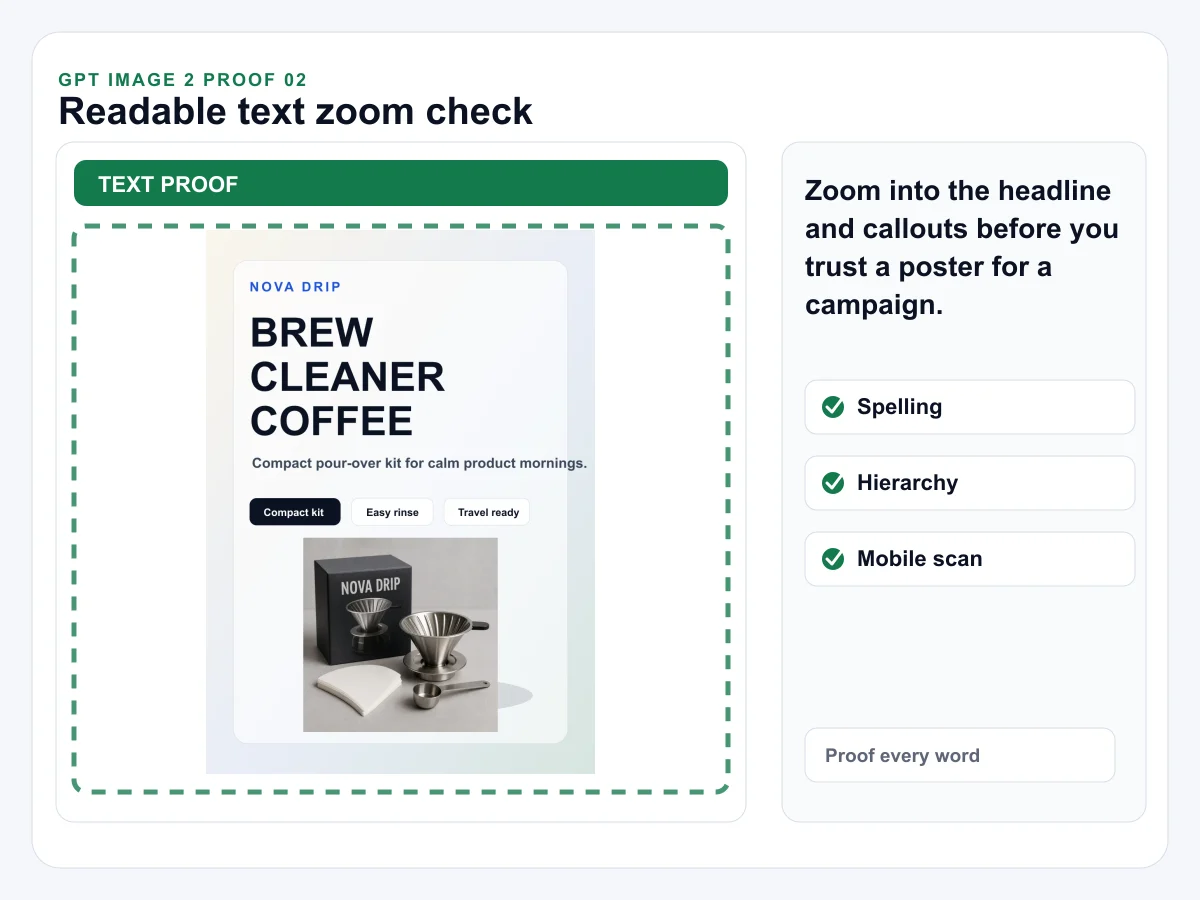
Readable text check
This annotated teaching composite demonstrates the zoom check. It does not independently prove that every generated word was correct; proofread the actual full-resolution result.
Diagnostic illustration
Create your product poster
The preview is a review-needed copy-drift case. Replace the sample product with your reviewed source and use only approved campaign copy.
Source-led product cases
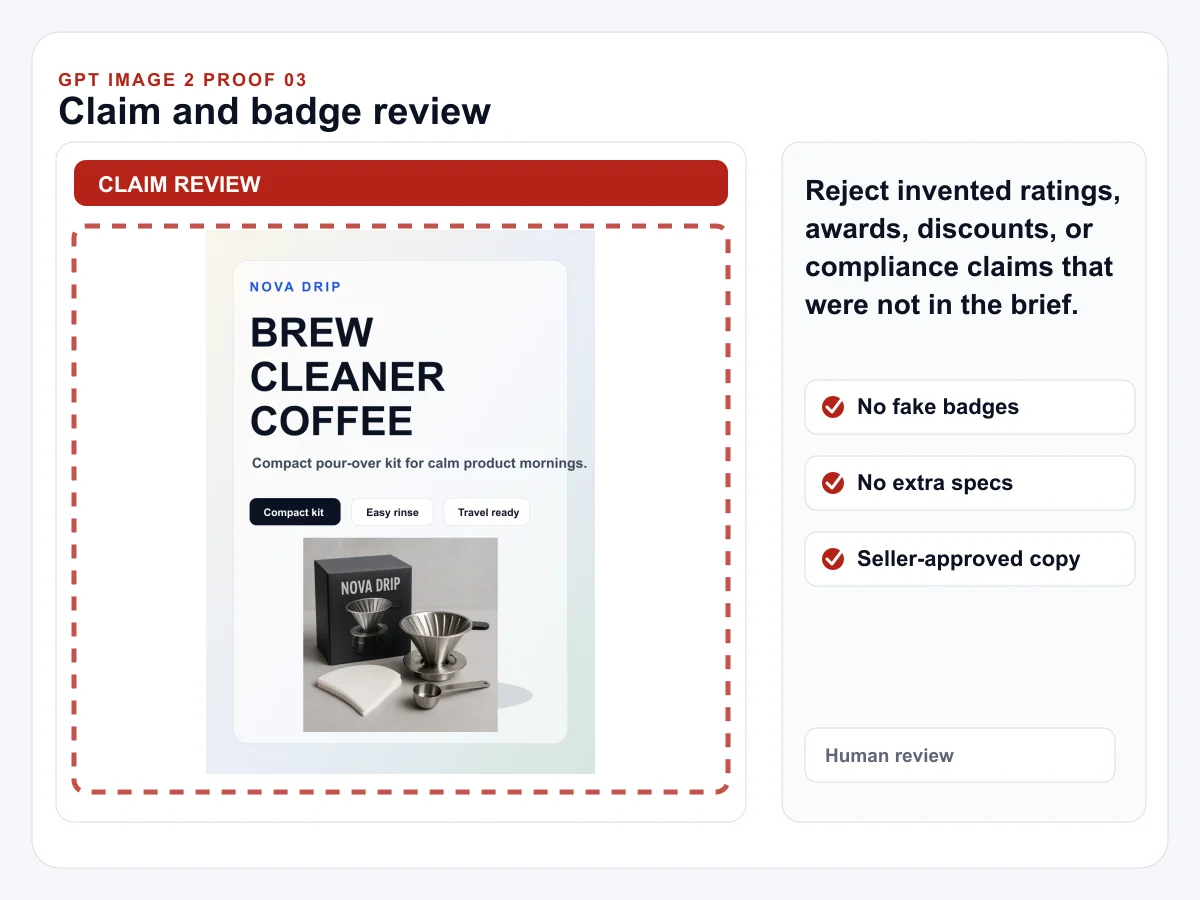
Claim review
This annotated teaching composite marks the claim-review boundary. It is not seller substantiation; reject any badge, spec, rating, or claim missing from the approved brief.
Diagnostic illustration
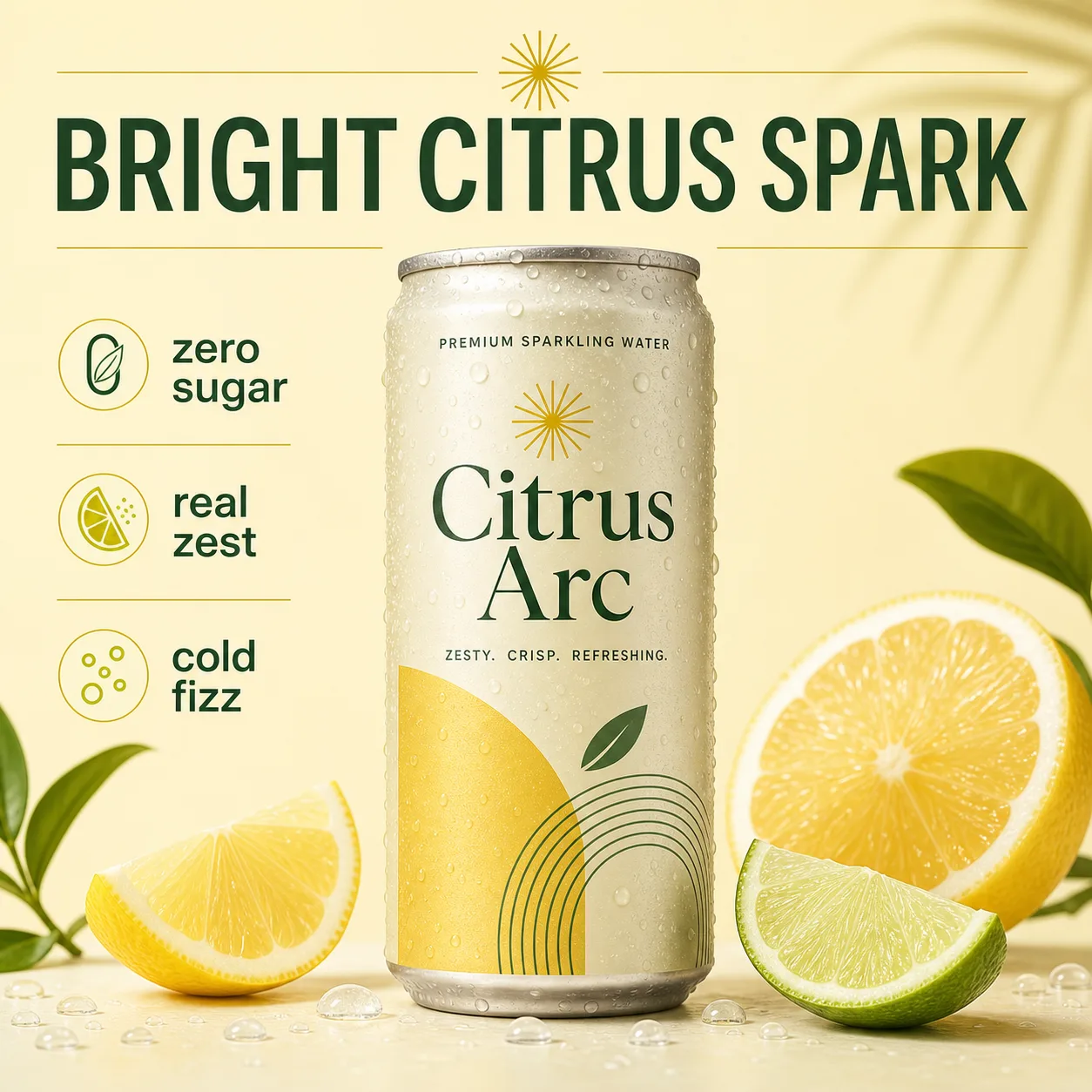
Poster-style product campaign
Use this as a style boundary: product campaign visuals can carry readable text and layout direction, but exact claims and product truth still need seller review.
Generated test
Readable product posters start with a locked copy brief
1
Lock the copy first
Write the exact headline and two or three short callouts before opening Studio. Do not let the model invent benefits, discounts, awards, or compliance claims.
2
Generate one clean layout
Use a simple product hero, crisp typography, clear contrast, and enough negative space.
3
Check before variants
Zoom in on every letter, compare product shape, and remove unsupported claims before creating variants.
A source-led product-poster brief
Product source
Name the product, material, label area, and what must stay visually unchanged.
Approved claims
List only seller-approved benefits, specs, offer text, and disclaimers. Leave uncertain claims out.
Campaign slot
Say whether the poster is for a launch graphic, storefront banner, paid social draft, or product page secondary creative.
Review boundary
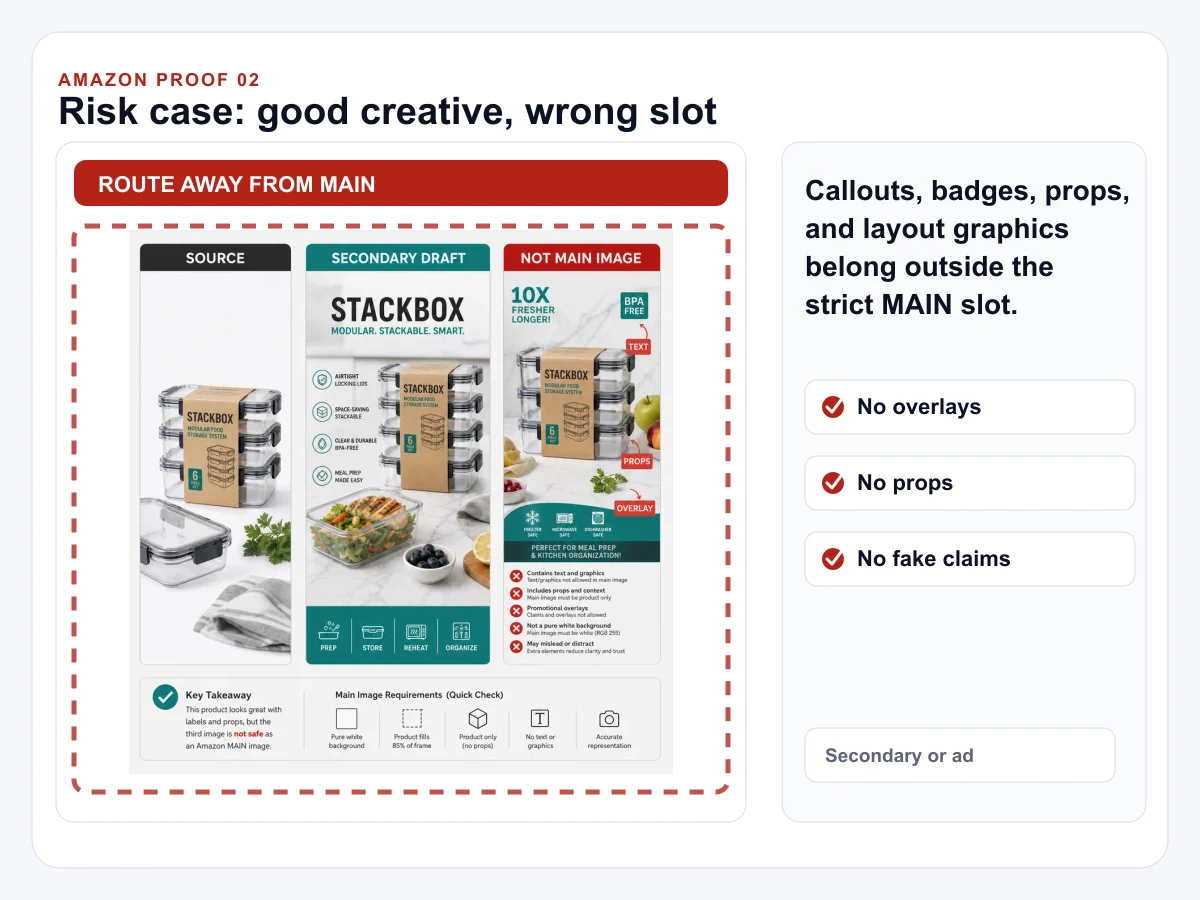
Do not use poster layouts with text overlays as Amazon MAIN images; use a separate marketplace review workflow first.
Review before campaign variants
Product shape
Compare silhouette, packaging, logo area, color, and material texture against the real product before publishing.
Text fidelity
Check every letter in the headline and callouts. Do not assume small text is correct because it looks plausible at page scale.
Claim control
Remove badges, stars, discounts, certifications, performance numbers, or medical claims that were not supplied.
Slot fit
Use product posters for ads, storefronts, launch graphics, and secondary creative, not strict main-image slots.
Use GPT Image 2 for poster drafts when the copy is short, exact, and easy to review.
Is GPT Image 2 good for product posters with readable text?
GPT Image 2 is a strong first test for product posters when the prompt keeps the copy short, exact, and structured. Provide the headline, seller-provided callouts, and layout constraints instead of asking the model to invent campaign text.
How do I keep text readable in a generated product poster?
Use one exact headline, two or three short callouts, clear hierarchy, and enough negative space. Avoid dense paragraphs, tiny legal copy, complex tables, and multilingual text until the base layout is stable.
Should I use this for Amazon listing images?
Use product posters for ads, launch graphics, storefront creative, or social campaigns. Do not reuse poster layouts with text overlays as Amazon MAIN images.
What should I inspect after the first poster generation?
Check the exact headline, spelling, hierarchy, product shape, unsupported claims, logo placement, and whether the output still looks like a product poster instead of a generic AI art scene.
Can I upload a product photo for this product poster workflow?
Yes. This page opens a dedicated GPT Image-2 image-to-image starter with a sample product source. Replace it with your reviewed product photo, lock the exact campaign copy, and compare product shape, packaging, and label area before publishing.