
Quick concepts
Generate early product, campaign, and mood frames before choosing a final model.
These are the practical jobs this setup helps you finish faster.
Generate early product, campaign, and mood frames before choosing a final model.
Try wide, vertical, square, or unusual aspect ratios without committing to a final layout.
Use a strong draft as the source image for a stricter image-to-image pass.
Use this path before spending credits on variants or higher-quality runs.
Nano Banana 2 is the cheaper direction check; Nano Banana Pro is the stricter edit pass.
Scout composition and lighting here, then use GPT Image-2 for readable copy.
Ask for one product idea, one mood, and one aspect ratio on the first run.
Short answer
Use Nano Banana 2 when you need a fast still-image draft and the exact layout is not locked yet. Treat the first run as direction scouting, then move good concepts into an edit workflow.
Related campaign sample
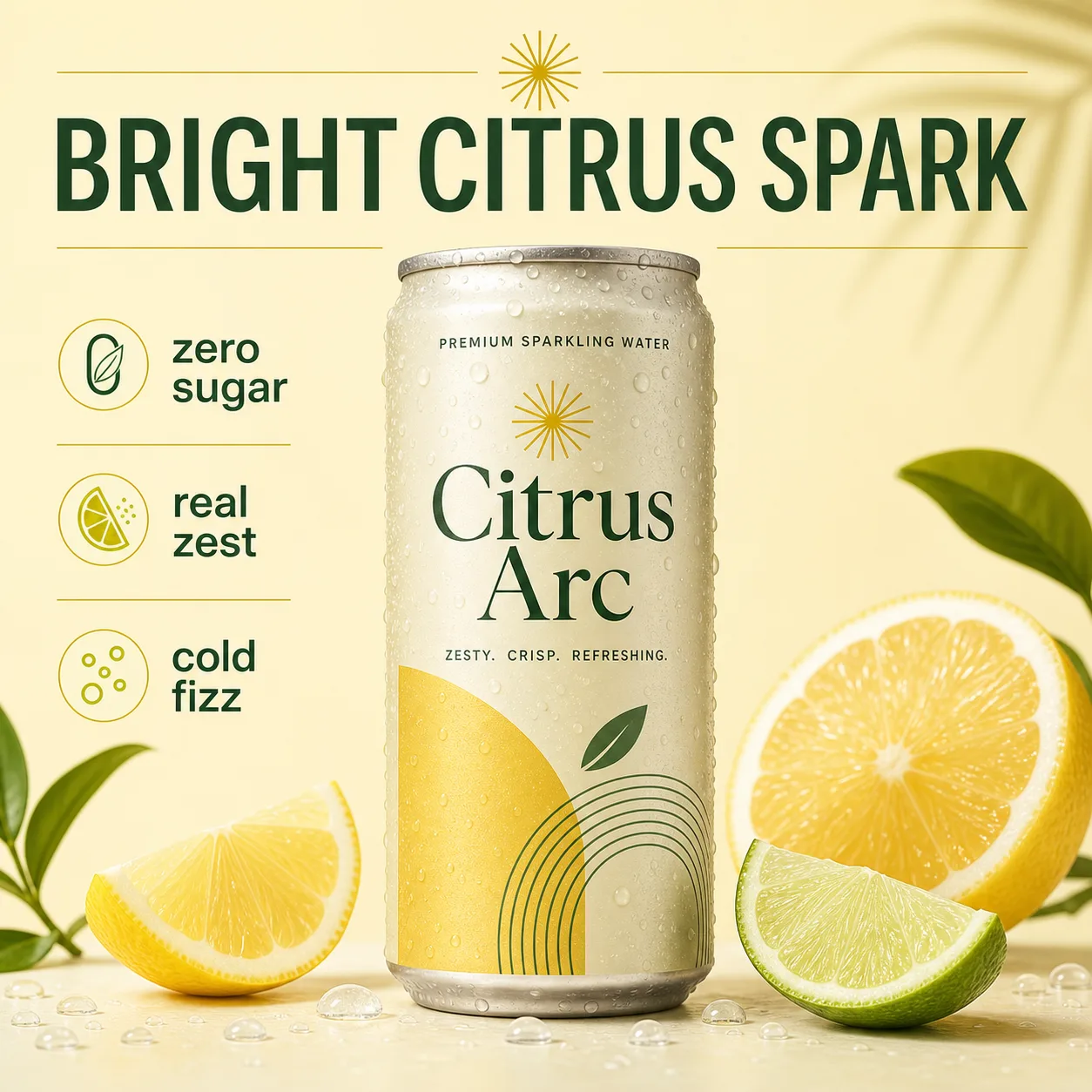
Use this model when these jobs match your first run.
Mood, lighting, product category, and visual direction checks.
Wide, vertical, and unusual ratios before a campaign is locked.
Use it before higher-cost product editing or poster proofing.
Keep the first generation narrow and easy to grade.
Do not add tiny campaign text on the first Nano Banana 2 run.
Pick one aspect ratio for the first decision.
Use the best draft as a reference for later image-to-image.
Avoid wasting credits by checking these constraints.
Use GPT Image-2 when exact readable text is the main output.
Broad prompts can produce attractive but unusable directions.
Use image-to-image when a real product must stay unchanged.
Use it for fast image direction, product concepts, visual mood, and broad campaign frames before moving into a stricter workflow.
Yes. This page starts with text-to-image, but you can switch to image-to-image in Studio when a source image should guide the result.
AuraTuner currently lists Nano Banana 2 at 25 credits for 1K, 35 credits for 2K, and 55 credits for 4K.
Use GPT Image-2 first when exact headlines, callouts, or layout text are the core requirement.