
2K and 3K drafts
Create higher-resolution product concepts, editorial stills, and visual direction frames.
These are the practical jobs this setup helps you finish faster.
Create higher-resolution product concepts, editorial stills, and visual direction frames.
Use it for prompts where texture, lighting, packaging, and scene structure matter.
Save strong stills as inputs for later image editing or video generation.
Use this path before spending credits on variants or higher-quality runs.
Use 2K to judge the composition before spending more credits on 3K.
Name the product set, material, lighting, and camera angle instead of using a broad style prompt.
Use GPT Image-2 when headlines, callouts, or small text are the real output.
Short answer
Use Seedream 5.0 Lite when you want a 2K or 3K still-image draft with rich material, lighting, and scene detail, and the prompt does not depend on exact readable copy.
Related product concept
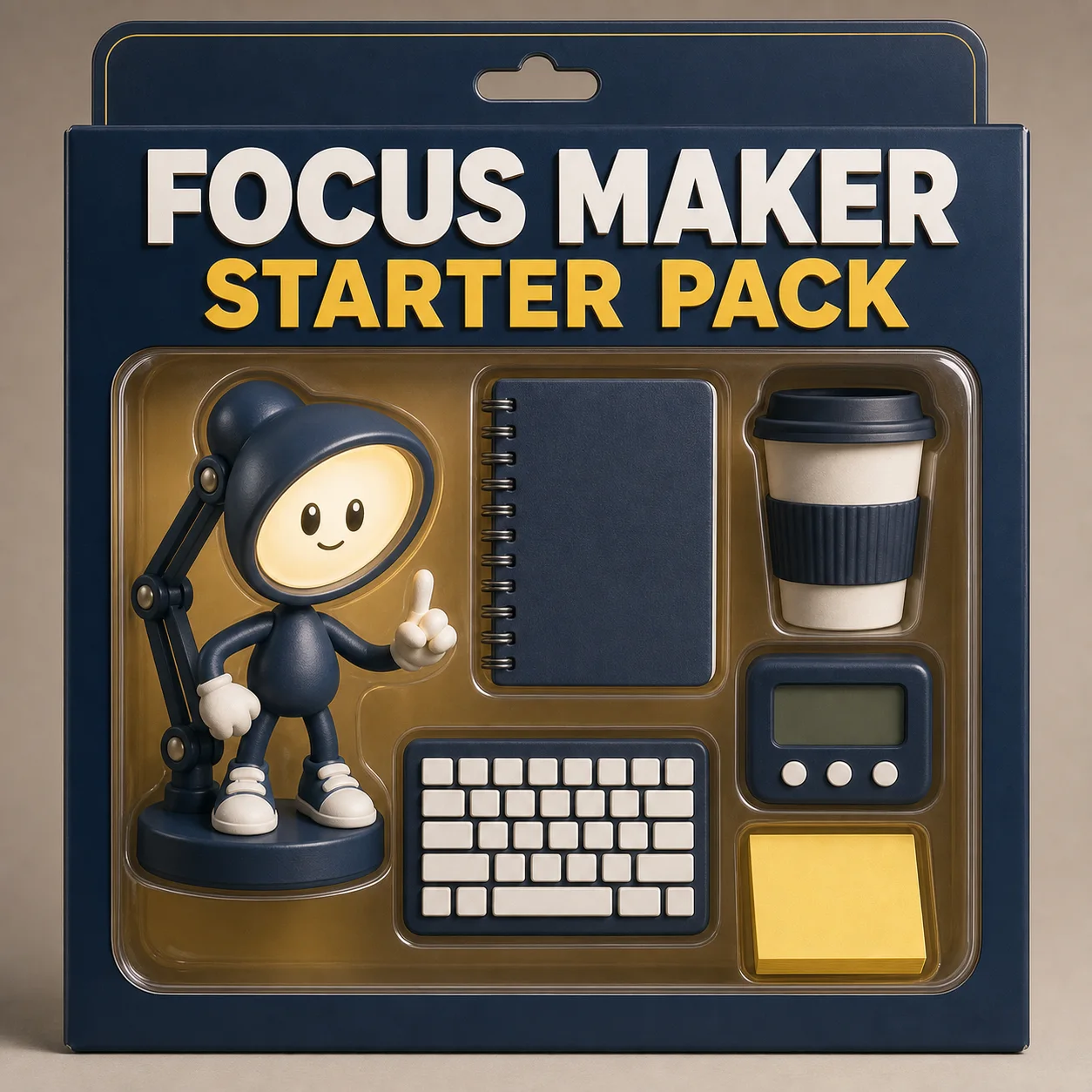
Use this model when these jobs match your first run.
Product concepts, editorial stills, and visual direction checks.
Higher-resolution drafts before committing to final assets.
Generate frames that can guide later edit or video passes.
Keep the first generation narrow and easy to grade.
Use 2K to decide whether the composition is worth refining.
Do not make exact labels or dense text the first task.
Switch to 3K after product shape and composition work.
Avoid wasting credits by checking these constraints.
AuraTuner lists Seedream 5.0 Lite at 2K and 3K.
Use GPT Image-2 when exact poster copy is required.
Keep claims, badges, and ratings out unless verified elsewhere.
AuraTuner lists Seedream 5.0 Lite with 2K and 3K image generation options.
Yes. AuraTuner supports text-to-image and image-to-image for Seedream 5.0 Lite.
Start with 2K. Move to 3K only after the composition, product shape, and material direction are worth refining.
Use GPT Image-2 first when exact readable text is the main requirement.