
Thumbnail-safe first photo
In this generated test, the candle and box stay centered with visible border for thumbnail crops. It is a framing example, not proof that the image matches a real seller SKU.
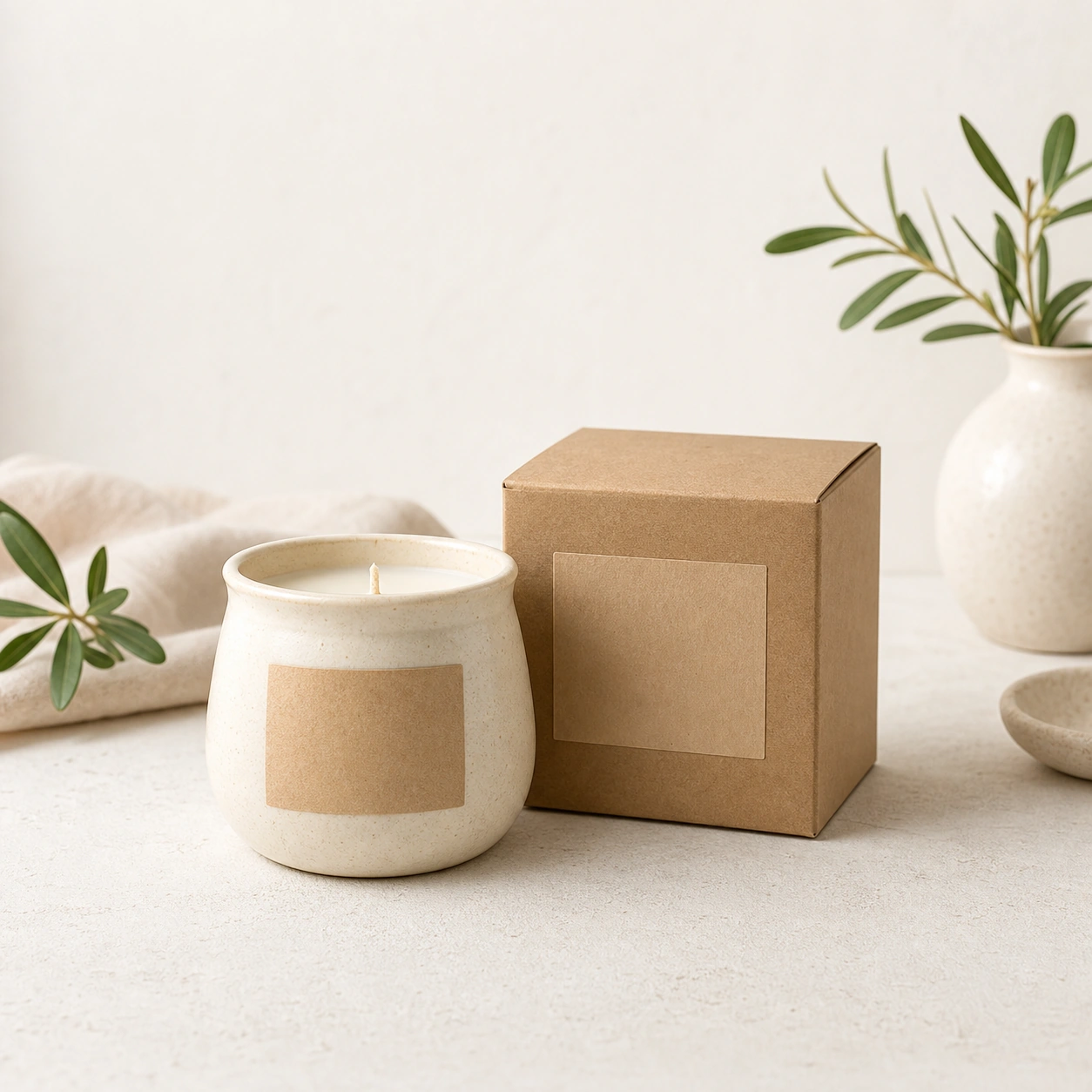 Generated test
Generated source
Create one listing photo draft from a real handmade product image, then decide whether it belongs in the first photo, lifestyle gallery, detail shot, packaging view, or reject pile. The goal is a truthful product image that survives thumbnail crops and still matches what the buyer receives.
Try this workflow in StudioSwipe to compare all 3 cases, including findings and limits.
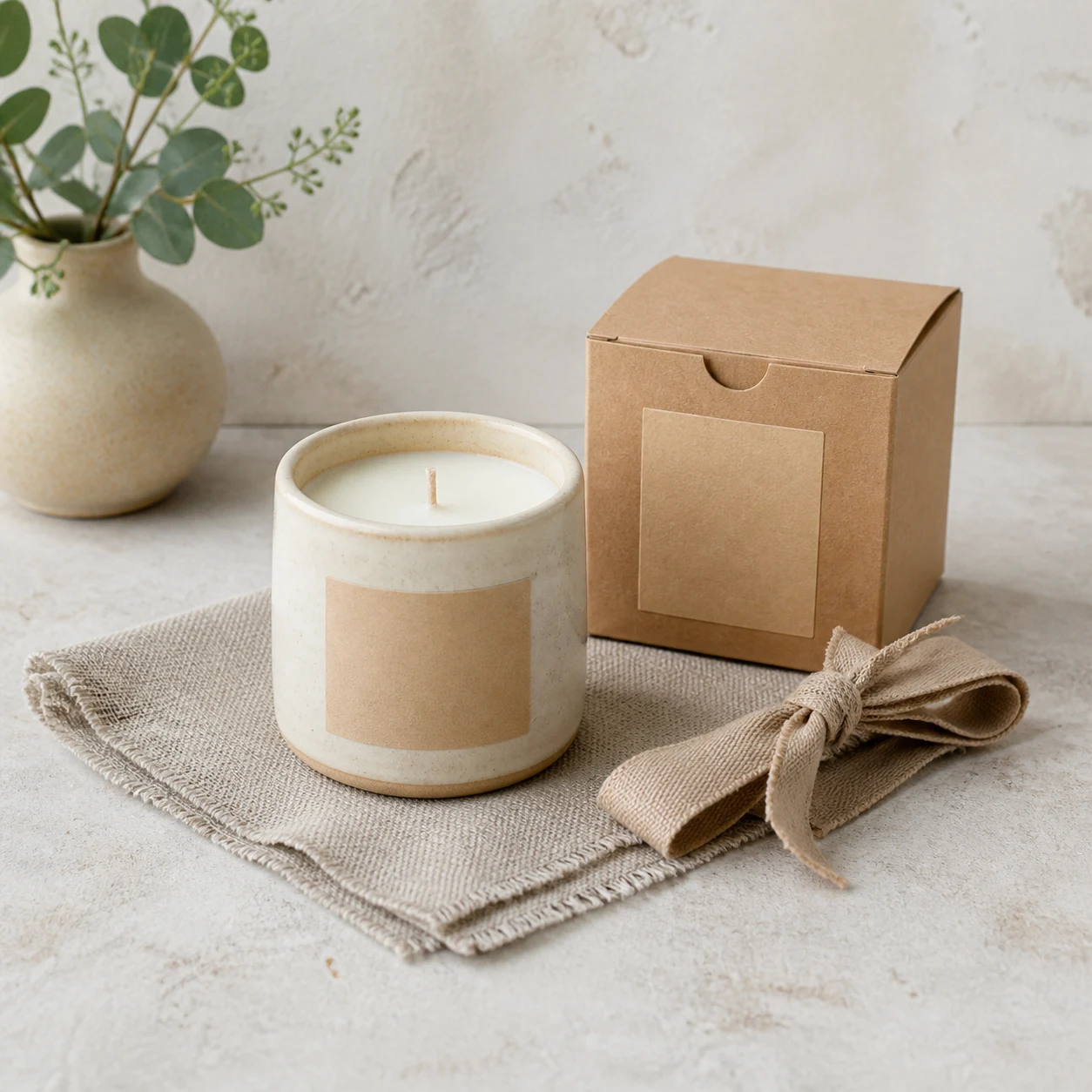
In this generated test, the candle and box stay centered with visible border for thumbnail crops. It is a framing example, not proof that the image matches a real seller SKU.
Generated testGenerated source
In this generated test, the candle remains clear while room props add context. Compare every prop and product detail with the real listing; the scene must not imply extra items are included.
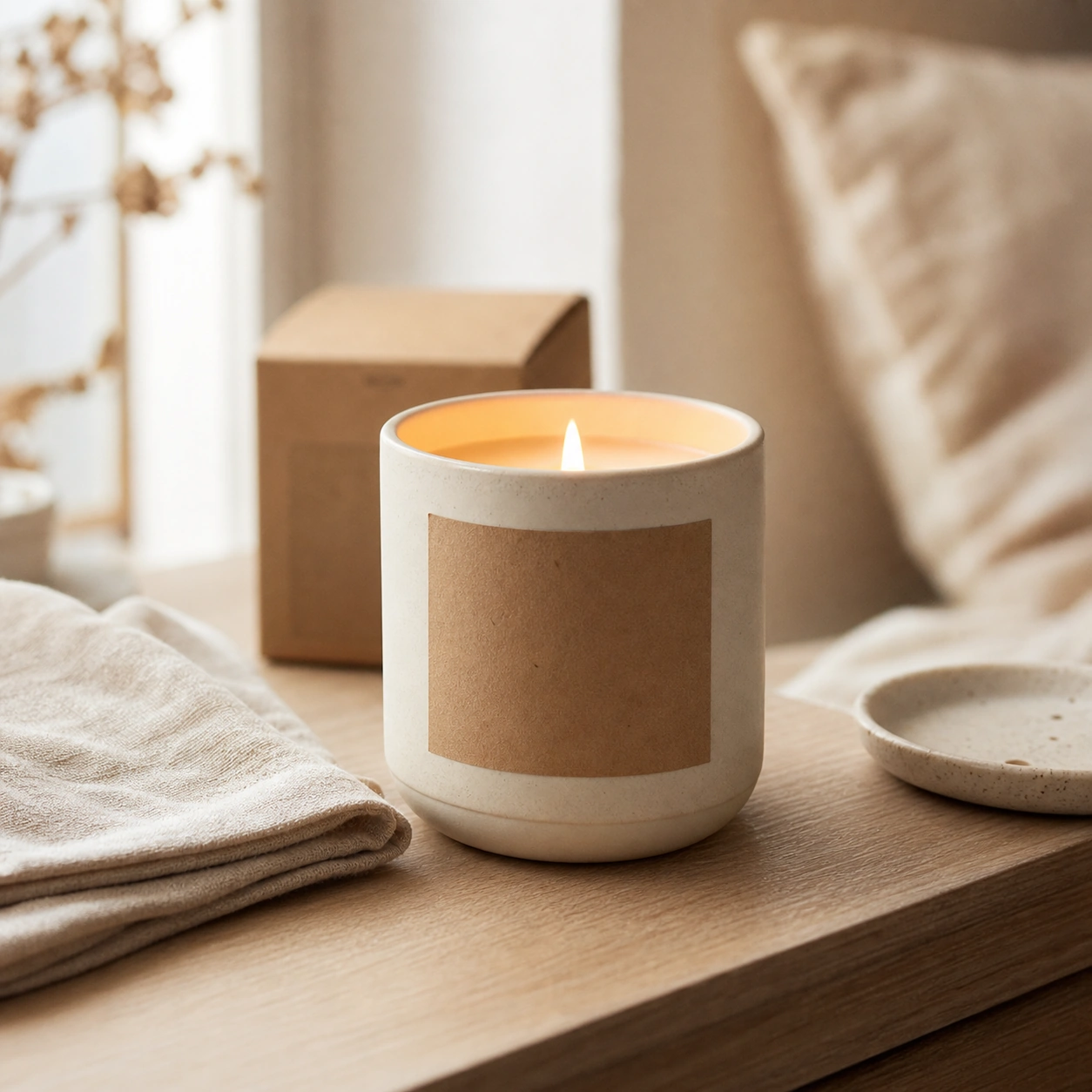 Generated test
Generated source
This generated failure case is too tight and prop-heavy for a clear first-photo example. It illustrates crop and hierarchy risk; it does not represent every Etsy rejection rule.
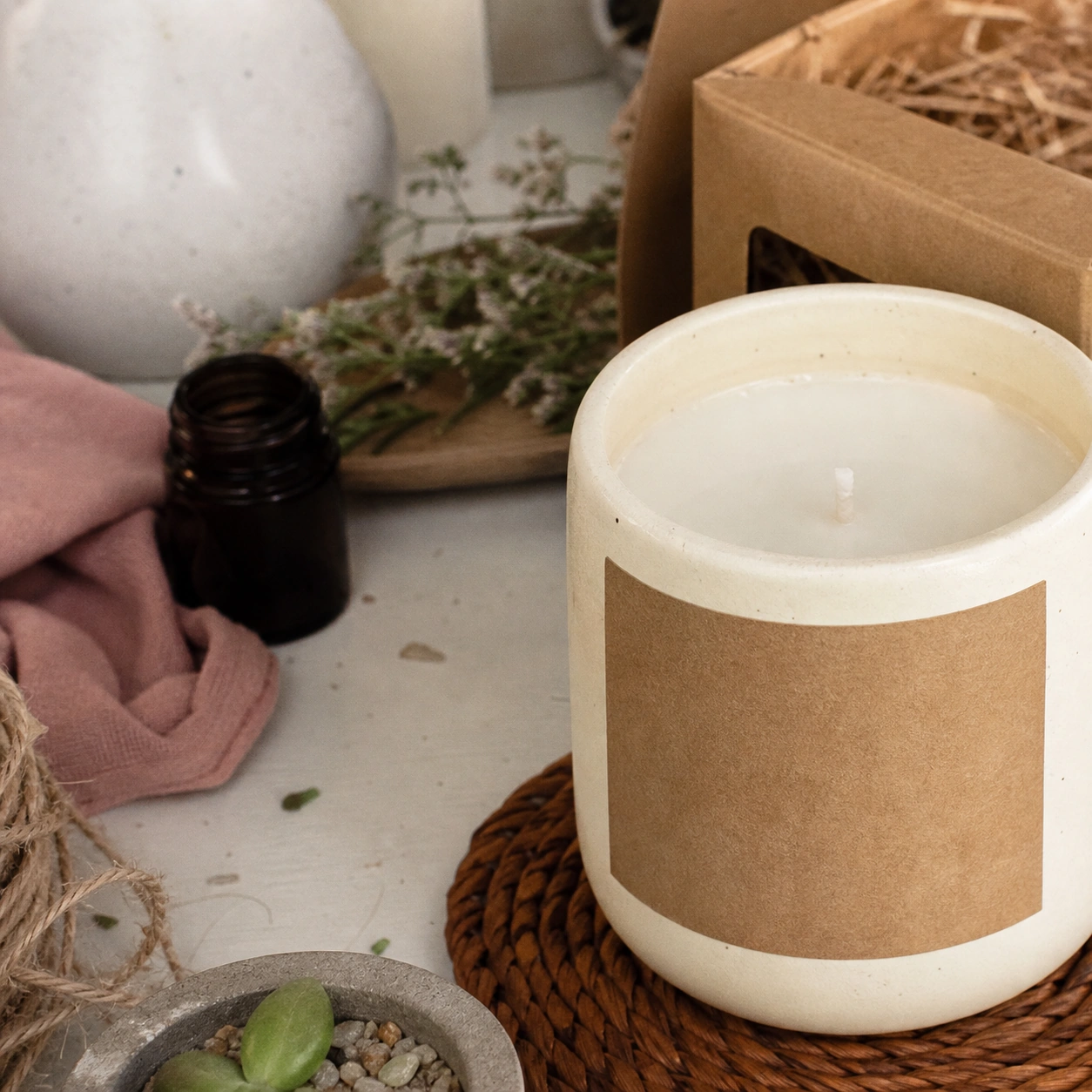 Failure case
Generated source
Use the sample or upload your own handmade product photo.
Start from the clearest photo of the actual item. Protect material, color, condition, quantity, scale, label area, and handmade texture.
Ask for one listing slot at a time: first-photo candidate, lifestyle gallery photo, scale/detail shot, packaging view, or personalization proof.
Reject drafts where the product is too close to an edge, the thumbnail loses the main item, or text is required to explain what is for sale.
Prefer a centered original product photo with enough border. It should answer what the buyer is purchasing before any lifestyle or detail variants.
Use context to show scale, mood, or use case after the first photo is safe. Avoid props that look like part of the sale.
Use close crops for texture, clasp, engraving, glaze, stitching, finish, or personalization. Keep the detail tied to the real item.
Reject collage-style, dark, blurry, over-cropped, watermark-heavy, or prop-dominant images.
Preview whether the product stays clear in square, portrait, and landscape thumbnails.
Compare material, color, finish, quantity, packaging, condition, and personalized details against the actual item.
Reject dark, blurry, noisy, over-smoothed, or low-resolution drafts before making variants.
Remove watermarks, unsupported claims, fake customization text, and props that imply a different sale.
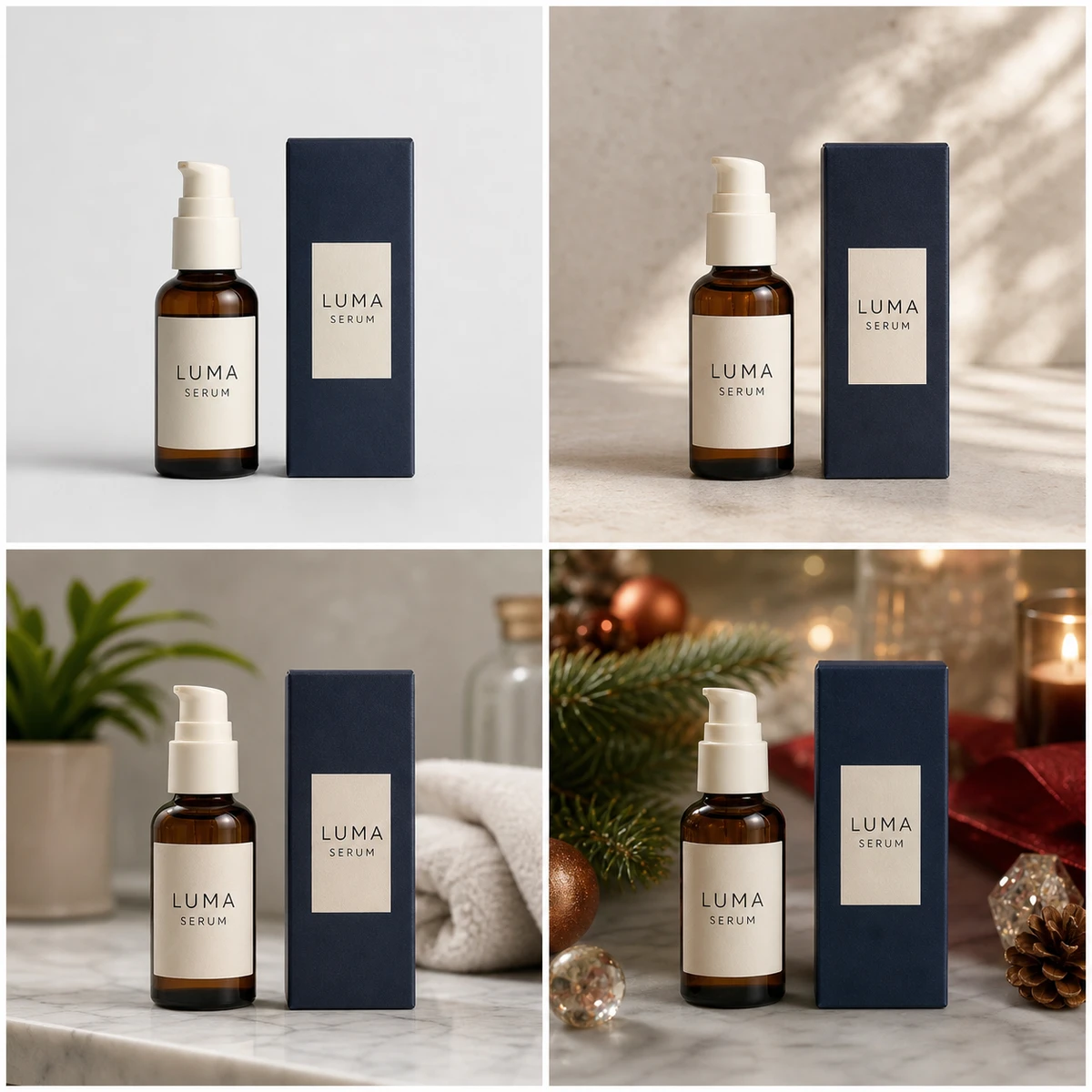
Use when the main task is replacing the background while protecting product shape and label area.
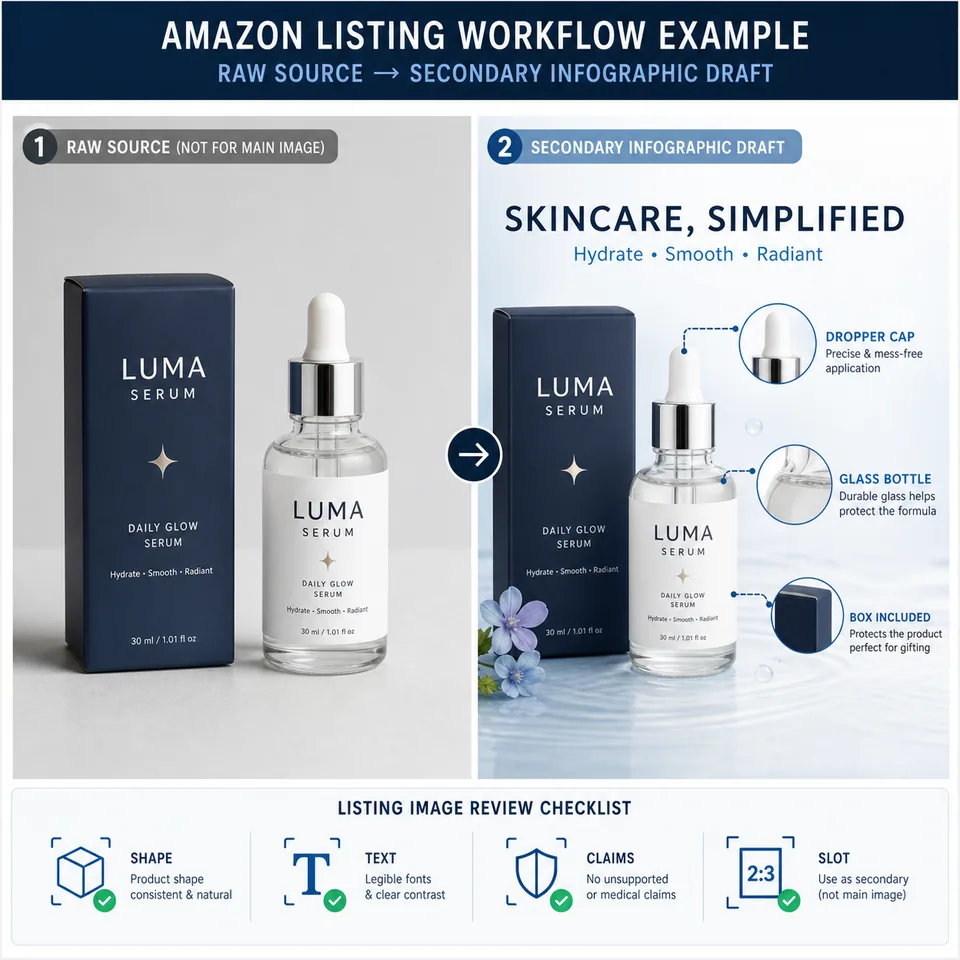
Use when the marketplace slot requires Amazon-specific main-image and secondary-image checks.

Open the broader image editor when the task is not Etsy-specific.
Draft and inspect listing photos here. Review final images against Etsy rules and your real product before upload.
Use a clear original photo of the actual finished product buyers will receive. Keep the subject centered with enough border so square, portrait, and landscape thumbnail views do not cut off the product.
Use AI output as a draft or editing aid, then review it against Etsy's listing image requirements, seller policies, and the actual product. The draft should not change material, color, quantity, condition, personalization, or what is included in the sale.
Etsy recommends listing photos with width and height of at least 2000 pixels. The first listing photo should be at least 635 pixels wide and tall to avoid showing lower in search.
Check thumbnail crops, product accuracy, lighting, sharpness, color, condition, quantity, and whether the image uses unsupported transparency, watermarks, collages, or misleading props.
No. The first photo should usually answer what the buyer is purchasing. Later gallery images can show scale, texture, packaging, personalization, or lifestyle context as long as the product remains truthful.