
Multi-selling-point product images
One product photo. Distinct images for appearance, lifestyle, and visible features.
One product source
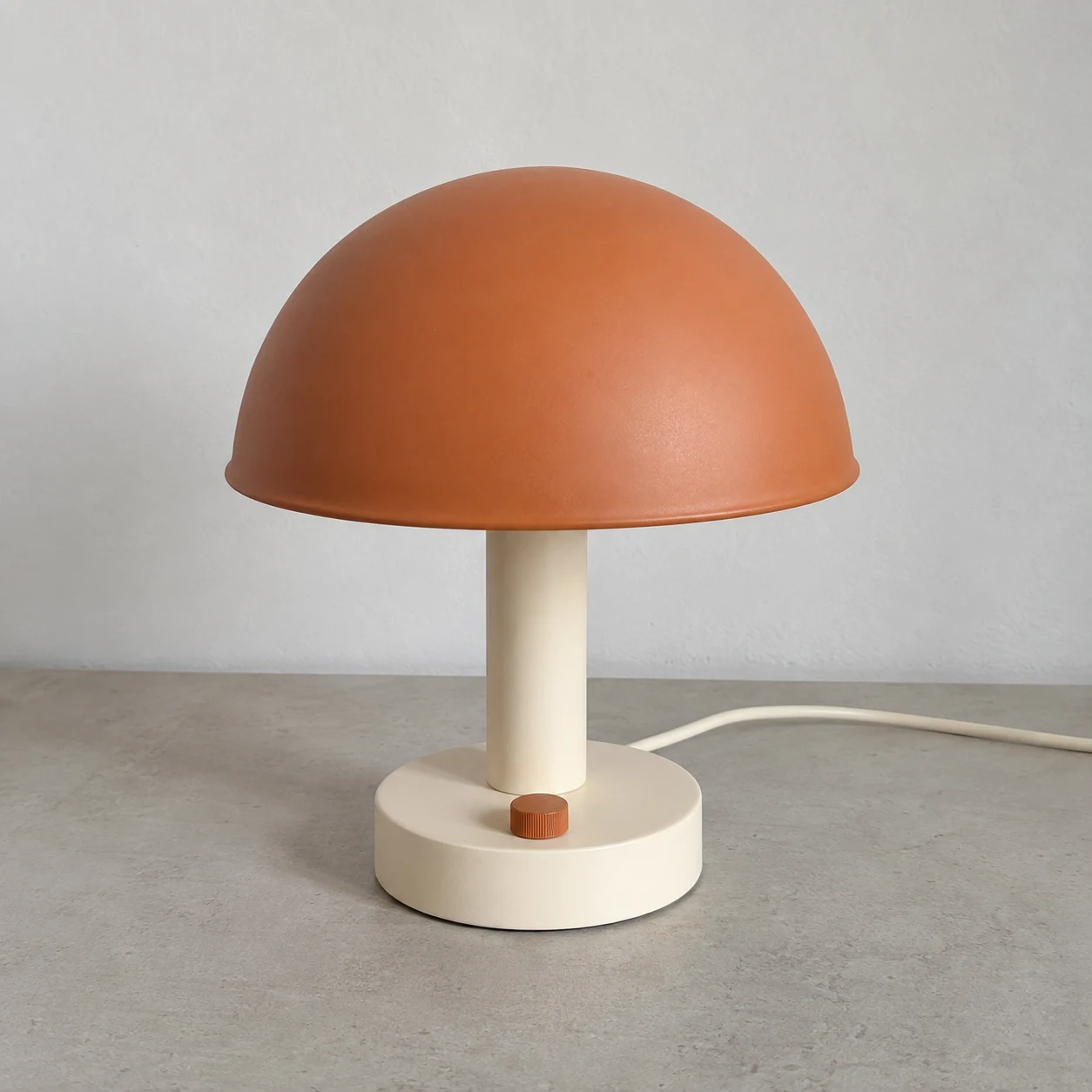
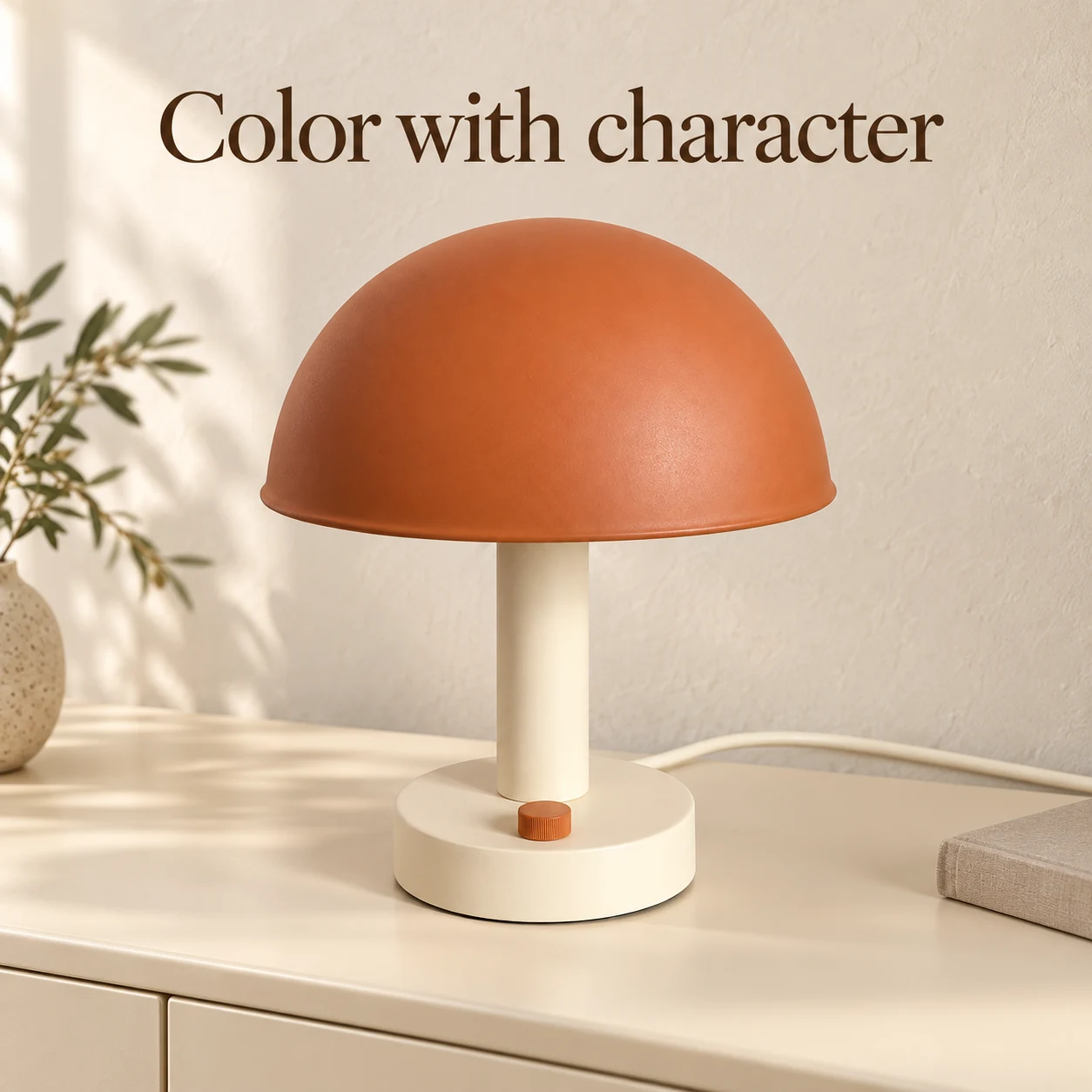
01 / Appearance
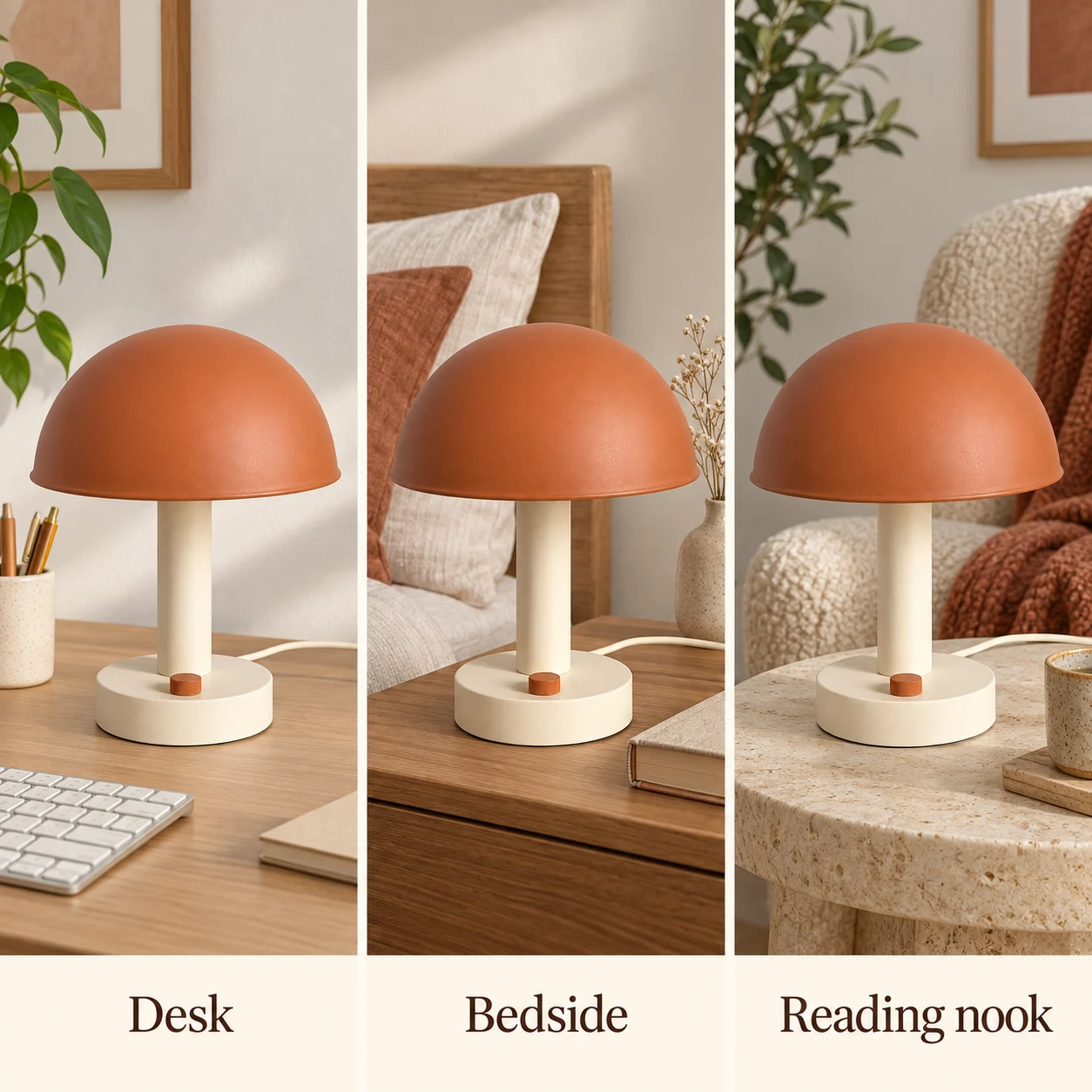
02 / Lifestyle
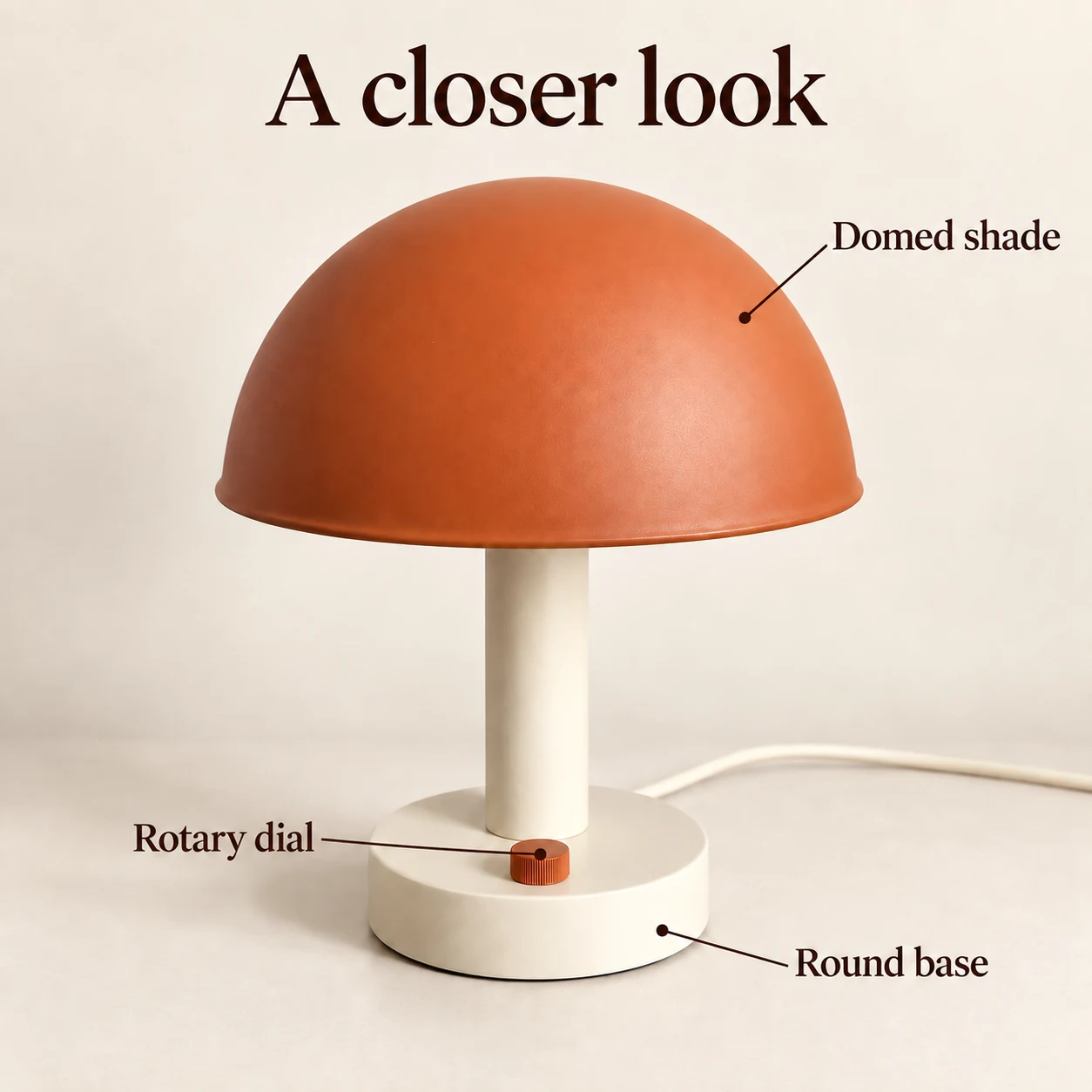
03 / Features
Three selling points, from one source image.
Selling point 01 · Appearance
Appearance highlight
Show what the lamp looks like through its visible color, shape, and finish.
Selling point 02 · Lifestyle
Lifestyle scene collage
Show one lamp in three useful settings while keeping its identity consistent.
Selling point 03 · Features
Feature callout image
Point to the visible shade, rotary dial, and round base with a clear callout layout.
Selling point product image FAQ
What selling point images can I create from one product photo?
Choose an appearance highlight, a lifestyle collage, or a visible feature callout. Each example creates one product hero image in Studio from the same source product.
Does this make all three selling point images at once?
No. Each example is a separate, single-image Studio task. Choose one selling point, review its prompt, and generate one image at a time. The lifestyle example is one flat three-panel collage image.
What should I provide for product selling points?
Use visible product details and seller-approved copy. Keep measurements, material composition, battery, wireless, performance, and other technical claims out unless you verify them yourself.
Will the same lamp or product stay consistent?
Each starter uses the same source image and shared visual direction. Compare the result with your source before keeping it; generative editing can still change small details.
Does choosing an example generate or charge for an image?
No. Make one like this loads only that example in Studio. Review its model, settings, prompt, and credit cost before you decide to generate.