
Portrait in a busy market


Background removal tool
Remove a photo background, preview the transparent cutout, and download the PNG.
Your transparent PNG will appear here and stay available in My Assets.
Create transparent product or portrait PNGs.
Upload one PNG, JPG, or WebP under 5MB.
Choose a clear subject edge; complex overlaps may still need manual cleanup.
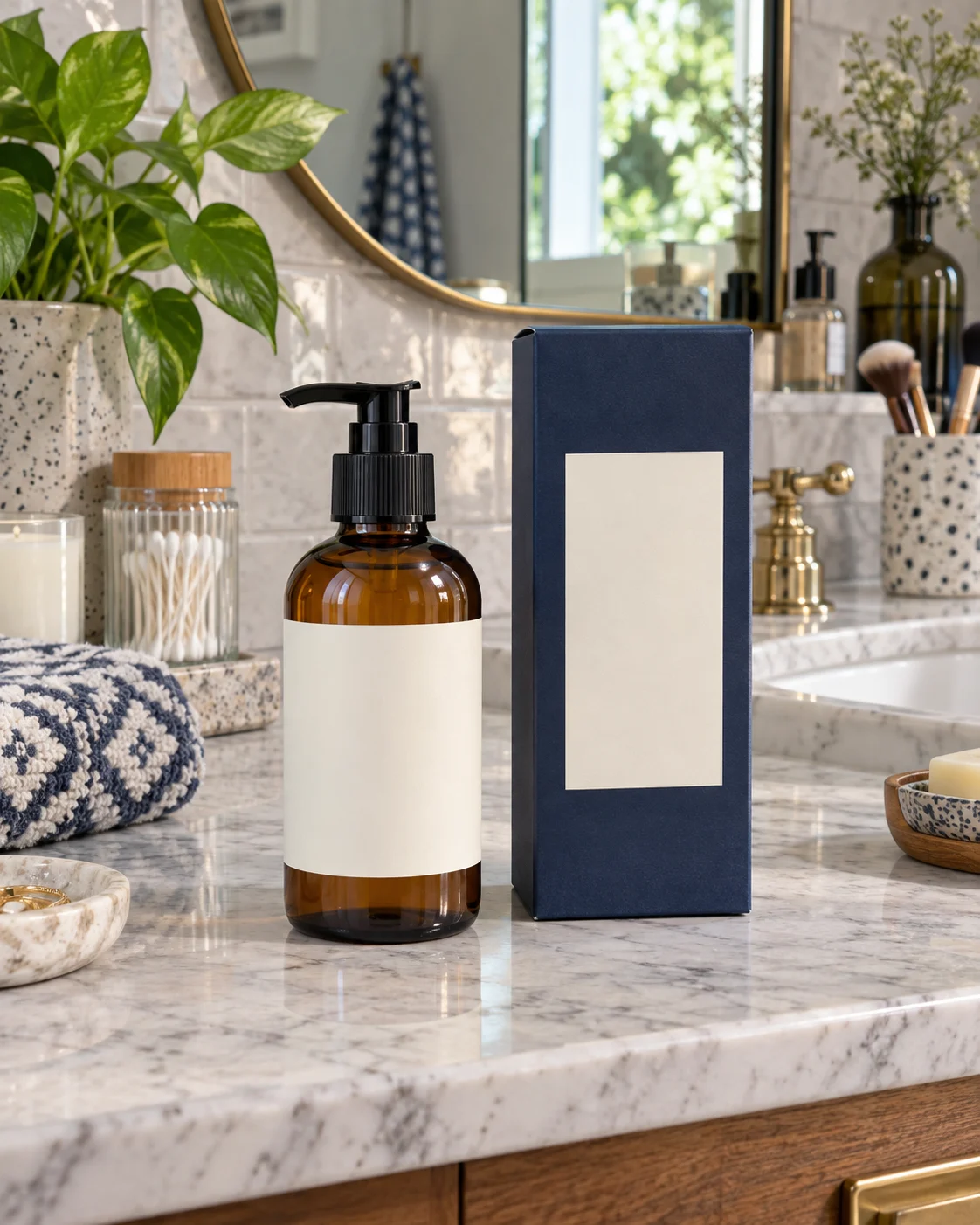
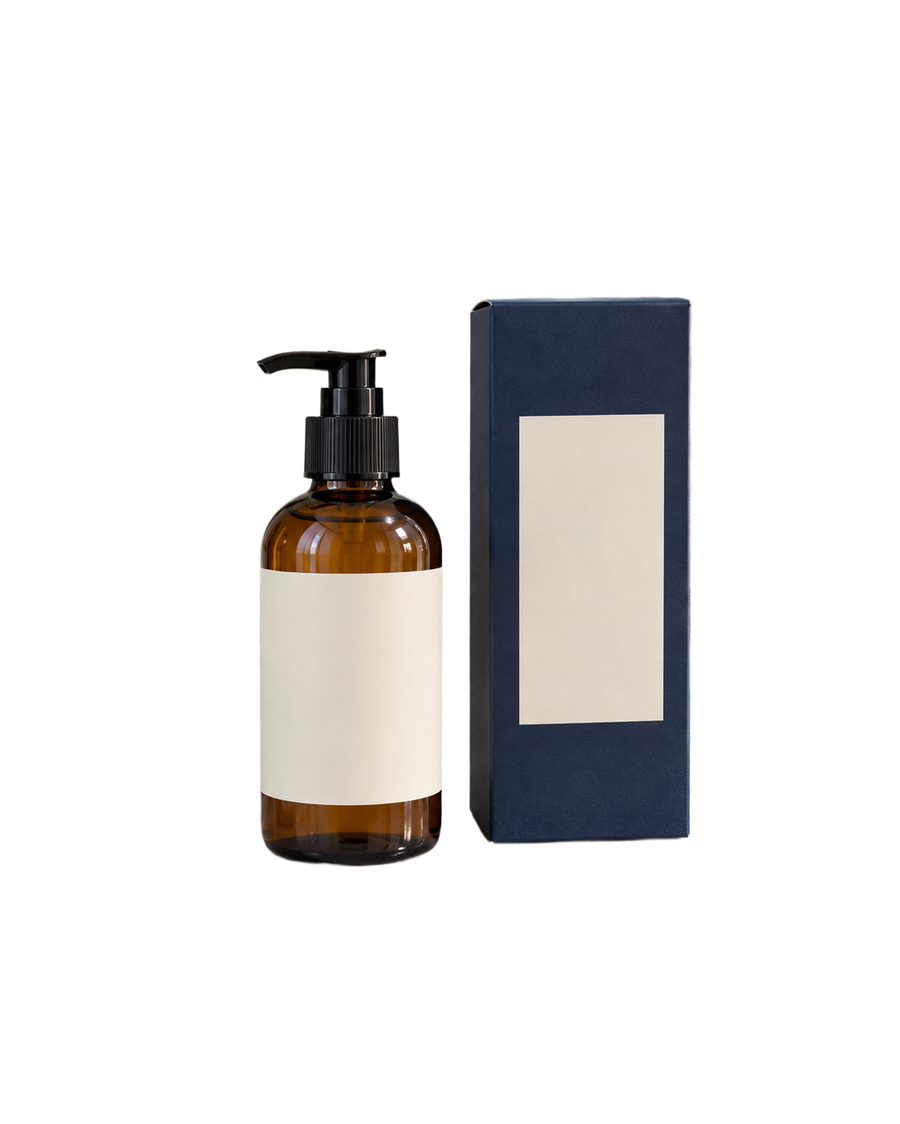
Compare the original photos with real transparent PNG cutouts made by this tool.
Upload a PNG, JPG, or WebP image up to 5MB. Images must be 256 to 4096 pixels on each side and no more than 16 megapixels.
Yes. AuraTuner stores and returns the result as a transparent PNG when background removal completes successfully.
Each background-removal run uses 3 AuraTuner credits.