
BEAUTY ECOMMERCE IMAGE MAKER
Make beauty product detail page images from one product photo.
Create a product hero, a packaging close-up, or an in-use scene. Choose one image task at a time, keep your real product as the reference, and make the result in Studio below.
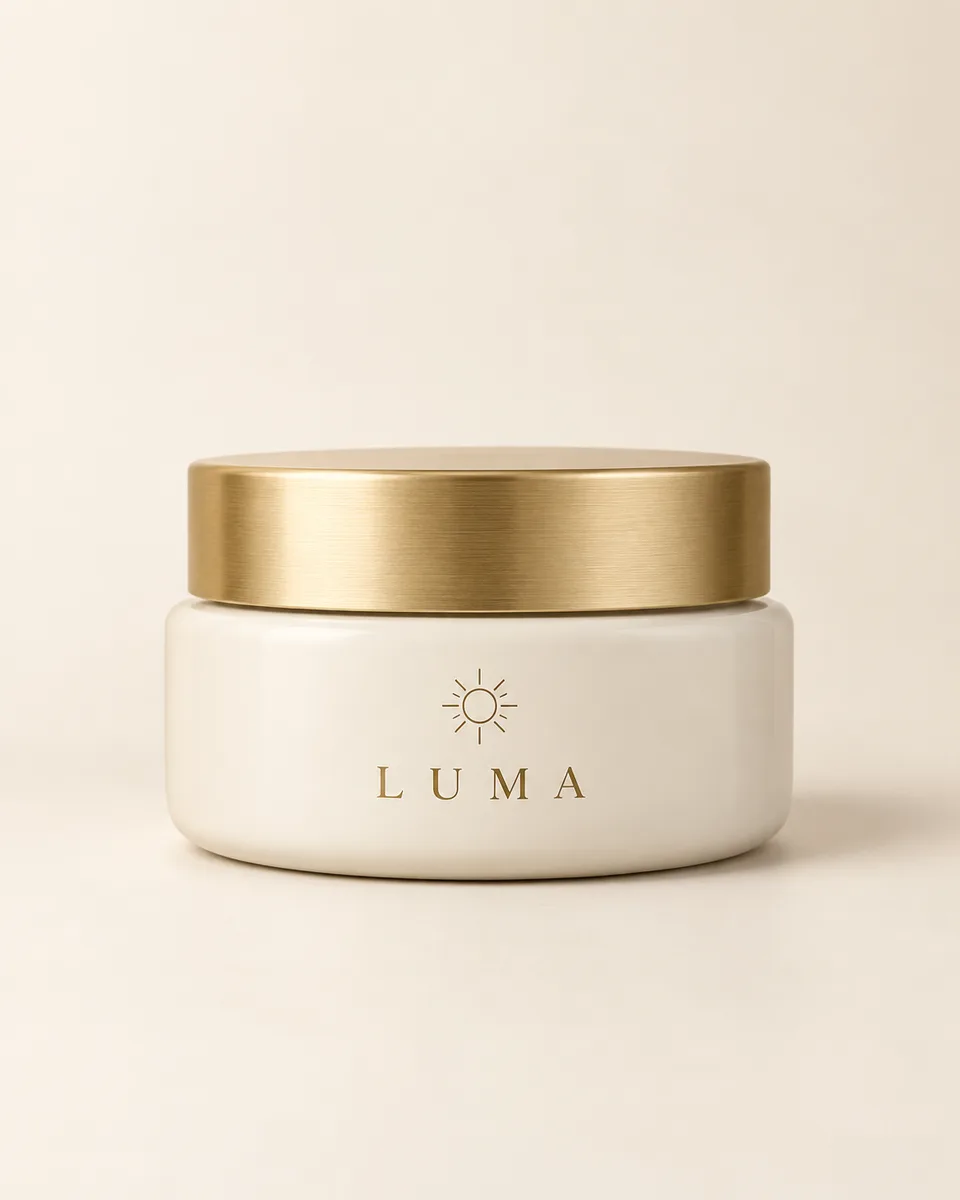 1 product photo
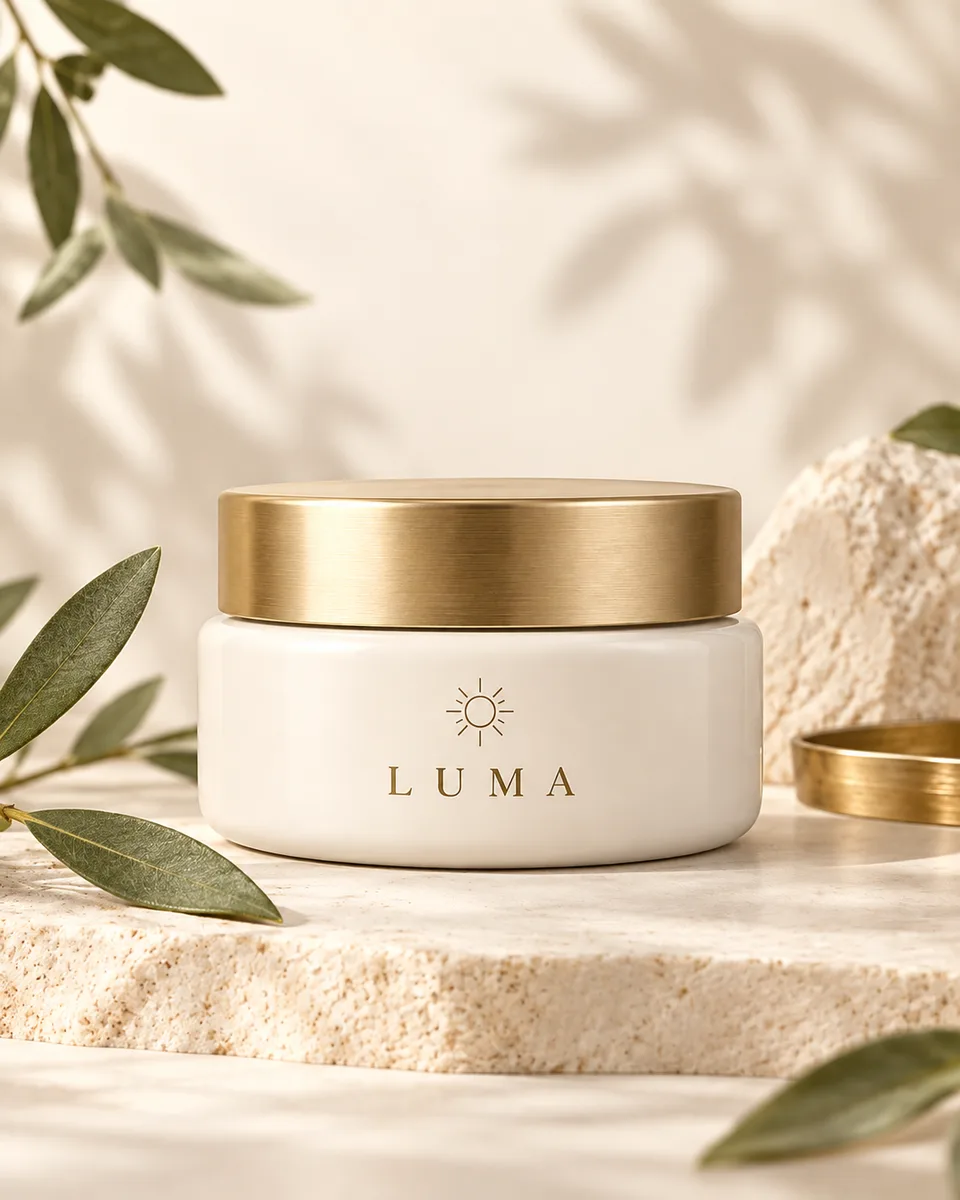 Product hero
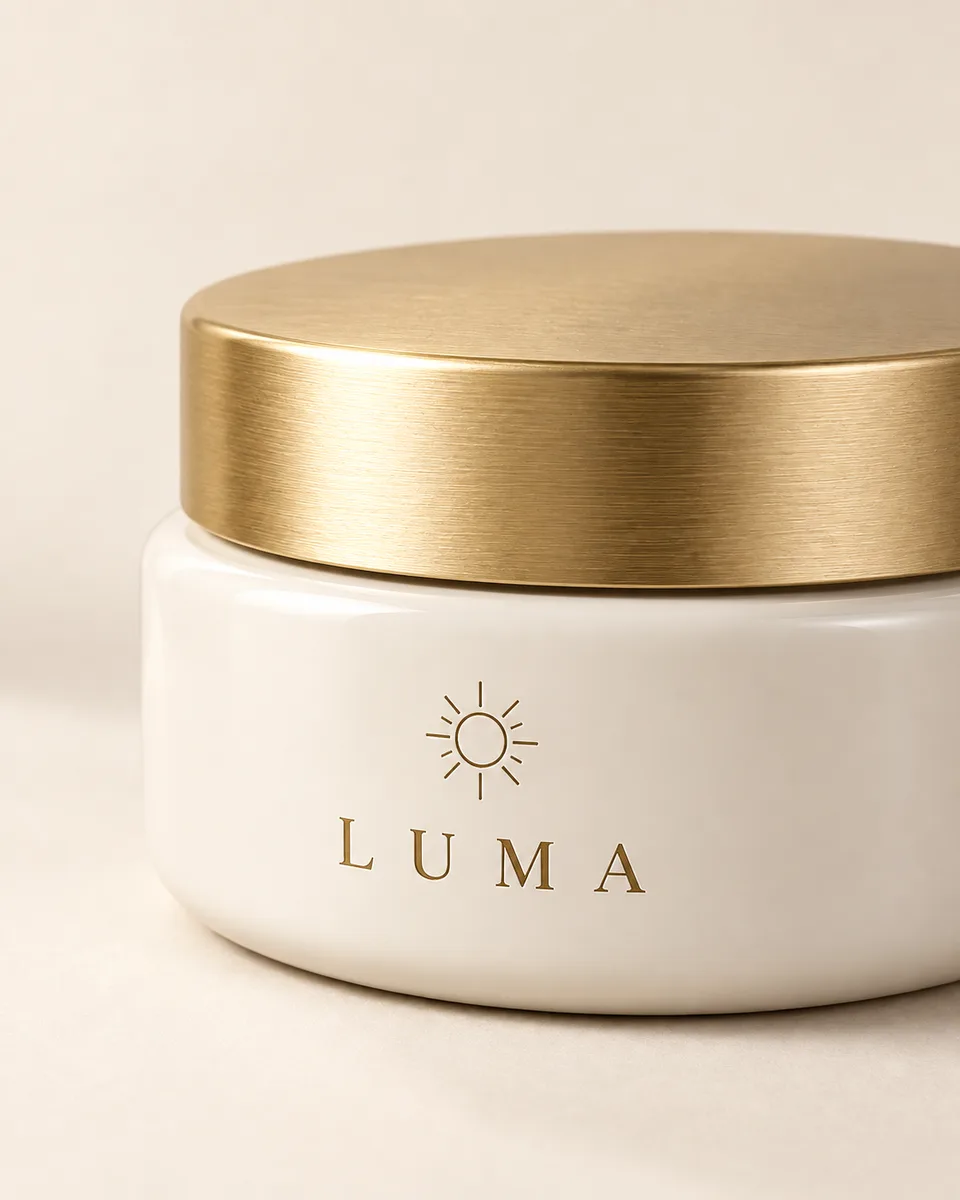 Packaging detail
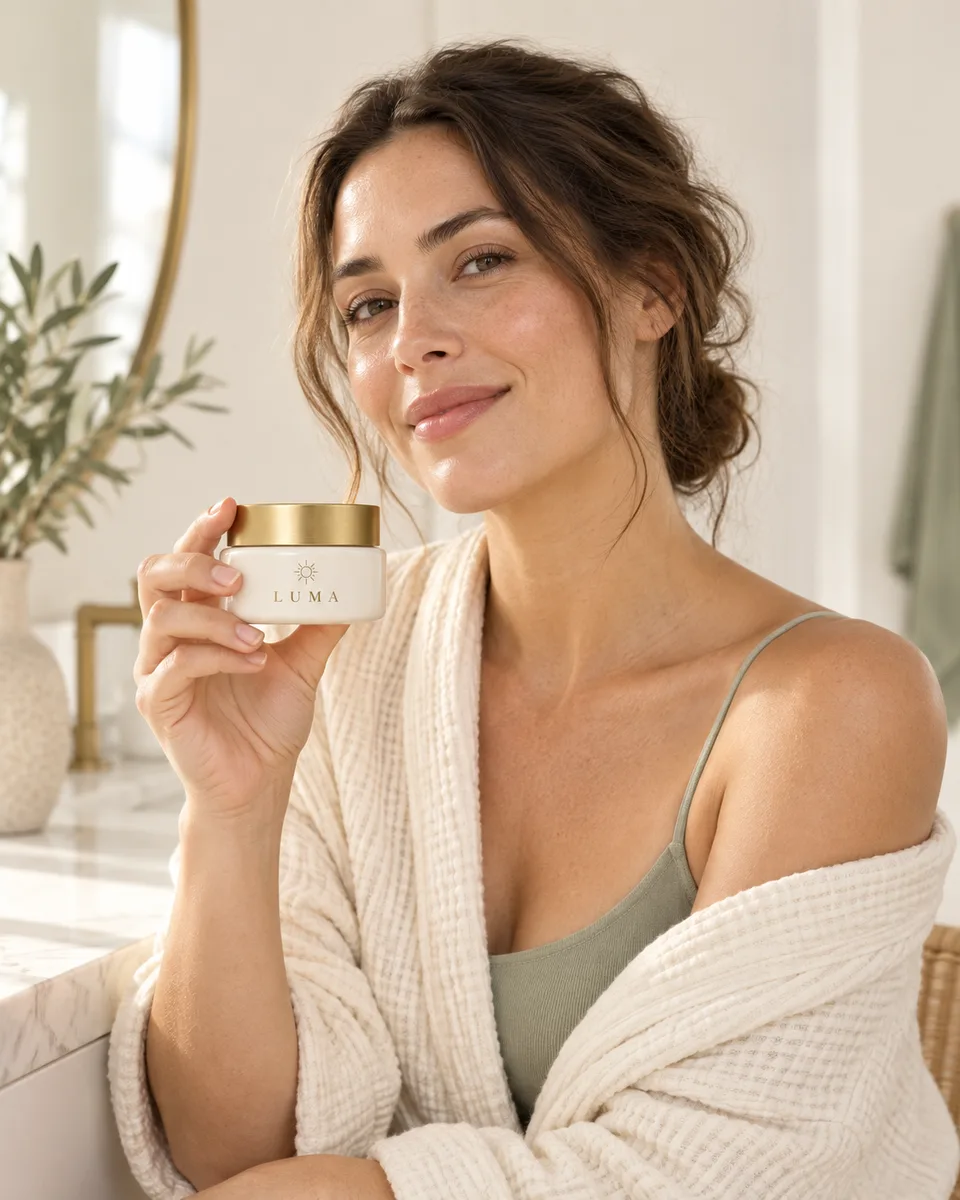 In-use scene
A hero for the first impression
A closer look at real packaging
An in-use scene for context
ONE PRODUCT. THREE IMAGE TASKS.
Choose what your beauty product page needs.
Make the first image feel like your brand.
Turn a clear packshot into a calm hero image for the top of a beauty product page. Leave room for your approved headline in the page layout.
One clear photo showing the real product and its visible label. Compare the container, cap, label and product count with the original before using the image.
Open in full Studio
Let shoppers inspect what is actually visible.
Bring the package finish, cap and label area closer. Use this when a visual detail matters more than another lifestyle scene.
A sharp source photo where the detail you want to show is visible. Check the crop against the source. A packshot cannot verify formula texture, ingredients or hidden package surfaces.
Open in full Studio
Show the product in a believable daily moment.
Place the same product in a human setting so shoppers can picture where it fits. Keep the product recognizable and the scene honest.
A product photo; add a person reference if a specific real person must be preserved. Check hands, scale and package details. The scene is illustrative, not evidence of a skin result or endorsement.
Open in full Studio
Studio
Make one product hero image
Replace the sample product photo with your own, review the editable prompt and credit cost, then generate one image.
BEFORE YOU PUBLISH
Keep the story clear and the product true.
Use approved facts. Put ingredients, performance, size and claims in verified page copy. A product photo alone cannot prove them.
Check the visuals. Compare the cap, label, color, quantity and scale with your real product. Review hands and skin in people scenes.
Build your page. Download the images you keep and place them into your storefront layout. Each preset creates one image, not a complete page.
Beauty product image FAQ
What do I need to make a beauty product detail image?
Start with a clear photo of your actual product. Choose a hero, packaging detail, or in-use scene. For a specific person, provide a person reference you have permission to use. Add approved facts separately in your page layout.
Will one click create a complete product detail page?
Each preset makes one image in Studio. Pick only the image you need, review its source and prompt, then generate it. You can use the results together in your product page after checking them, but there is no automatic page assembly or batch generation.
Can AI write skincare claims or show real formula texture from a packshot?
A packshot cannot establish ingredients, efficacy, formula texture, or customer results. Keep verified claims and product facts in your own page copy. To show a real formula texture, supply a real texture photo and review the result against it.
How do I keep the same product across images?
Use the same product photo as the reference for each separate task. Compare package shape, cap, color, label, and scale with that source before publishing. AI can still change small details, especially in hands and close-ups.
What does generation cost?
Studio shows the selected model, settings, and credit cost before you generate. Opening or changing a preset does not generate an image. Each image task is a separate generation.