ECOMMERCE LISTING WORKFLOW
From product photo to a listing plan you can review.
Turn one real product photo into four distinct listing-image directions: hero, lifestyle, detail and kit context.
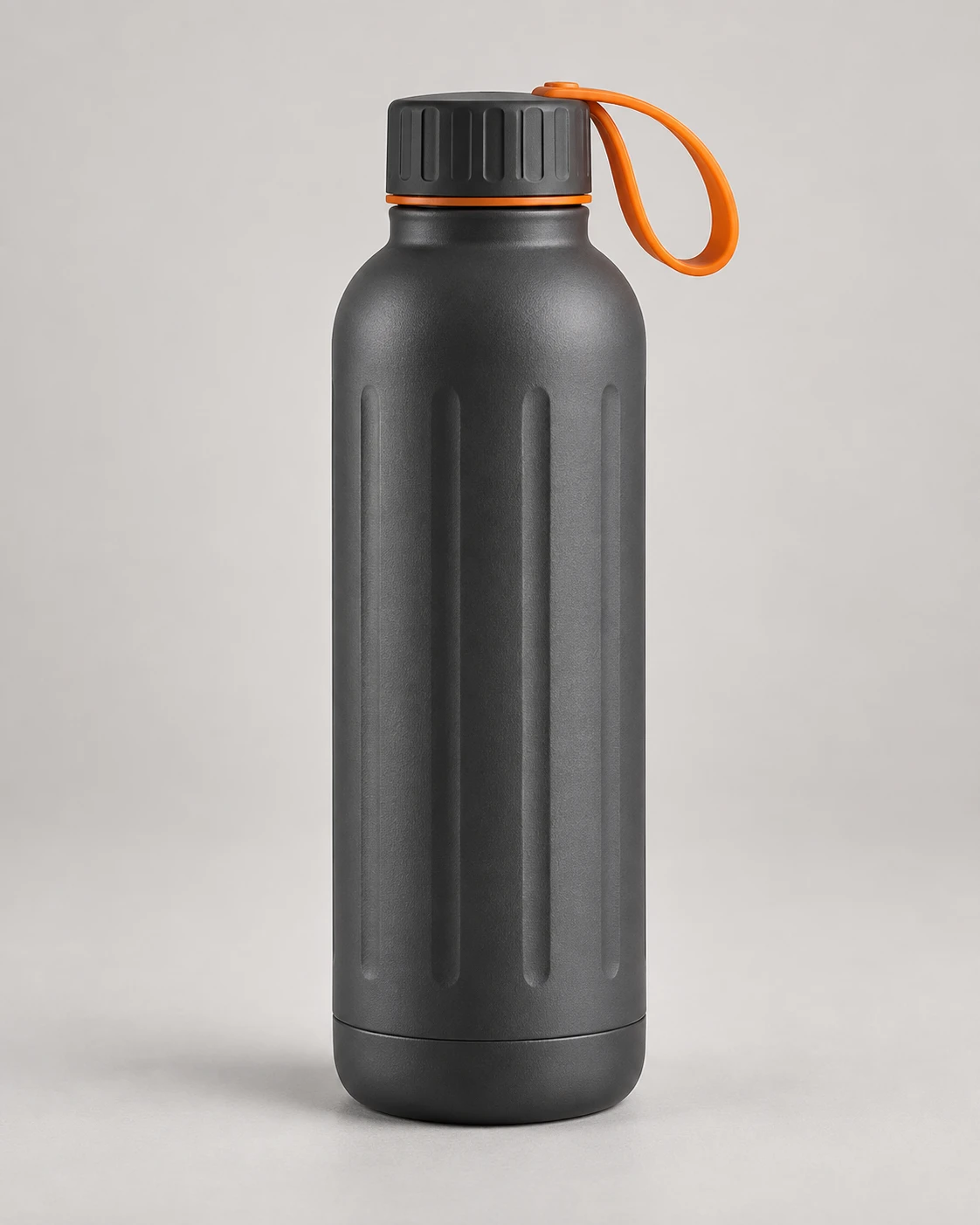
Product source
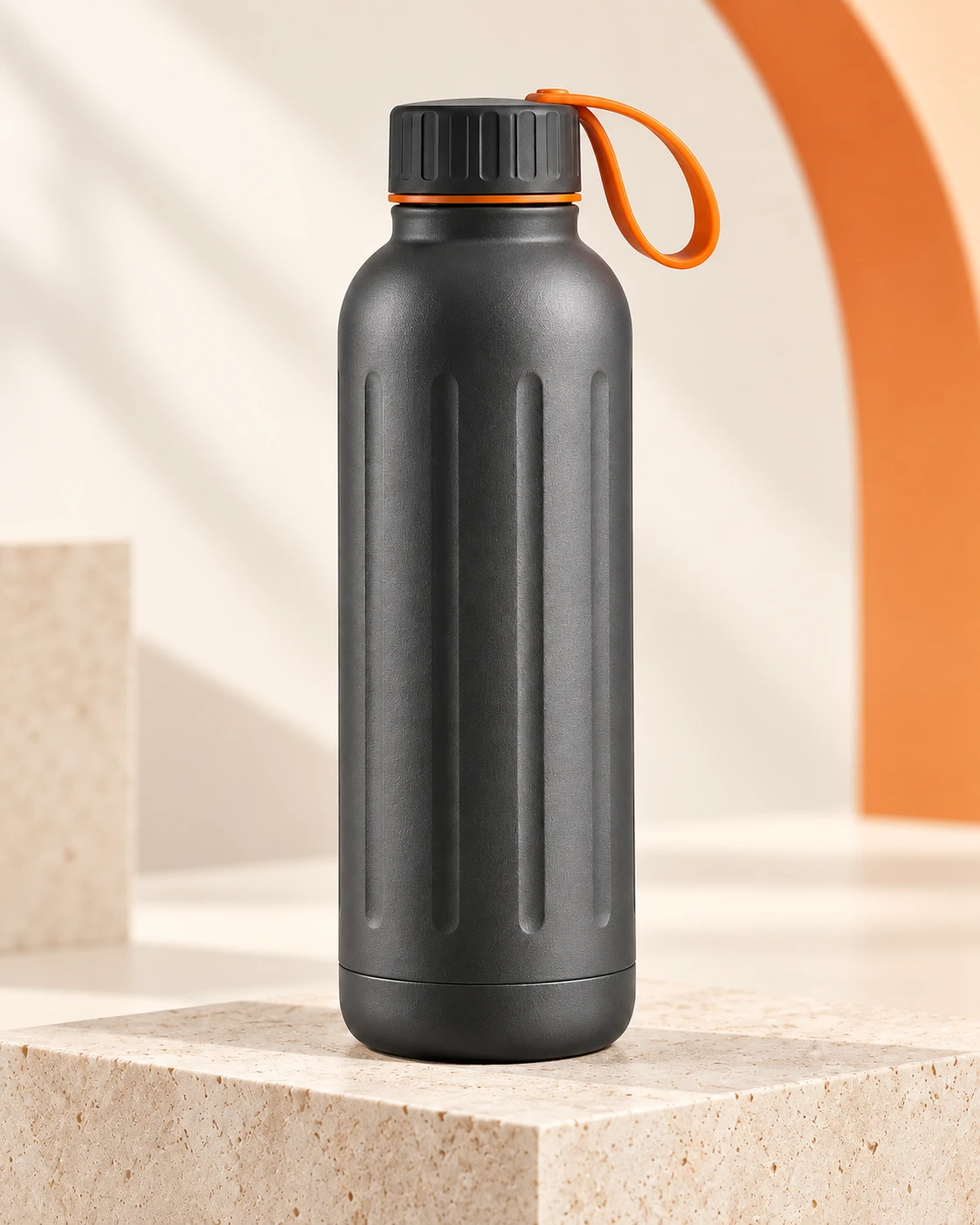
Listing hero
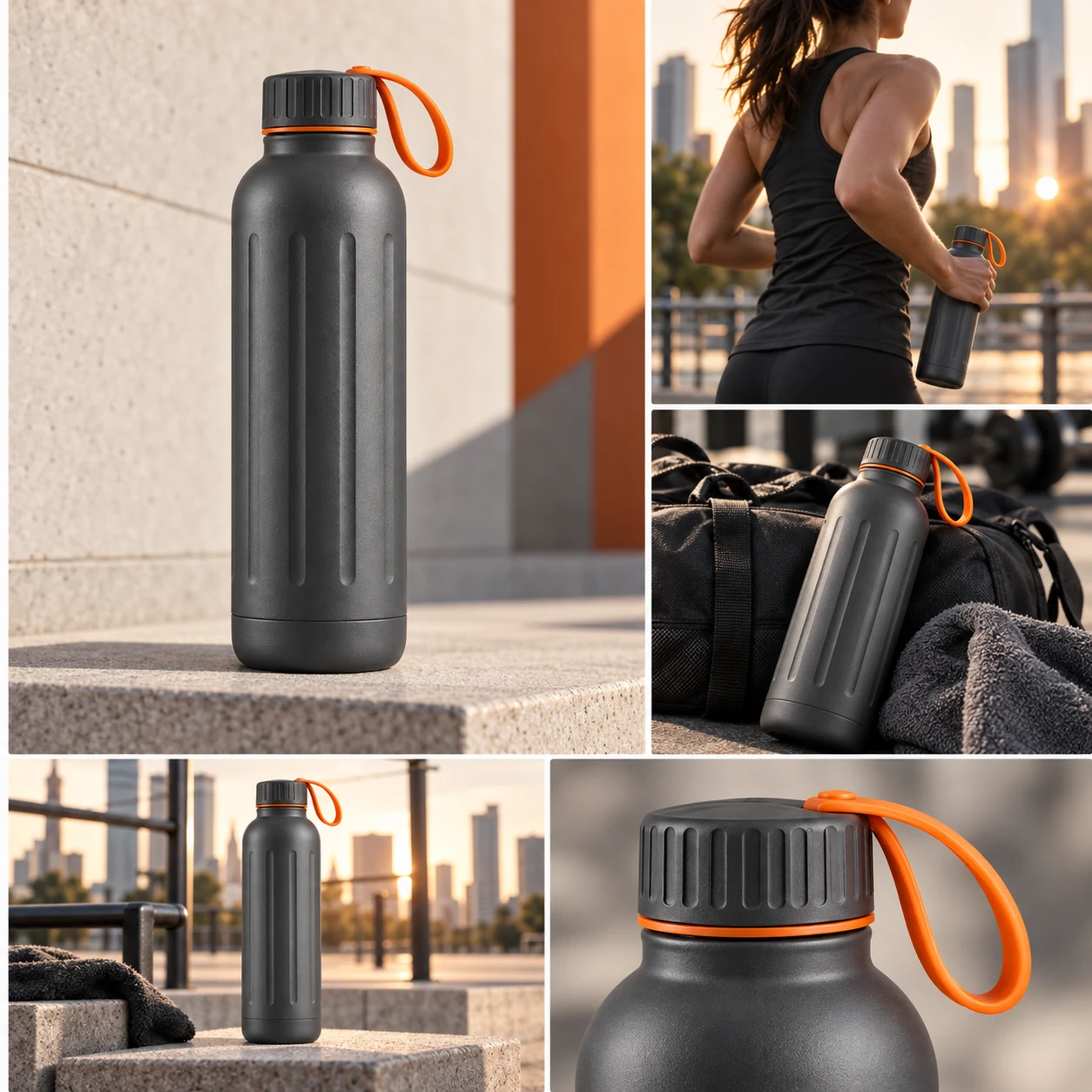
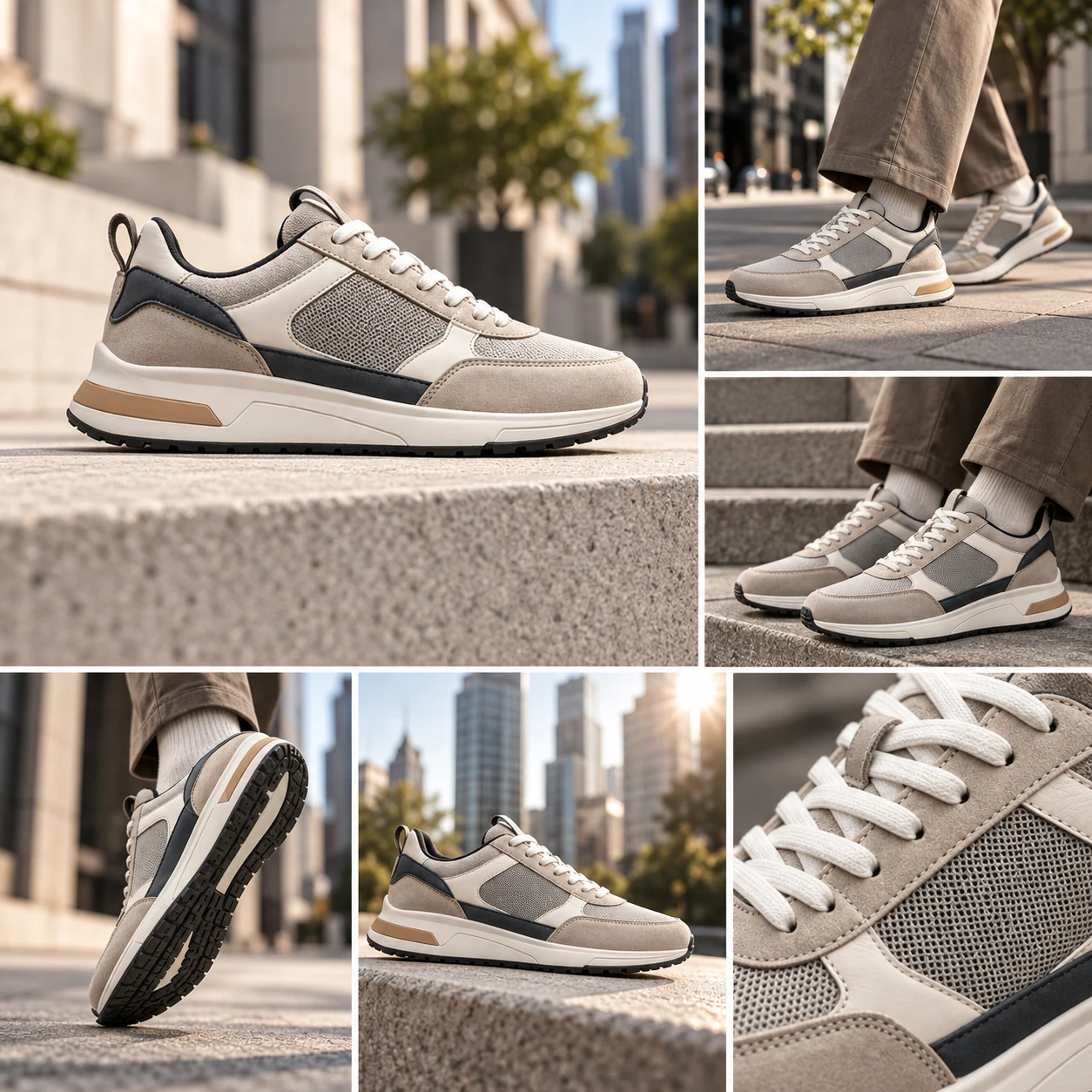
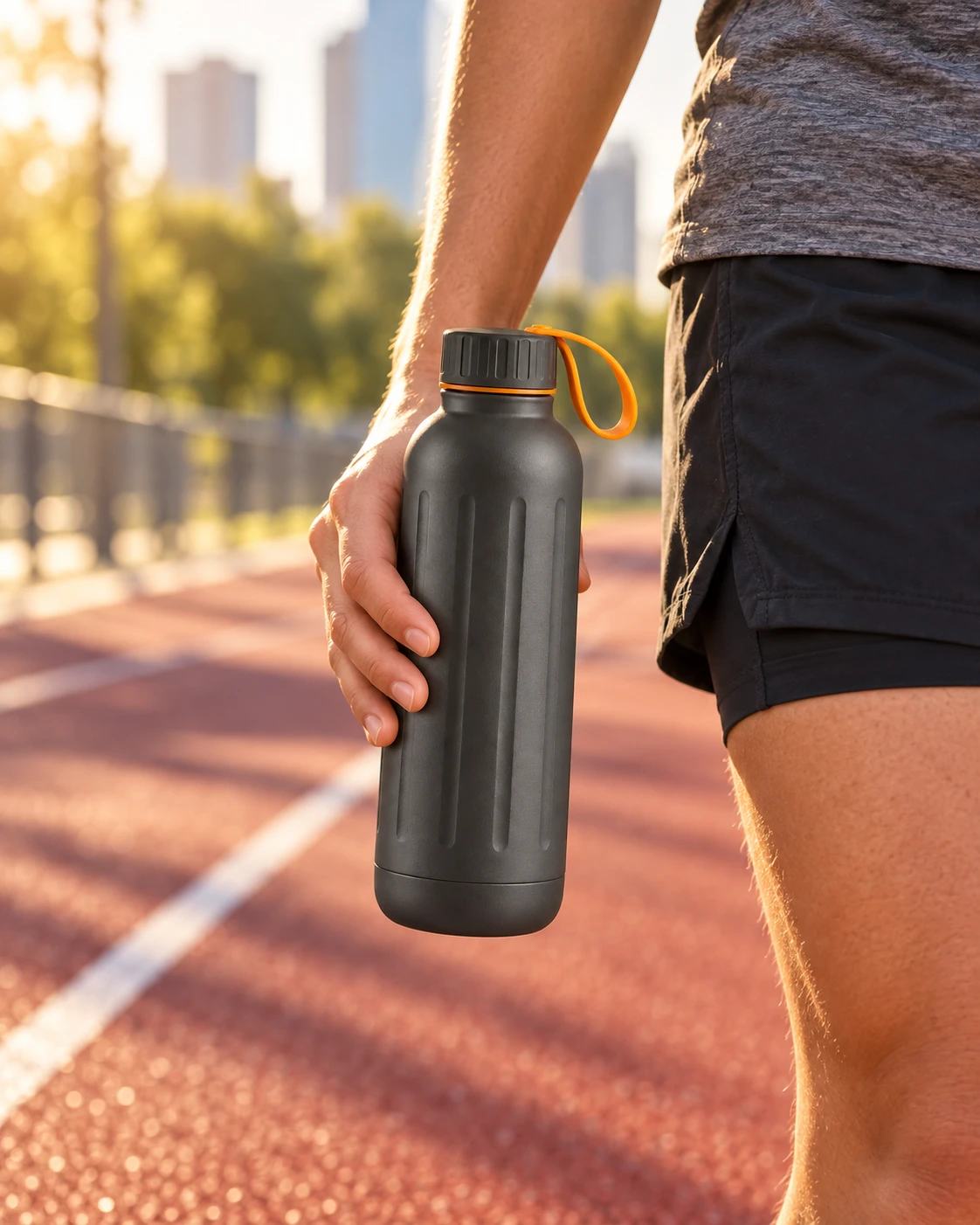
Lifestyle image
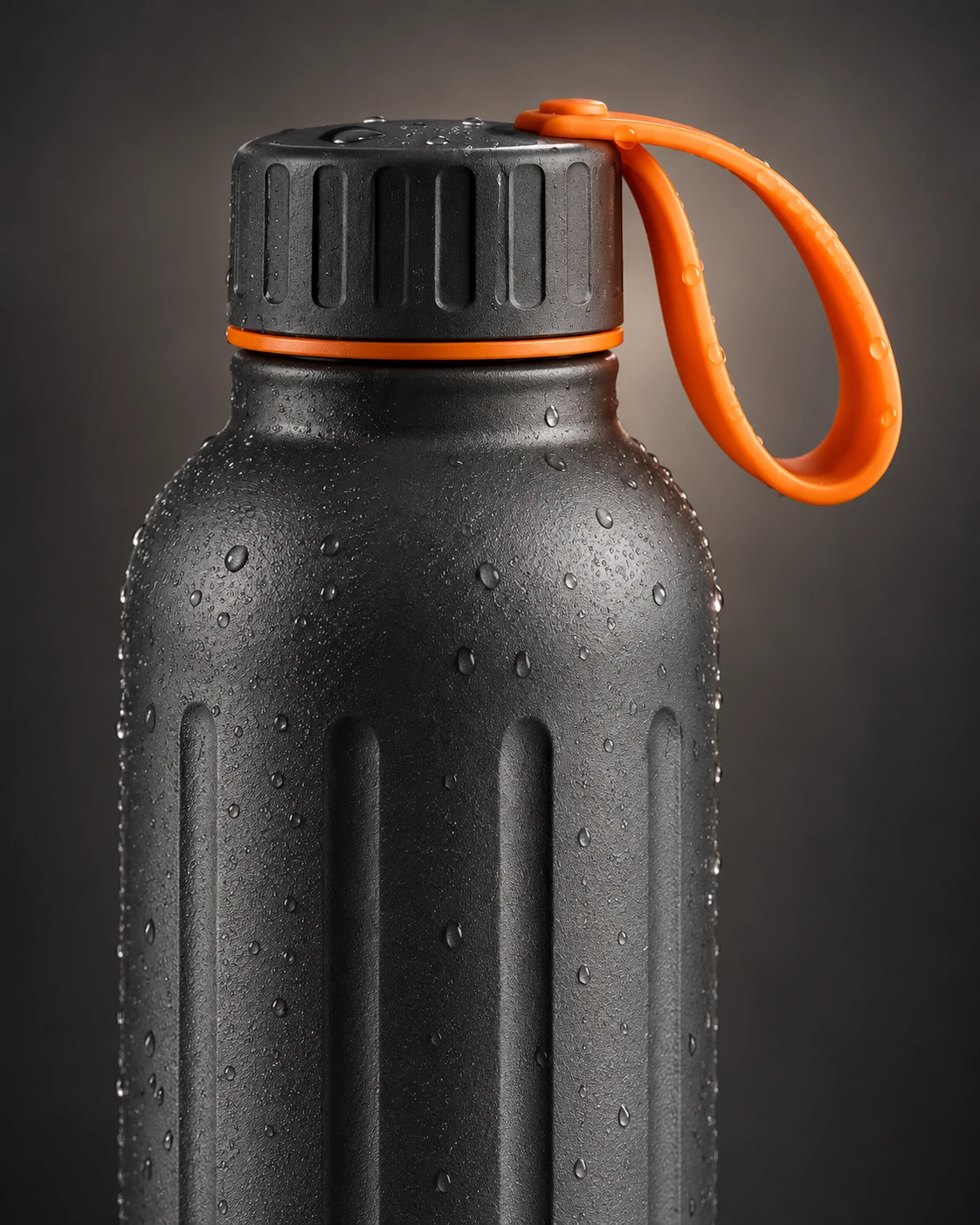
Detail image
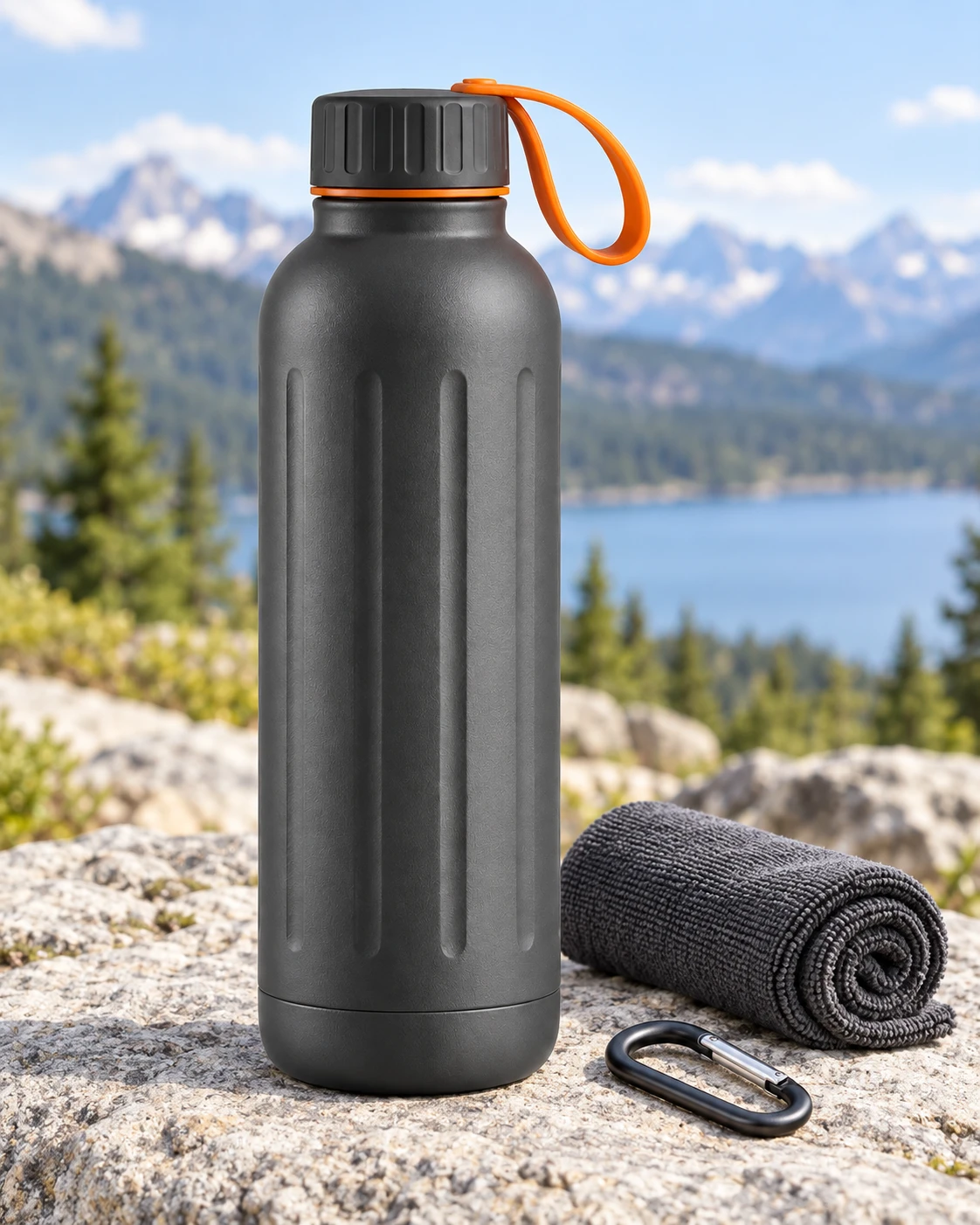
Kit contextONE PRODUCT. FOUR IMAGE TASKS.
Choose the listing image you want to create.


Give the product a clean first impression.
Turn a plain packshot into one controlled hero image. Keep enough calm background and crop-safe space while the real product remains the whole point of the frame.
Open this image task in StudioOne Product for the Whole Campaign
From listing images to campaign scenes, keep the same product in focus.


REVIEW BEFORE YOU PUBLISH
A clean image still needs a product-truth check.
- 1
Compare the product
Check shape, material, colour, packaging, label area, scale and included items against your source.
- 2
Keep claims supportable
Do not add awards, certification, price or performance language that the seller did not supply.
- 3
Use the right slot
Keep strict MAIN images product-only. Put context, detail and copy in the appropriate secondary or A+ position.
Your listing starts with the real product.
Try one image job, inspect the result, then continue only when the product and claim checks hold up.
Ecommerce listing workflow FAQ
What should I prepare before generating listing images?
Use a clear photo of the real product plus a verified brief: material, colour, size, included items and any claims you will show. If a fact is unknown, leave it out of the image prompt.
Can one click create my full listing?
No. Treat the brief, hero, lifestyle, detail and kit images as separate checks. Generate one job, compare it with the source, then continue with the result you trust.
Can I use these images for every marketplace?
Use the product and claim checks everywhere, then confirm the image-slot rules for the marketplace and category where you publish. AuraTuner does not certify marketplace approval.
Where should readable feature copy go?
Use only seller-approved copy in secondary listing graphics or platform-native fields. Keep strict MAIN images product-only, and inspect every word before publishing.