
Lock product identity
Compare shape, packaging, label area, color, material, and quantity with the source before approving a draft.
Create a coordinated six-image product set from one real product photo. Work through a hero, lifestyle, detail, use, scale, and included-parts slot, then compare every draft with the source before publishing.
Try this workflow in StudioSource product photo
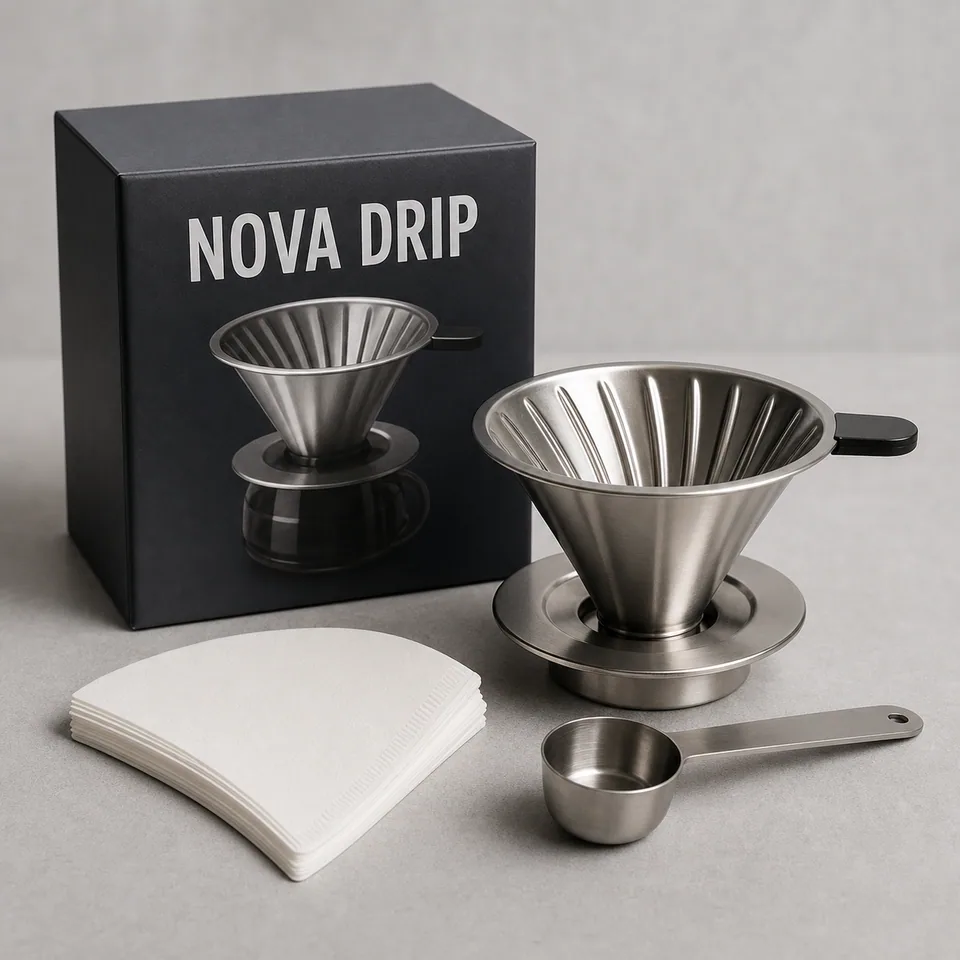
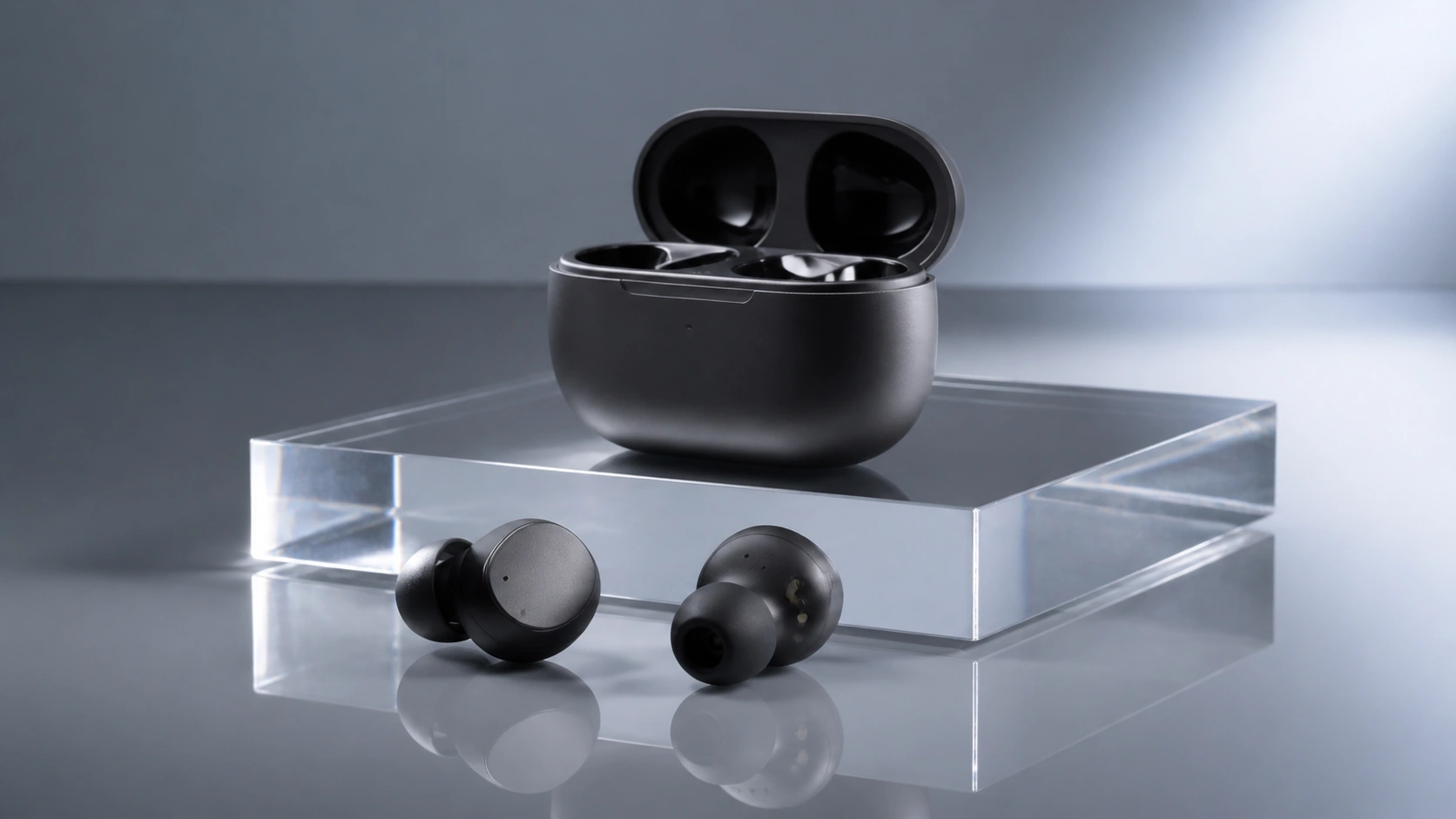
Product hero draft
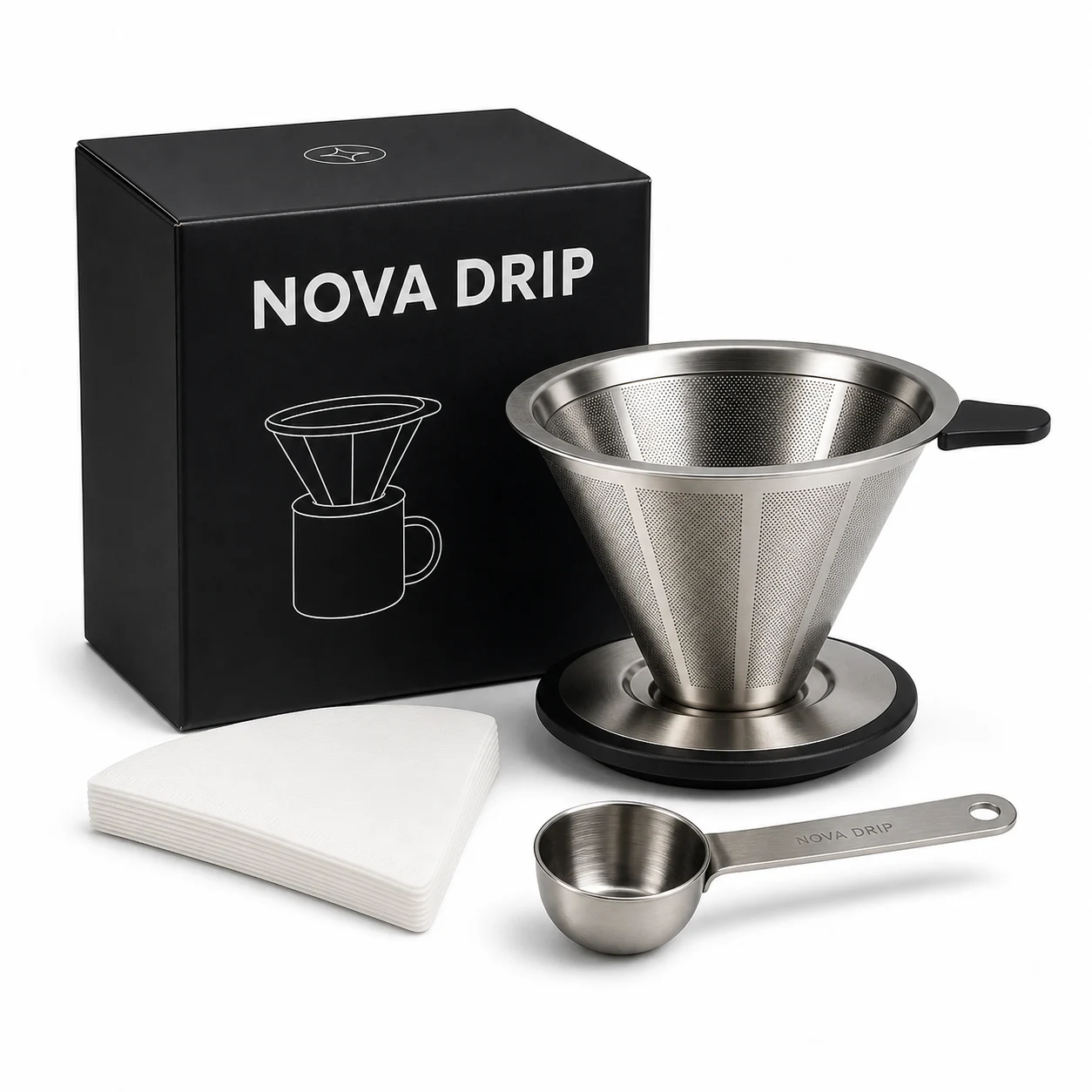
Start with a clear hero that makes the actual product and supplied package easy to identify.
Review
Compare geometry, packaging, color, and quantity with the source before using this as the first image.
Compare shape, packaging, label area, color, material, and quantity with the source before approving a draft.
Use the hero, lifestyle, detail, use, scale, and included slots to answer separate shopper questions.
Add only seller-approved dimensions, contents, compatibility, and use notes. Remove invented claims or labels.
Check mobile and thumbnail crops so the product remains recognizable and no important detail is cut off.
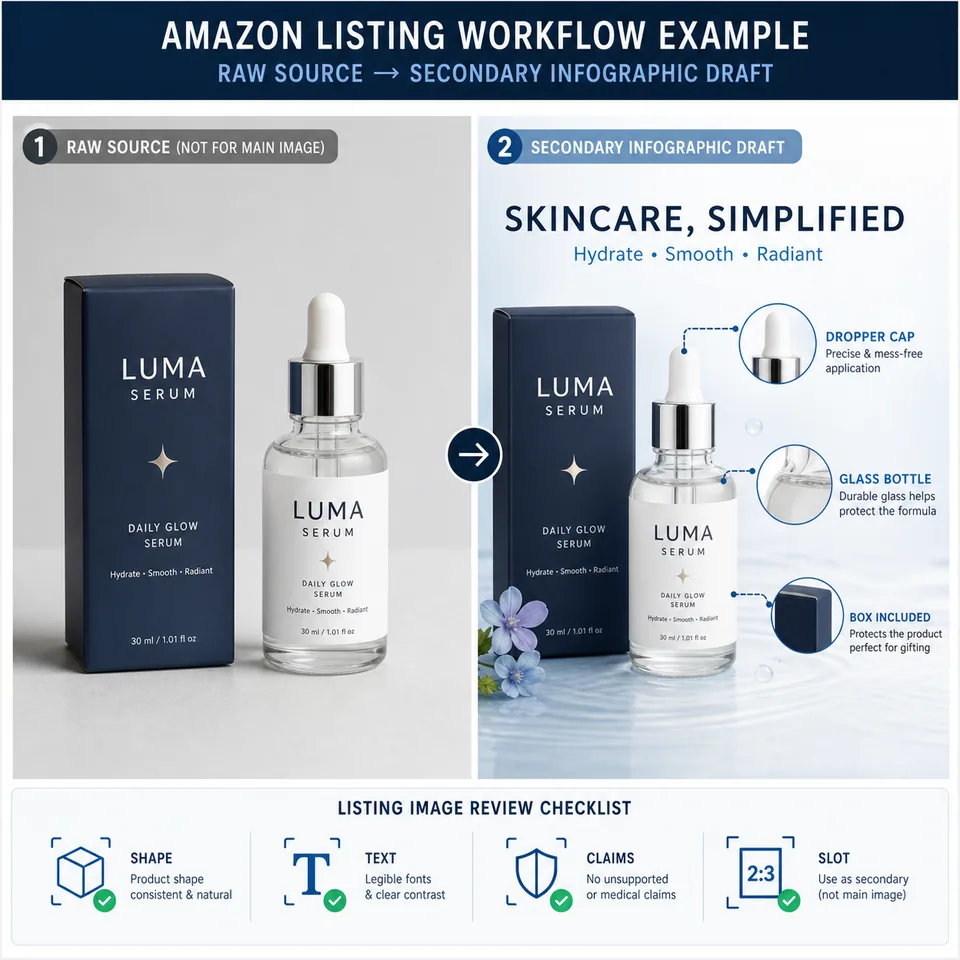
Draft marketplace-specific listing slots with MAIN, infographic, lifestyle, detail, comparison, and A+ checks.
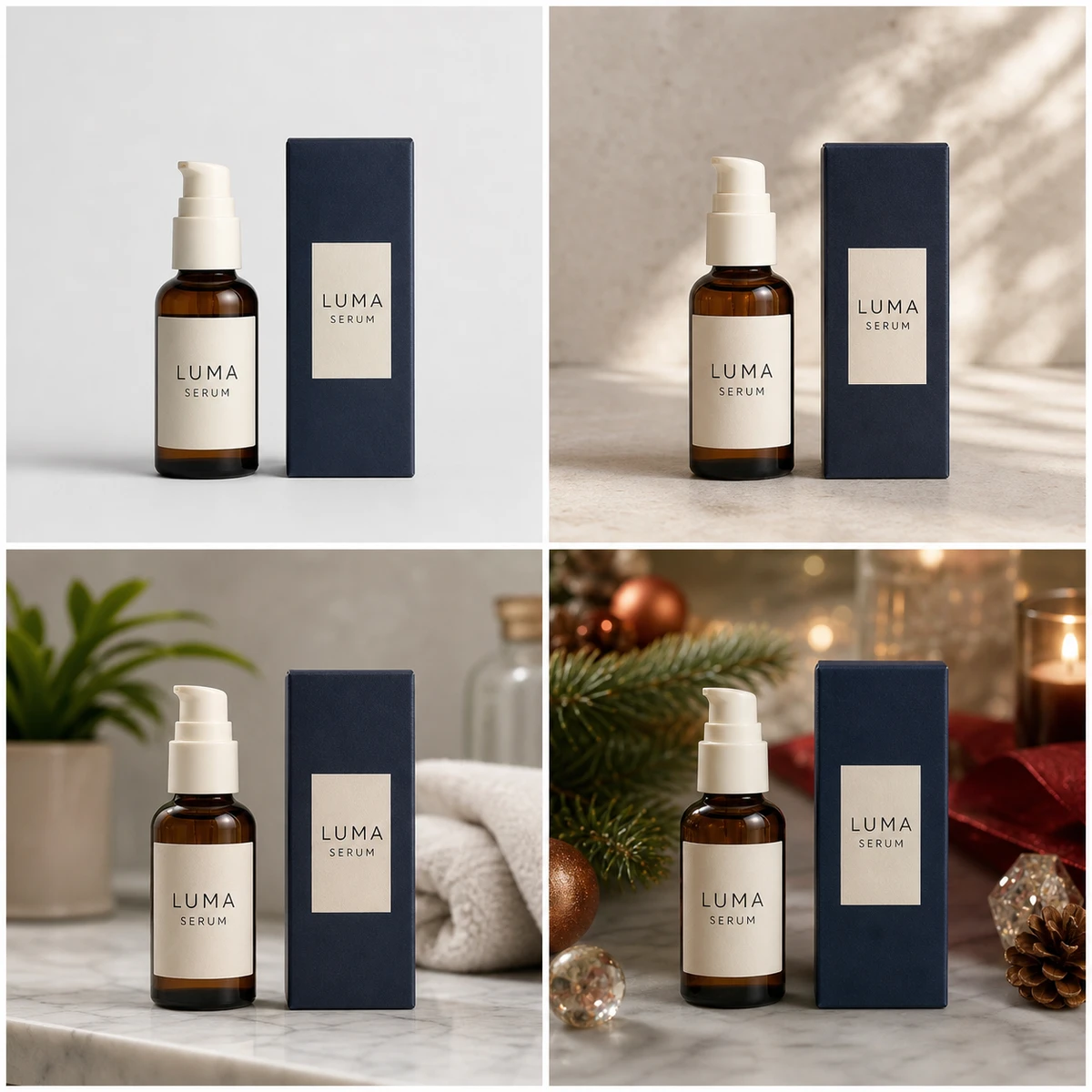
Replace a background while checking product edges, labels, contact shadows, and source fidelity.
Animate a finished product image into a short product-page loop or campaign cutdown.
Use the six slots as a focused planning and generation workflow. Verify the final images against the real product and seller-approved facts.
It is a coordinated set of product visuals covering the hero, lifestyle context, detail, use, scale, and included parts. Each image answers a different shopper question while staying tied to one source product.
Use the source image as the visual reference, then compare every draft against the real product. Reject changes to shape, packaging, labels, color, material, or included-item count.
Only seller-provided facts should be added. Supply verified dimensions, bundle contents, compatibility, and use notes yourself; do not ask the model to invent claims or measurements.
No. It is a focused six-slot image set workflow. Choose a slot, review its source-led prompt and sample, then continue the selected job in Studio.